Waiver owner 2026

Get Form
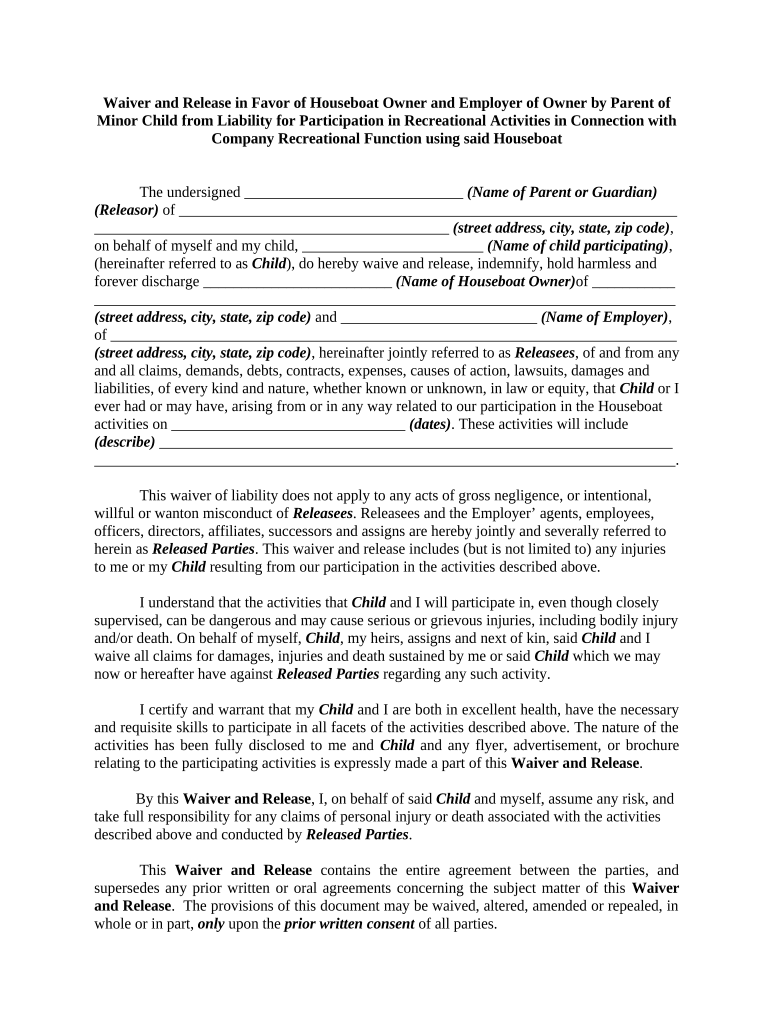
waiver owner Preview on Page 1

Here's how it works

01. Edit your form online
Type text, add images, blackout confidential details, add comments, highlights and more.
02. Sign it in a few clicks
Draw your signature, type it, upload its image, or use your mobile device as a signature pad.
03. Share your form with others
Send it via email, link, or fax. You can also download it, export it or print it out.

How to use or fill out waiver owner with our platform

Form edit decoration
9.5
Ease of Setup
DocHub User Ratings on G2
9.0
Ease of Use
DocHub User Ratings on G2
  1. Click ‘Get Form’ to open the Waiver and Release document in the editor.
  2. Begin by entering your name as the Parent or Guardian in the designated field. This identifies you as the Releasor.
  3. Fill in your complete address, including street, city, state, and zip code, ensuring accurate contact information.
  4. Next, input your child's name in the specified area to clearly indicate who is participating in the activities.
  5. Provide the name and address of the Houseboat Owner and Employer. This information is crucial for identifying all parties involved.
  6. Describe the activities that will take place during your participation on the specified dates. Be thorough to ensure clarity.
  7. Review all sections carefully to confirm that you understand and agree to the terms outlined in this waiver before signing.
  8. Finally, sign and date the document at the bottom. Your signature confirms your agreement to waive liability.

Start using our platform today for free to streamline your document editing and signing process!

be ready to get more

Complete this form in 5 minutes or less

Get form

Got questions?

We have answers to the most popular questions from our customers. If you can't find an answer to your question, please contact us.
Contact us
Essentially, a waiver removes a real or potential liability for the other party in the agreement. For example, in a settlement between two parties, one party might, by means of a waiver, relinquish its right to pursue any further legal action once the settlement is finalized.
Waiving a right can remove real or potential liability for another party in the contract. This can be done either in written form or through some form of action. For example, if you waive a fee, you decide not to charge it, even though you have the right to do so.
A waiver is the voluntary relinquishment or surrender of a known legal right, claim, or privilege. It may be made in writing, orally, or implied by conduct, and is commonly used in contractual, legal, and regulatory contexts.
Some common examples include: Media release form. Health club waiver and release form. Medical record release form. Waiver of lien on material or labor (construction) Moving company waivers. Swimming waiver and release. Jet ski waiver form. Salon consent form.
Simply put a Waiver is a program that allows people who would otherwise need institutionalization to receive services out in the community instead of in an institution.

Security and compliance

At DocHub, your data security is our priority. We follow HIPAA, SOC2, GDPR, and other standards, so you can work on your documents with confidence.

Learn more
ccpa2
pci-dss
gdpr-compliance
hipaa
soc-compliance

People also ask

waiv​er ˈwā-vər. 1. : the act of intentionally giving up a right, claim, or privilege. : a document containing a declaration of a waiver.
A waiver is a legally binding provision where either party in a contract agrees to voluntarily forfeit a claim without the other party being liable. Waivers can either be in written form or some form of action.
An act whereby a person waives his or her ownership interest in a property.

Related links