Type text, add images, blackout confidential details, add comments, highlights and more.
02. Sign it in a few clicks
Draw your signature, type it, upload its image, or use your mobile device as a signature pad.
03. Share your form with others
Send fltreasurehunt gov search via email, link, or fax. You can also download it, export it or print it out.
How to use or fill out fl assets with our platform
Ease of Setup
DocHub User Ratings on G2
Ease of Use
DocHub User Ratings on G2
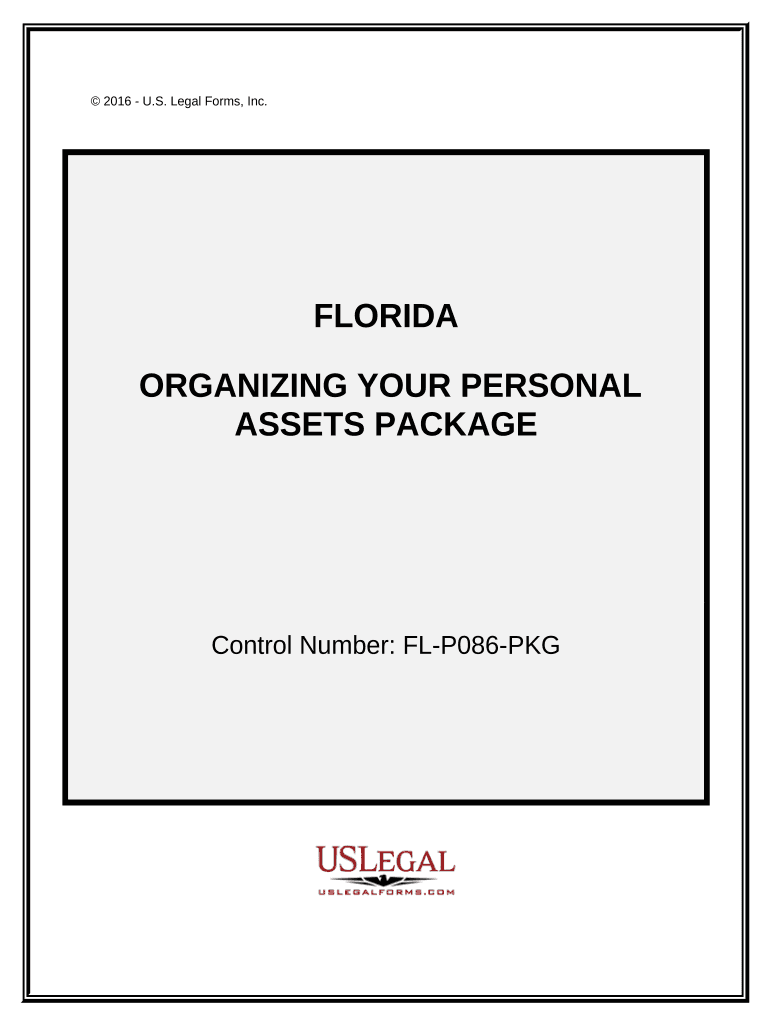
Click ‘Get Form’ to open the fl assets document in the editor.
Begin with the Personal Monthly Budget Worksheet. Enter your income and expenses into the designated fields. The editor will automatically calculate your totals, helping you visualize your financial situation.
Next, move to the Personal Property Inventory form. Use this section to list all personal items, ensuring you have a comprehensive record for insurance or estate planning purposes.
Fill out the Personal Planning Information and Document Inventory Worksheets. Document essential details such as legal document locations, contact information for relatives, and medical data.
Complete the Cash Flow Statement by entering your household's incoming and outgoing funds. This will assist in budgeting effectively.
Lastly, utilize the Sample Letter for Request for Credit Report to draft a request for your annual credit report from major agencies.
Start organizing your personal assets today using our platform for free!
Asset Management - CFO Division - University of Florida
Asset Management provides support services to the University community to facilitate the management and disposal of tangible personal property UF possesses.Read more
A default under a contract for the sale and purchase of real estate in Florida must be material to be legally justified. If a material default occurs,Read more
Cookie consent notice
This site uses cookies to enhance site navigation and personalize your experience.
By using this site you agree to our use of cookies as described in our Privacy Notice.
You can modify your selections by visiting our Cookie and Advertising Notice.