Az tenant 2026

Get Form
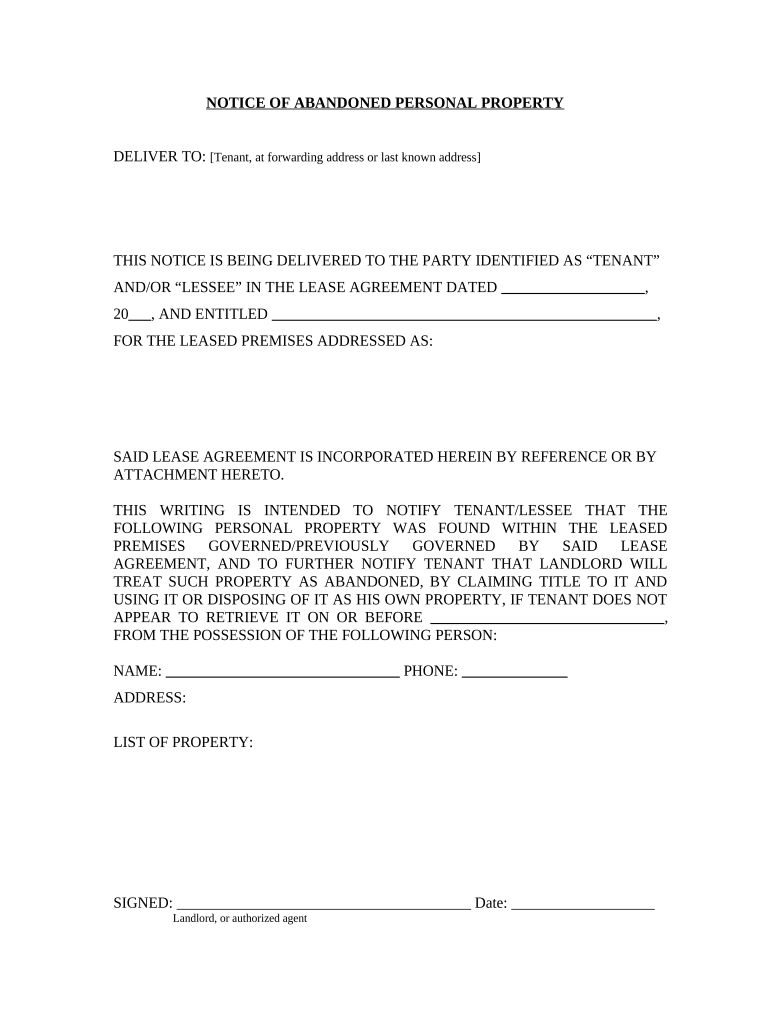
arizona notice of abandonment form Preview on Page 1

Here's how it works

01. Edit your arizona notice of abandonment form online
Type text, add images, blackout confidential details, add comments, highlights and more.
02. Sign it in a few clicks
Draw your signature, type it, upload its image, or use your mobile device as a signature pad.
03. Share your form with others
Send notice of abandonment arizona via email, link, or fax. You can also download it, export it or print it out.

How to use or fill out az tenant with our platform

Form edit decoration
9.5
Ease of Setup
DocHub User Ratings on G2
9.0
Ease of Use
DocHub User Ratings on G2
  1. Click ‘Get Form’ to open the az tenant document in the editor.
  2. Begin by entering the tenant's name and forwarding address in the designated fields. Ensure accuracy to avoid any delivery issues.
  3. Fill in the date of the lease agreement and its title, which is crucial for referencing the correct contract.
  4. Provide the address of the leased premises where the personal property was found. This helps clarify the location related to this notice.
  5. List all items considered abandoned in the specified section. Be thorough to ensure that all relevant property is documented.
  6. Complete the landlord's signature field along with the date to finalize this notice. This step is essential for legal validity.

Start using our platform today for free to streamline your document editing and signing process!

be ready to get more

Complete this form in 5 minutes or less

Get form

Got questions?

We have answers to the most popular questions from our customers. If you can't find an answer to your question, please contact us.
Contact us
Azure Active Directory is a cloud-based identity and access management service. An Azure AD Tenant is a dedicated and trusted instance of Azure Active Directory which will include your users, groups, and applications. As you mentioned - you were able to create multiple Azure AD tenants.
Find tenant ID through the Azure portal Sign in to the Azure portal. Browse to Microsoft Entra ID Properties. Scroll down to the Tenant ID section and you can find your tenant ID in the box.
In general, an Azure AD tenant name ends with onmicrosoft.com, for example atcsl.onmicrosoft.com, where atcsl may be the name of an individual or an organization. In essence, a single tenant corresponds to a single instance of Azure Active Directory.
Tenant means a person entitled under a rental agreement to occupy a dwelling unit to the exclusion of others. 18.
Here are the states that do explicitly state when guests are considered tenants: StateWhen guests become tenants Arizona After 29 days California After 14 days within 6 months or 7 consecutive nights Colorado After 14 days, within 6 months Connecticut After 14 days, within 6 months19 more rows May 5, 2025

People also ask

An Azure Subscription is primarily a bucket that you can put Azure resources into. The linked Tenant/Azure Active Directory provides a user database: You can assign users from that Tenant access to the Subscription or to specific resources within the subscription.

Related links