
Ups Order Forms
Preserve time and effort with our extensive selection of case-specific Ups Order Forms. Choose from a selection of pre-made templates or customize your own.

Create a new Ups Order Form
Money order template pdf

Ups store application
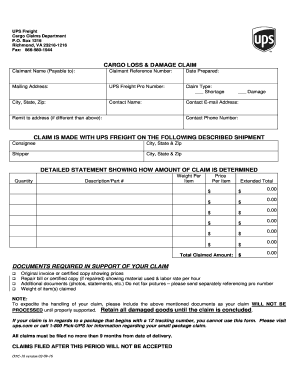
Ups claims
Ups freight bol
Ups application form
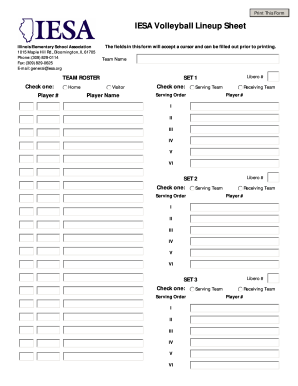
Printable volleyball line ups
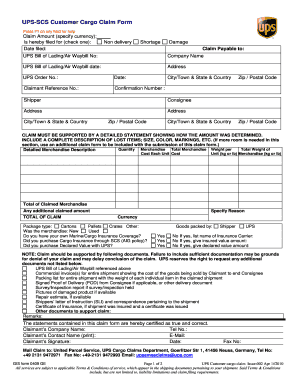
Ups claimant applicable form

Customs invoice ups

You ups waybill
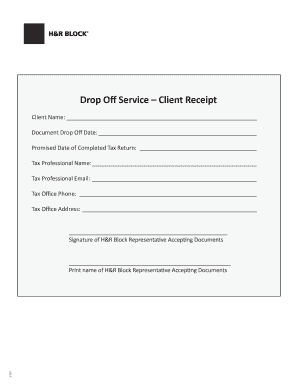
Ups drop off receipt pdf

Customs sub power attorney

Grade 3 fsa warm ups
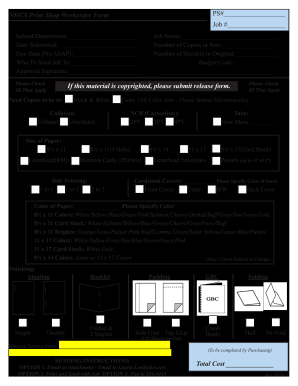
Print order form

East Bay Paratransit Ticket Book Order Form Complete this order ... - eastbayparatransit
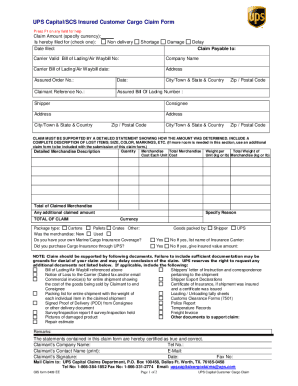
Ups waybill form pdf
Form 04AF017E (DCFS-42). Family Health History
Print appeal order form
Mental hospital admission form
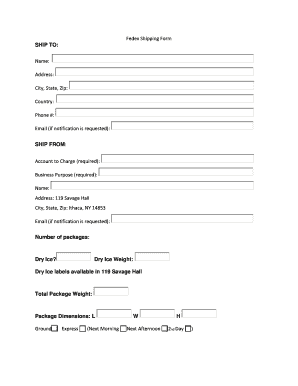
Shipping forms
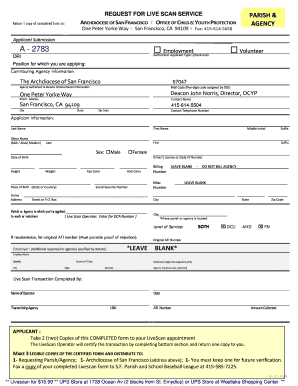
Live scan fingerprinting san francisco
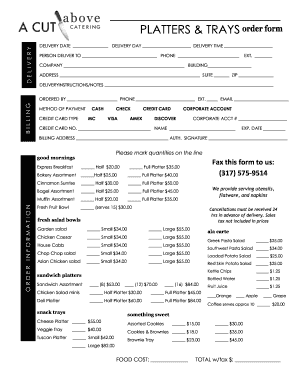
Catering order forms

Post office form 3602
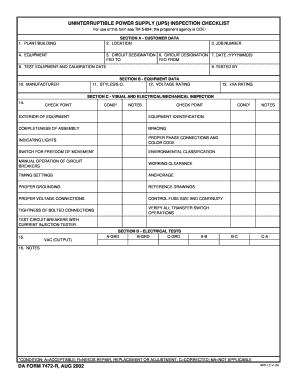
Ups daily checklist pdf

B2g form
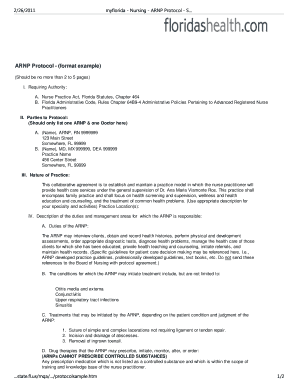
Nurse practitioner protocol template
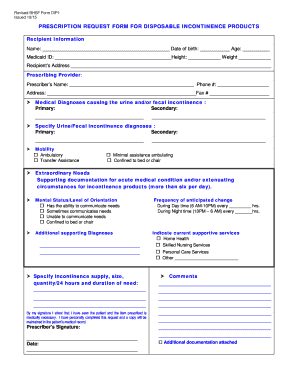
Prescription request form for disposable incontinence products

Shipping form
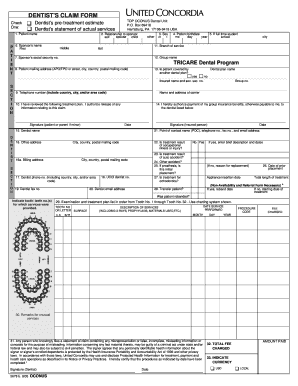
DENTIST'S CLAIM FORM - United Concordia
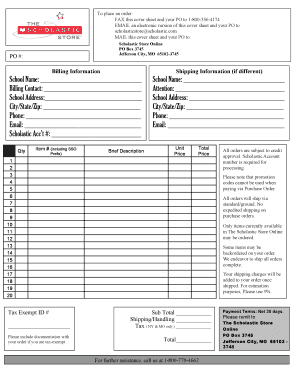
Purchase Order Form - The Scholastic Store

Ups w2 online 2021
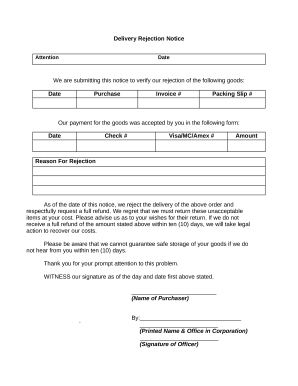
Delivery rejection
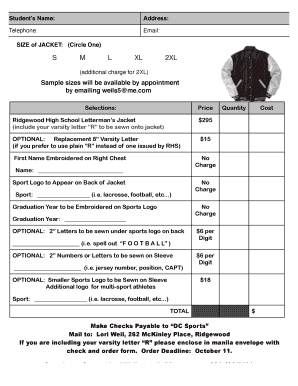
Letterman jacket order form
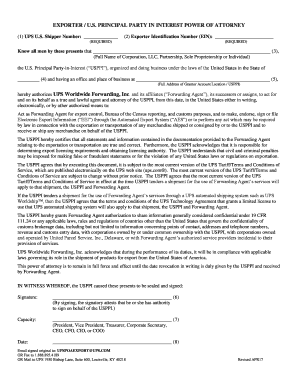
Exporter us principal party in interest power of attorney - UPS
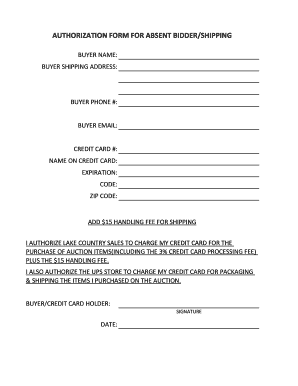
Shipping authorization form
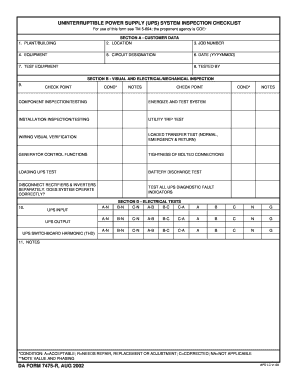
Ups checklist format
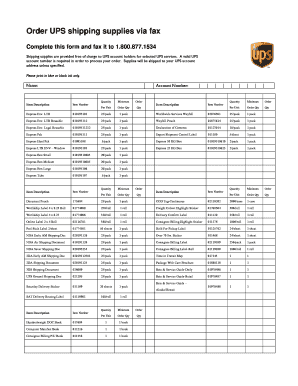
Ups shipping supplies order form
-
1
- 2
Manage Ups Order Forms effortlessly online
Document management can overpower you when you can’t find all of the documents you need. Luckily, with DocHub's extensive form collection, you can get all you need and easily take care of it without switching among programs. Get our Ups Order Forms and begin utilizing them.
Using our Ups Order Forms using these basic steps:
- Check Ups Order Forms and choose the form you need.
- Review the template and click on Get Form.
- Wait for it to open in our online editor.
- Adjust your template: add new information and pictures, and fillable fields or blackout some parts if necessary.
- Fill out your template, preserve alterations, and prepare it for sending.
- When ready, download your form or share it with your contributors.
Try out DocHub and browse our Ups Order Forms category easily. Get a free account today!
Video Guide on Ups Order Forms management

Commonly Asked Questions about Ups Order Forms
How do I attach a customs form to an UPS package?
The best thing to do is use a documents enclosed pouch which is designed to be attached to a box for shipping packages. A clear plastic wallet or envelope is also suitable as long as it is taped down so the customs documents dont move in transit.
Can UPS print a label for me from my phone?
If you dont have a printer, you can: Scan and print by mobile barcode at a UPS location; or. Email the label to yourself (or a friend) to print later.
What requires a customs form?
When you ship items from the U.S. to another country, you must fill out customs forms (except for First-Class Mail International letters and large envelopes under 15.994 oz): The form you need depends on the USPS mail service you use (and the total value of what you send).
How do I fill out a UPS shipping form?
Enter your name and address in the Ship From section, then the name and address of the recipient in the Ship To section. Provide the requested information about the package youre shipping, then select the service options that best match your delivery needs.
Does UPS require a customs form?
The commercial invoice (or pro forma invoice) is required for all cross-border shipments (except for documents that have no commercial value). It is the primary form used for importation control, valuation and duty determination.
Are UPS envelopes free?
Order Free UPS Express Packaging: If you want to order these free boxes and envelopes, youll need to create a free UPS account and order them on the UPS website, or you can visit any The UPS Store location.
Does UPS require customs forms?
Most shipments require only a Commercial Invoice, but some shipments may require one or more of the other documents, depending on the destination country and the value of the goods.
Related Templates

Form Approved OMB 2060-0558 Approval Expires 08 31 2021
The document outlines the procedures, instructions, and conditions for obtaining an air quality permit for forestry burn ...

International students studying on an F-1 visa must submit this declaration of finance form and a
International students studying on an F-1 visa must submit this declaration of finance form and a
The document outlines the requirements for international students on an F-1 visa to submit a Declaration of Finances and ...

Thurrock council blue badge renewal
The document is a Blue Badge Application Form that outlines the process for individuals or organizations to apply for a ...

Printable blank form 511 v ok pay voucher
The document provides instructions for completing and submitting the 2010 Individual W-2 Data Sheet (Form 511W) for the ...

Victoria Police Firearm Import Application
The document outlines the application process for obtaining police confirmation for the importation of firearms and asso ...

Cytology request form
The document is a Cervical Cytology Request Form used for submitting specimens to various medical laboratories in Winnip ...

STATE TRACK FIELD RELAY ENTRY FORM - ighsau
The document is an entry form for the Iowa Girls High School Athletic Union's State Track & Field Relay events. It inclu ...

DR 629 - Motion and Order for Continuance - Butler County Court of
The document is a motion for continuance filed in the Court of Common Pleas, Division of Domestic Relations, Butler Coun ...