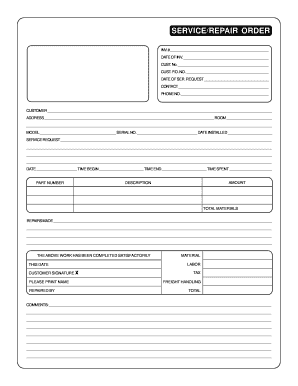
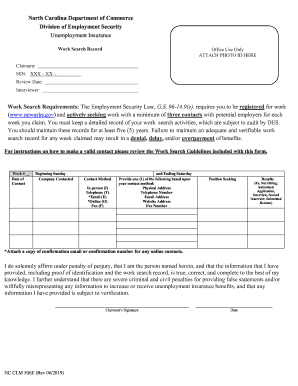
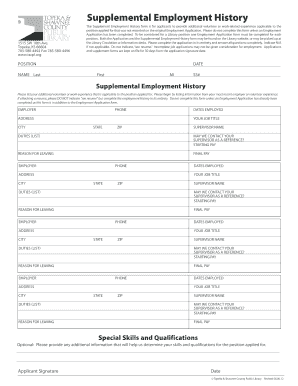
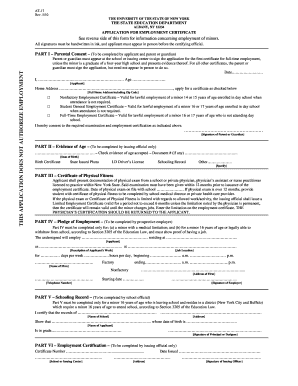
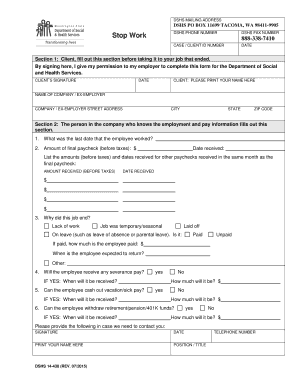
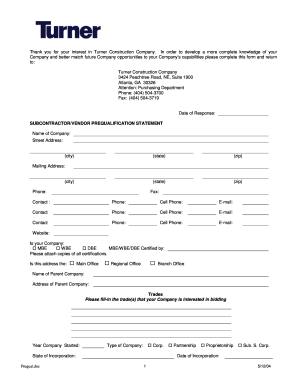
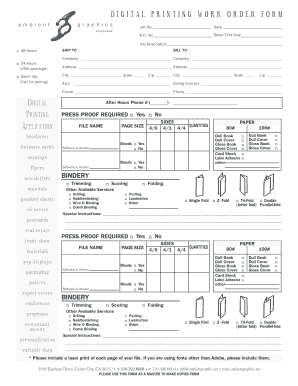
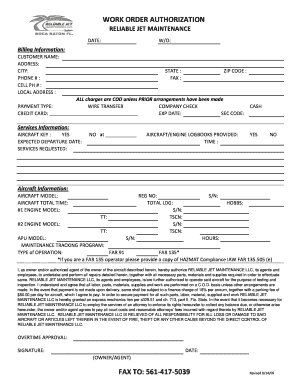
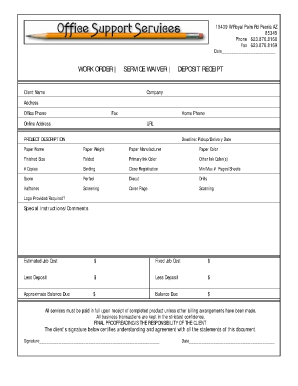
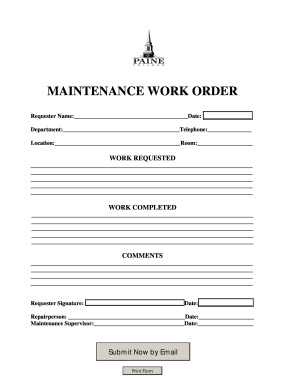
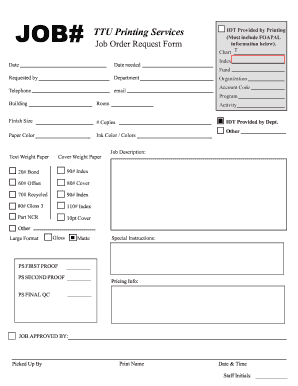
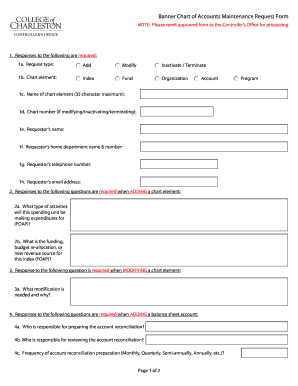
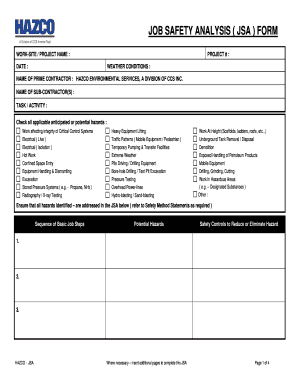
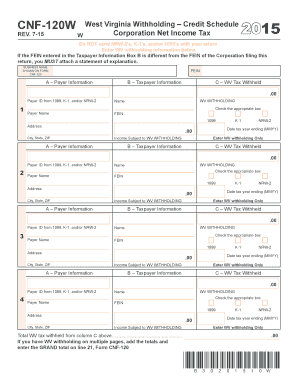
Printable job work Order Forms

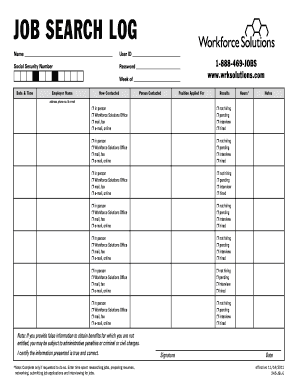
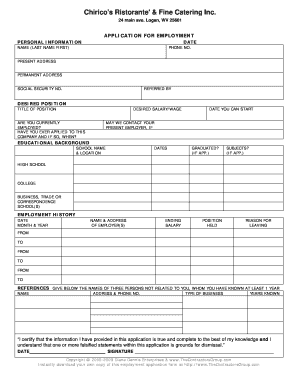
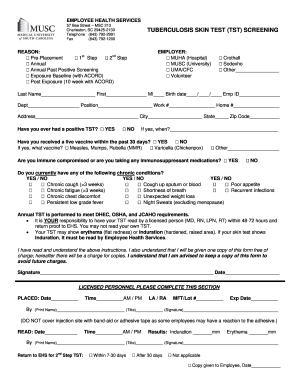
Manage your document workflows with DocHub's efficient Printable job work Order Forms collection. Track changes, collaborate with team members, and securely save all your documents in one location.

Get and manage Printable job work Order Forms online

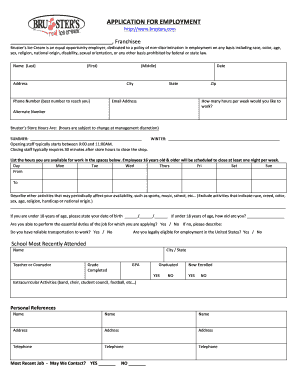
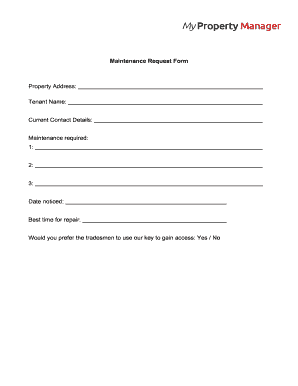
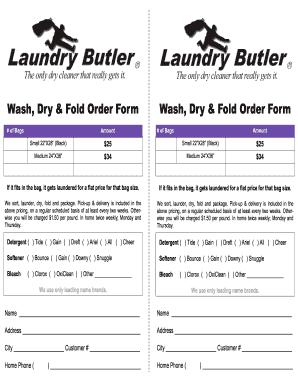
Boost your document managing using our Printable job work Order Forms online library with ready-made form templates that meet your needs. Get your form template, modify it, complete it, and share it with your contributors without breaking a sweat. Begin working more effectively with your forms.

The best way to manage our Printable job work Order Forms:

  1. Open our Printable job work Order Forms and search for the form you require.
  2. Preview your form to ensure it’s what you want, and click on Get Form to start working on it.
  3. Modify, add new text, or point out important information with DocHub features.
  4. Fill out your form and save the modifications.
  5. Download or share your document with other people.

Explore all of the possibilities for your online document management using our Printable job work Order Forms. Get a totally free DocHub account right now!

Video Guide on Printable job work Order Forms management

video background

Commonly Asked Questions about Printable job work Order Forms

Eight Steps to Creating a Work Order Management Process Understand and Implement the Right Maintenance Plan. Evaluate Paper vs. Implement CMMS Software. Create Work Orders for All Tasks. Use SOP Templates. Prioritize Work Orders. Automate Work Orders for Recurring PMs. Develop a Work Order Review Process.
How to create a purchase order in Word Open Microsoft Word. Open Microsoft Word and, under New Document, type in Purchase Order. Format the page size. Add the company logo. Add the company slogan. Create a title. Add company information. Add contact information. Include the date.
Open the Word document that you want to save as a template. On the File menu, click Save as Template. In the Save As box, type the name that you want to use for the new template. (Optional) In the Where box, choose a location where the template will be saved.
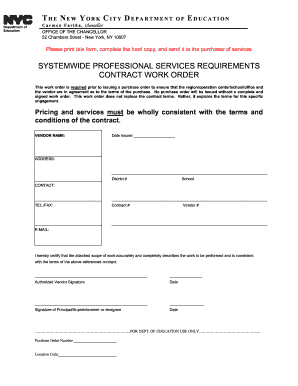
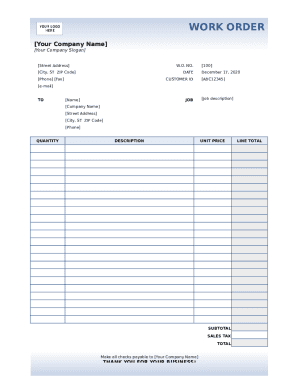
Work Order Format PDF is an excellent tool for organising and prioritising business tasks. Construction work order comes in a structured format for documenting work requests, allowing for better tracking, monitoring, and allocation of resources. It ensures a systematic approach to the assigned task.
A standard work order template includes: Work order number: A unique identifier for the service ticket. Contact name: The name of the person requesting the work. Contact information: The requestors contact information. Description of work: A description of the work that needs to be done.
How to create a work order template in Word Step 1: Open Microsoft Word. Step 2: Set Page Layout. Step 3: Create the Header. Step 4: Title and Work Order Information. Step 5: Task Details. Step 6: Assignment Section. Step 7: Communication Section. Step 8: Approval and Completion.
Open Microsoft Word: Launch Microsoft Word on your computer. Choose a Template (Optional): Download and use a pre-designed work order template in Word to streamline your work order creation process. Customize the Header: Add your companys name, logo, address, and contact details to the header section of the document.
You should include the following information in your work order letter: Company name. Start with your company name, typically in one of the upper corners. Company address. Below the company name, include your address. Work order number. Work order title. Work order description. Priority level. Work location. Workers name.