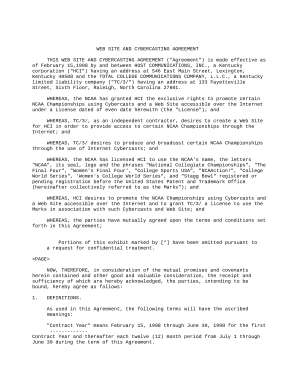
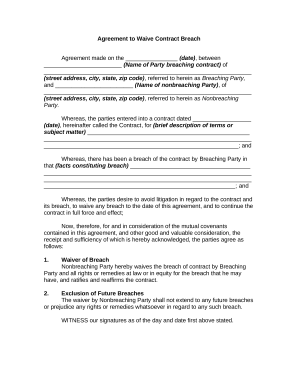
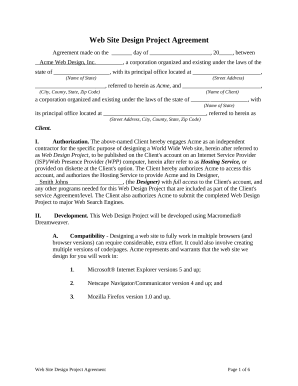
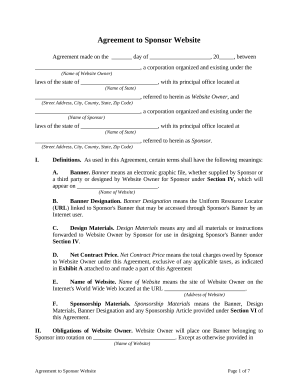
Get and manage Online Business Agreements online

Accelerate your form operations using our Online Business Agreements online library with ready-made templates that meet your requirements. Access your document, edit it, fill it, and share it with your contributors without breaking a sweat. Start working more effectively with your documents.

How to use our Online Business Agreements:

  1. Open our Online Business Agreements and search for the form you require.
  2. Preview your document to ensure it’s what you want, and click Get Form to start working on it.
  3. Alter, add new text, or highlight important information with DocHub tools.
  4. Complete your form and save the changes.
  5. Download or share your form template with other recipients.

Explore all the possibilities for your online file management with our Online Business Agreements. Get your totally free DocHub profile today!

Video Guide on Online Business Agreements management

video background

Commonly Asked Questions about Online Business Agreements

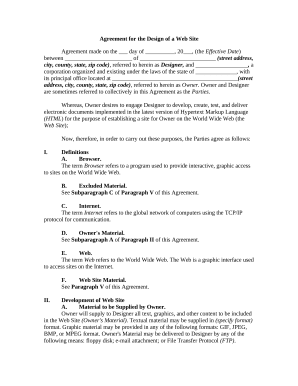
Types of Website Agreements Terms of Use or Service Agreements. Website Development Agreements. End-User License Agreements (EULA)
An example of browsewrap where the terms are clickable: By browsing this website, you acknowledge and agree that your access to information on these pages constitutes acceptance. This paragraph has links for various items such as Privacy Policy or Terms.
Types of electronic contracts Shrink-wrap contracts. Shrink-wrap contracts are typically licensing agreements for software. Clickwrap contracts. Browse-wrap contracts. Emails. Electronic signatures.
When you sign an internet contract, youre also committing to your ISP for a set length of time to guarantee your pricing (in most cases) and show them your level of commitment. The most common contract lengths for high-speed internet are 1, 2, and 3 years. Two years is the most popular.
Electronic contracts are as legal and enforceable as traditional paper-and-ink contracts. Electronic contracts provide valid and convenient solutions for businessesyou can sign them anytime and anywhere.
Key Takeaways: Online contracts are just like traditional contracts, but everyone reads and signs them virtually. Online contracts are more efficient, accessible, secure, and flexible. Create a clear online contract workflow to keep your contracts secure and organized.
Create contract templates with Acrobat. 1 Open Acrobat for the web. Go to the home page and select E-sign Create e-sign template. 2 Upload your file. 3 Choose your permissions. 4 Click the Preview or Add Fields button. 5 Drag and drop your form fields. 6 Click the Save button. Tip: Always consult the experts.
In a shrink-wrap agreement, the contract terms are not read until the buyer un-wraps the software; but in click-wrap agreement the consumer knows the contractual terms before he/she commits herself to buy goods or services.