Type text, add images, blackout confidential details, add comments, highlights and more.

02. Sign it in a few clicks
Draw your signature, type it, upload its image, or use your mobile device as a signature pad.

03. Share your form with others
Send it via email, link, or fax. You can also download it, export it or print it out.

How to use or fill out electronic agreement with our platform
Ease of Setup
DocHub User Ratings on G2
Ease of Use
DocHub User Ratings on G2
Click 'Get Form' to open the electronic agreement in the editor.
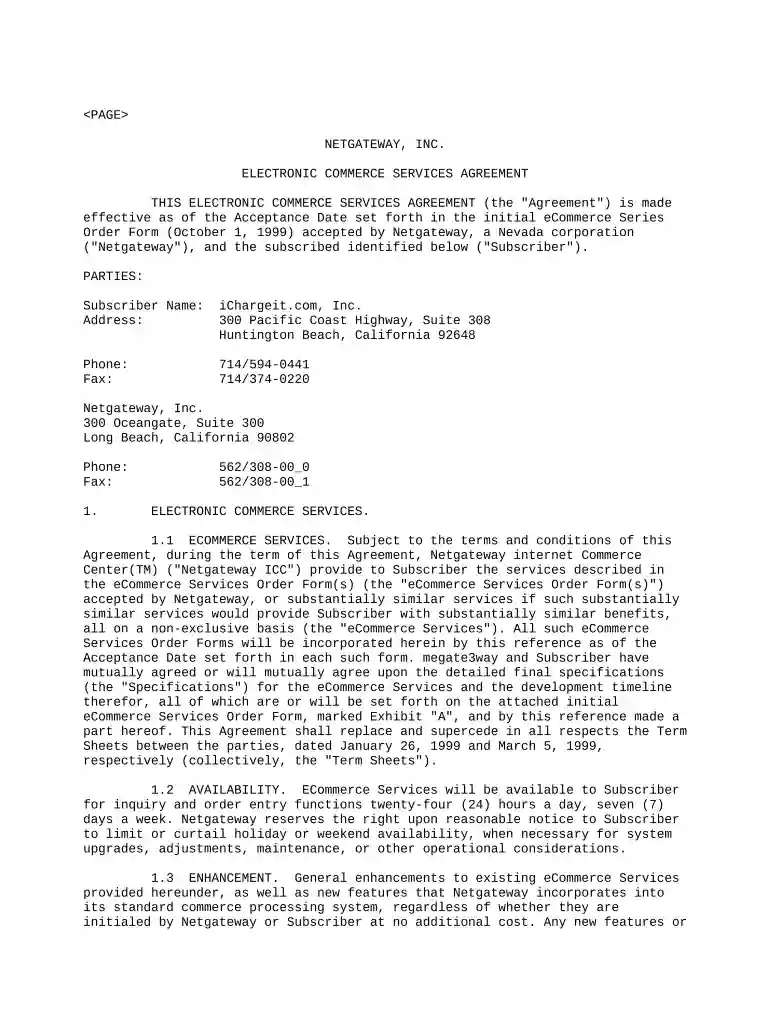
Begin by entering your Subscriber Name and Address in the designated fields. Ensure that all information is accurate to avoid any issues later.
Fill in the Phone and Fax numbers for both the Subscriber and Netgateway. This information is crucial for communication purposes.
Review the eCommerce Services section carefully. Familiarize yourself with the services provided, as this will help you understand your obligations under this Agreement.
Complete any additional fields related to fees and billing terms as outlined in the agreement. Make sure to check for any specific payment deadlines or conditions.
Once all sections are filled out, review your entries for accuracy before proceeding to sign the document electronically.
Start using our platform today to streamline your document editing and signing process for free!
How to sign a contract digitally: step-by-step Choose an electronic contract signing software. Selecting the right electronic contract signing software helps streamline your signing process. Prepare your agreement. Select signatories from the workflow. Send contracts for signing. Remind signatories of due signatures.
What is an electronic agreement?
An electronic contract (e-contract) is a legally binding agreement created and signed in an electronic form, offering the same enforceability as traditional paper contracts. It involves electronic communication methods, such as email or online forms, for negotiation, signing, and enforcement.
What is an example of an electronic contract?
Examples include signing a lease agreement or a loan application online using contract signing platforms like Pocketlaw, docHub or docHub. Email Contracts: Agreements formed via email communication, where offer and acceptance are exchanged through emails.
How to make an electronic agreement?
An electronic contract (or e-contract) is a legally binding agreement created, signed, and stored digitally. These contracts are typically executed using e-signature tools and managed through online platforms, making them faster to process and easier to track.
Related Searches
Electronic agreement templateElectronic agreement pdfElectronic agreement exampleE contract exampleTypes of e contractE contract example pdfAdvantages and disadvantages of e contractElectronic agreement california
Related links
E-Signatures: What Are the Legal Requirements?
Jun 22, 2023 E-signatures, whether signed, typed, generated or imaged, are legally binding. Heres what to know about e-signatures and what laws cover
May 31, 2016 This Agreement shall apply to each and every electronic data transmission between. Vendor and Norfolk Southern that contains the identifying
Electronic Signatures in Global and National Commerce Act
The E-Sign Act requires a financial institution to maintain electronic records accurately reflecting the information contained in applicable contracts, notices
Cookie consent notice
This site uses cookies to enhance site navigation and personalize your experience.
By using this site you agree to our use of cookies as described in our Privacy Notice.
You can modify your selections by visiting our Cookie and Advertising Notice.