
A plus Business Forms
Access state-specific A plus Business Forms and streamline their organization with DocHub. Effortlessly get, edit, and distribute documents and remain safe and compliant at every step of the workflow.

Create a new A plus Business Form
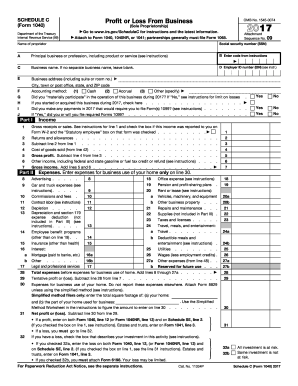
Schedule c 2017 form

Use Form 8822 B to Report Change in Identity of Responsible Party...
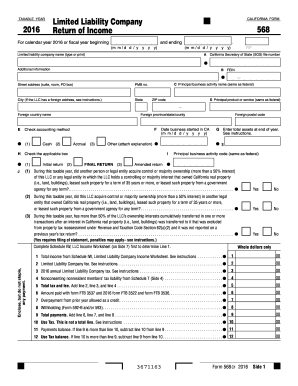
California form 568 2016
You form 461
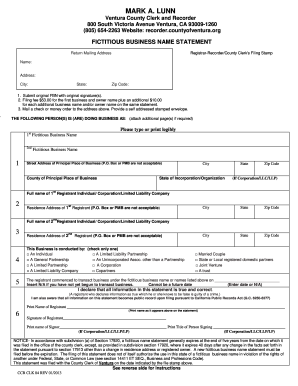
Fictitious business name filing ventura county form fill 2013

Moore business forms retirees

Cms 84 fillable form
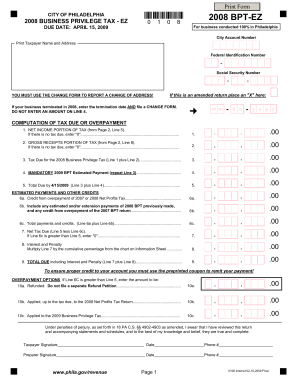
Print Form CITY OF PHILADELPHIA 2008 BUSINESS PRIVILEGE TAX - EZ DUE DATE: APRIL 15, 2009 0 1 0 8 2008 BPT-EZ For business conducted 100% in Philadelphia City Account Number Print Taxpayer Name and Address Federal Identification Number - -
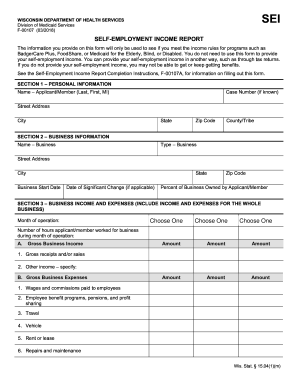
Wisconsin self employment income report
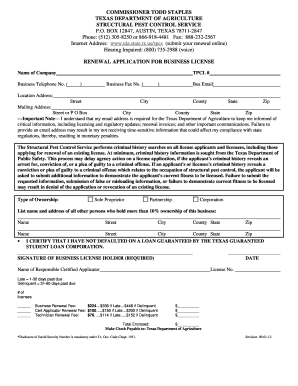
Texas business license application form
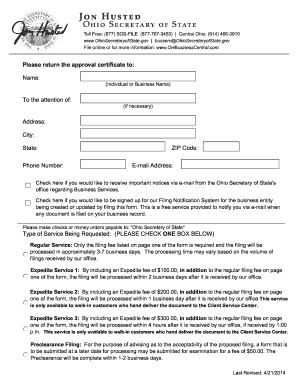
Form 522 - Ohio Secretary of State - ohiosecretaryofstate
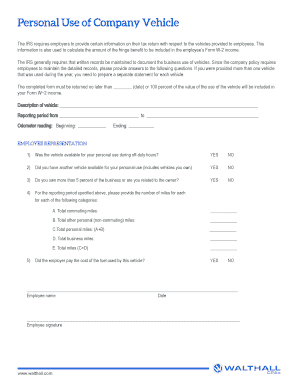
Business vehicle information form
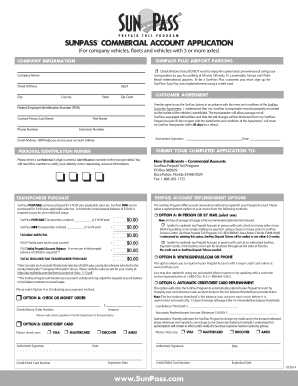
Sunpass commercial application online
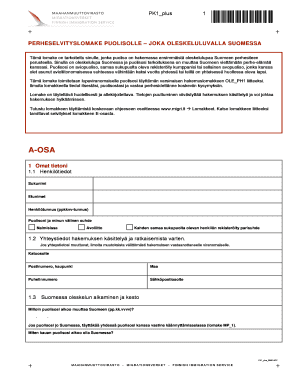
Perheselvityslomake pk1 plus
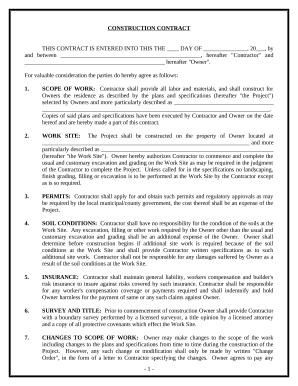
Contract cost plus
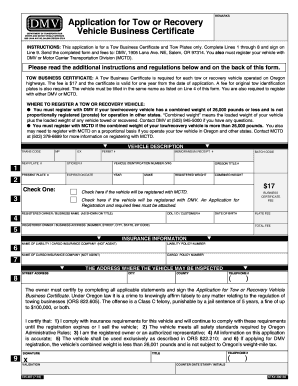
735-387. Application for Tow or Recovery Vehicle Business Certificate
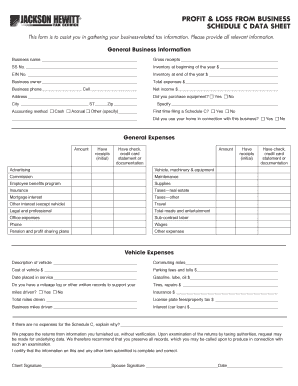
PROFIT & LOSS FROM BUSINESS SCHEDULE C DATA SHEET
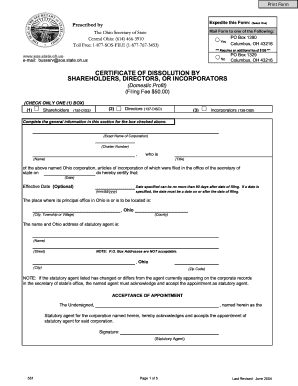
Ohio secretary of state business search 2004 form

Business license pdf
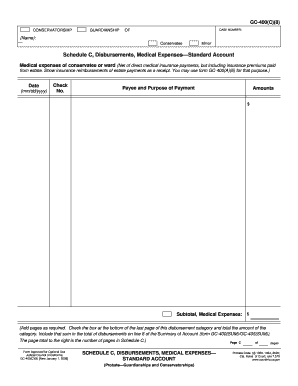
400 schedule c standard form
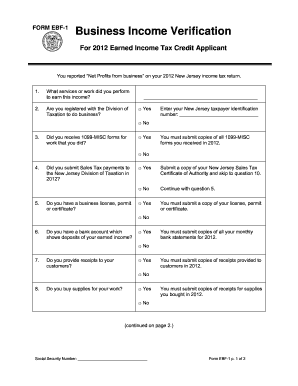
FORM EBF-1 Business Income Verification - State of New Jersey
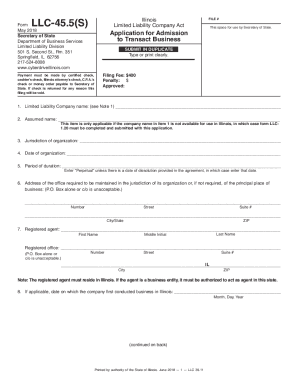
Illinois application transact business
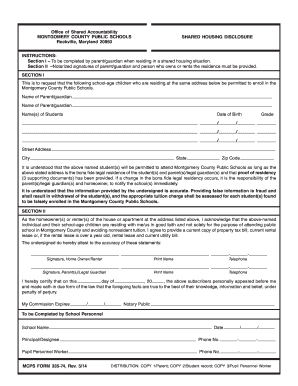
Mcps copy plus eform
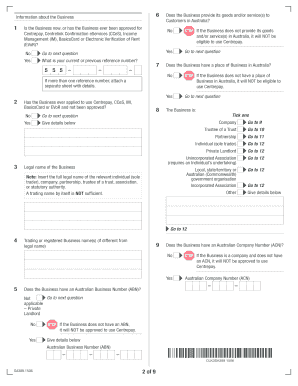
Services australia au centrepay business
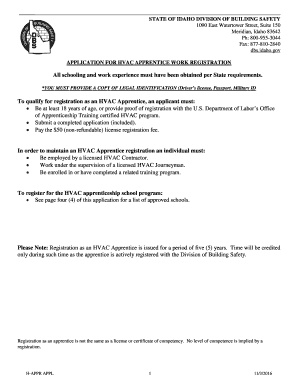
Limited Liability Company Forms - Idaho Secretary of State - State of ...
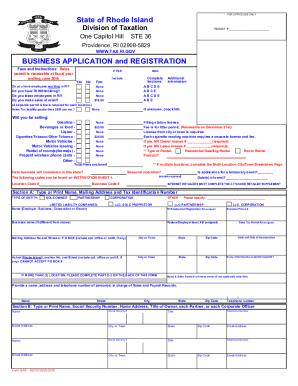
Ri form bar business
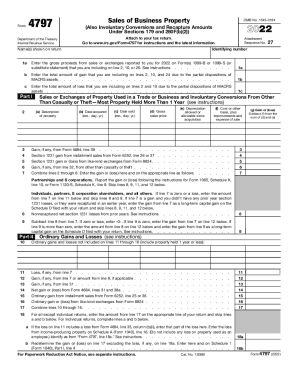
About Form 4797, Sales of Business Property - IRS tax forms
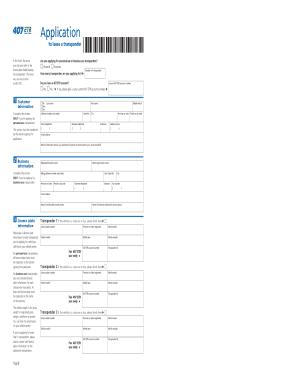
407 business transponder application

Board resolution instructions - Lloyds Bank
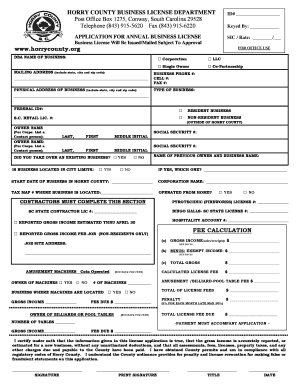
Horry county business license application

Ky business license application
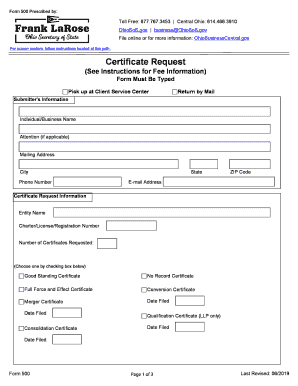
Ohio form certificate
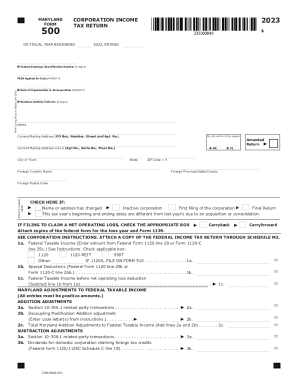
2023 Business Income Tax Forms and Instructions
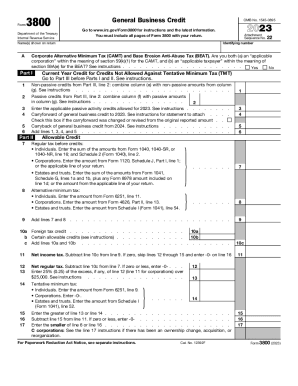
About Form 3800, General Business Credit
Raise your production with A plus Business Forms
Document management occupies to half of your business hours. With DocHub, it is easy to reclaim your time and effort and boost your team's productivity. Access A plus Business Forms online library and investigate all templates related to your everyday workflows.
The best way to use A plus Business Forms:
- Open A plus Business Forms and use Preview to get the relevant form.
- Click Get Form to begin working on it.
- Wait for your form to open in our online editor and start modifying it.
- Add new fillable fields, symbols, and images, change pages order, etc.
- Complete your form or prepare it for other contributors.
- Download or share the form by link, email attachment, or invite.
Accelerate your everyday file management with our A plus Business Forms. Get your free DocHub account today to explore all forms.
Video Guide on A plus Business Forms management

Commonly Asked Questions about A plus Business Forms
What are the different types of businesses?
There are different types of businesses to choose from when forming a company, each with its own legal structure and rules. Typically, there are four main types of businesses: Sole Proprietorships, Partnerships, Limited Liability Companies (LLC), and Corporations.
What is forms and functions in business?
The idea that form follows function in the instance of office design comes from the idea that the shape, design and layout of a workspace is primarily based on its intended purpose.
What are the benefits of using a form?
Without any further ado lets look at the top five benefits of using online forms for your business. Simple to build and convenient to use. Online forms are really easy to create. Enhances productivity and saves time. Data implementation and customer growth. Nurtures lead generation. Increases conversion rates.
What are forms used for in business?
They are an effective way to input data or make selections and are integral to many processes and services. We use forms for streamlining transactions, communication, and record-keeping where would we be without them?
What is a business form example?
Another example of a business form is an invoice. It is a blank form that a business sends to a customer to request payment for goods or services provided. The invoice contains blank fields for the business to fill out with details about the products or services provided, the amount owed, and the payment due date.
Why are forms important?
Forms provide a specific location for each item of the information that is needed; they facilitate the work of data processing and reference. Vii) Other services: If forms are used as records and are properly preserved, better services can be provided to vendors, dealers, customers, shareholder creditors etc.
Related Templates
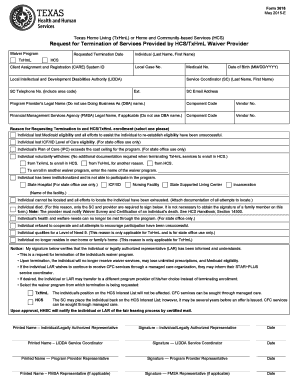
3616 services hcs txhml form
The document is Form 3616, a request for termination of services provided by the Texas Home Living (TxHmL) or Home and C ...
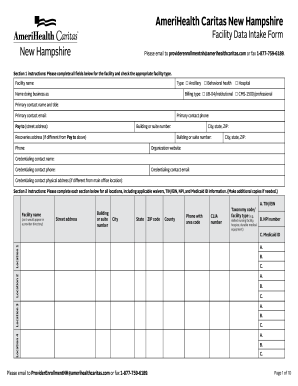
Nh caritas form
The document is an AmeriHealth Caritas New Hampshire Facility Data Intake Form, which requires facilities to provide det ...

De 542 form
The document provides detailed printing specifications for the Report of Independent Contractor(s) (DE 542) forms, inclu ...
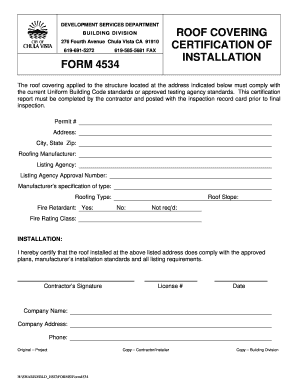
Roof covering certification
The document is a certification form for roof covering installation by the Building Division of Chula Vista, California. ...

30 day notification form template
The document is an information bulletin outlining the requirements of Section 3307.1 of the Los Angeles Building Code re ...
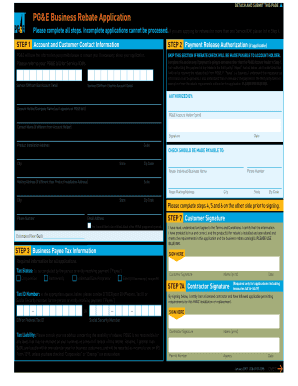
PG&E Business Rebate Application Rebate Application
The document is a PG&E Business Rebate Application form that outlines the steps and requirements for businesses to apply ...

Form 3809 rider form
The document is a Surface Management Personal Bond Rider issued by the Bureau of Land Management (BLM) for establishing ...
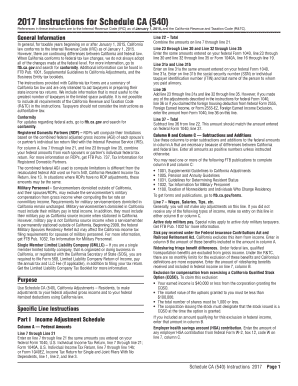
2017 CA Schedule CA (540) Instructions
The 2017 Instructions for Schedule CA (540) provide guidance for California residents on how to adjust their federal adj ...