Manage Trust Balance Sheet Templates easily online

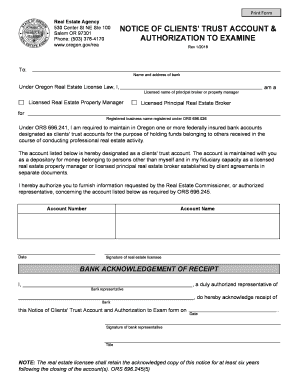
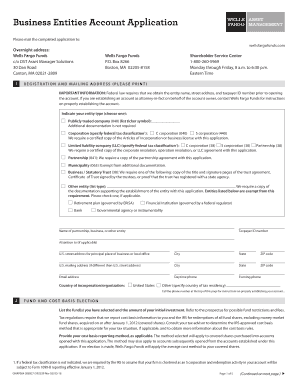
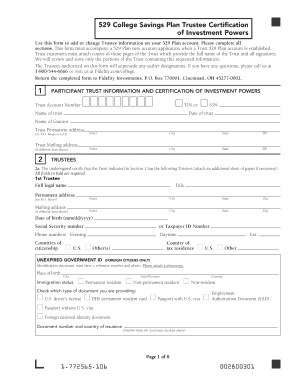
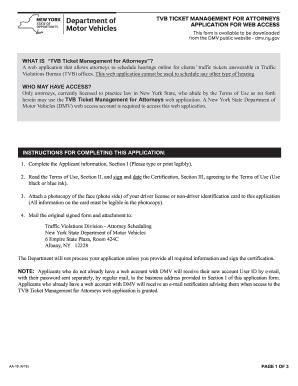
Document management can overwhelm you when you can’t discover all the forms you need. Luckily, with DocHub's vast form collection, you can discover everything you need and promptly take care of it without changing between applications. Get our Trust Balance Sheet Templates and start utilizing them.

How to use our Trust Balance Sheet Templates using these easy steps:

  1. Check Trust Balance Sheet Templates and choose the form you need.
  2. Preview the template and click Get Form.
  3. Wait for it to upload in the online editor.
  4. Alter your form: add new information and pictures, and fillable fields or blackout certain parts if required.
  5. Complete your form, conserve changes, and prepare it for delivering.
  6. When all set, download your form or share it with your contributors.

Try out DocHub and browse our Trust Balance Sheet Templates category without trouble. Get a free profile right now!


Video Guide on Trust Balance Sheet Templates management

video background

Commonly Asked Questions about Trust Balance Sheet Templates

You can create a personal balance sheet by completing the following steps, including getting all relevant documents, listing your assets and liabilities, and calculating your net worth.
As such, loan trusts and jointly-managed accounts have their own balance sheets, which are released, and together with the banking account, are referred to as the three accounts. It is standard practice for trust banks to manage financial risks on the basis of these three accounts.
How to create a balance sheet in Excel Format your worksheet. You can create a balance sheet in Excel by first creating a title section and labels for your worksheet. Enter dollar amounts. Leave a column of space between your asset labels and the location in which you want to enter the dollar amounts. Add totals.
The Balance Sheet Template for Excel is a pre-designed spreadsheet that allows users to enter their companys financial information, including assets, liabilities, and equity. This template is useful for businesses of all sizes, as it can be customized to fit each companys specific needs.
To do this, select the cell where you want the total to appear and then type =SUM( followed by the cell range that includes all of your liabilities. For example, if your liabilities are listed in cells B2 to B10, you would type =SUM(B2-B10). Excel will then calculate the total and display it in the selected cell.
To create a balance sheet in Excel, start by opening a new workbook and creating a new worksheet. Label the columns as Assets, Liabilities, and Equity. Next, list all the assets on the left side of the spreadsheet, including cash, inventory, and accounts receivable.
Format the Balance Sheet: Arrange assets on the left and liabilities and equity on the right, ensuring the equation (assets = liabilities + equity) balances. Review and Finalize: Double-check all data for accuracy, completeness, and ensure compliance with accounting standards.
How to make a balance sheet Invest in accounting software. Create a heading. Use the basic accounting equation to separate each section. Include all of your assets. Create a section for liabilities. Create a section for owners equity. Add total liabilities to total owners equity.
These guidelines recommend that the financial statements should comprise balance sheet, capital account, income statement and notes to the accounts. However, a system of double-entry bookkeeping should also be operated for the trust accounting. This will ensure that every transaction is transparent.