Form 201 cg 2026

Get Form
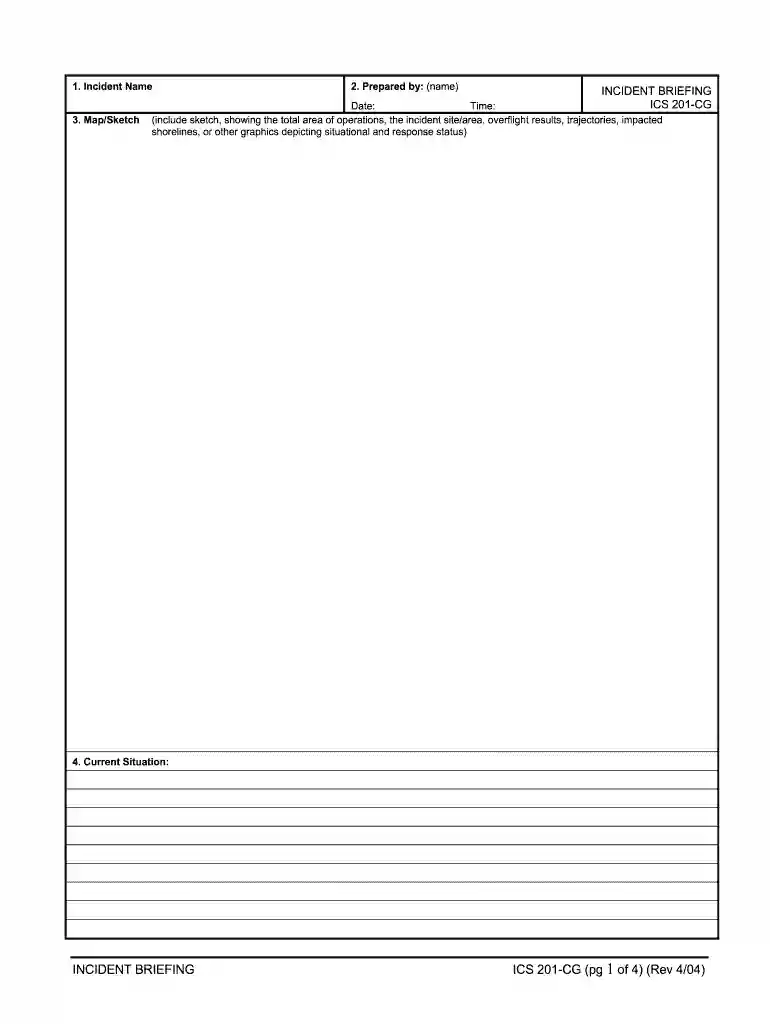
blank accident report form Preview on Page 1

Here's how it works

01. Edit your blank accident report form online
Type text, add images, blackout confidential details, add comments, highlights and more.

02. Sign it in a few clicks
Draw your signature, type it, upload its image, or use your mobile device as a signature pad.

03. Share your form with others
Send incident briefing via email, link, or fax. You can also download it, export it or print it out.

How to use or fill out form 201 cg with our platform

Form edit decoration
9.5
Ease of Setup
DocHub User Ratings on G2
9.0
Ease of Use
DocHub User Ratings on G2
  1. Click ‘Get Form’ to open the form 201 cg in the editor.
  2. Begin by entering the 'Incident Name' at the top of the form. This is crucial for identifying the specific incident being reported.
  3. In the 'Prepared by' section, input your name along with the date and time of preparation. Accurate timestamps are essential for record-keeping.
  4. Next, provide a detailed 'Current Situation' description. This should summarize the current status of the incident and any immediate actions taken.
  5. Fill out the 'Initial Response Objectives, Current Actions, Planned Actions' section to outline your response strategy clearly.
  6. Complete the 'Current Organization' section by listing key personnel involved in managing the incident, such as Safety Officer and Public Information Officer.
  7. Finally, summarize resources in the 'Resources Summary' section, including identifiers and statuses for each resource deployed during the incident.

Start using our platform today to streamline your document editing and form completion process for free!

See more form 201 cg versions

We've got more versions of the form 201 cg form. Select the right form 201 cg version from the list and start editing it straight away!
Versions Form popularity Fillable & printable
2004 4.8 Satisfied (101 Votes)
be ready to get more

Complete this form in 5 minutes or less

Get form

Got questions?

We have answers to the most popular questions from our customers. If you can't find an answer to your question, please contact us.
Contact us
The IT-201 is the main income tax form for New York State residents. It is analogous to the US Form 1040, but it is four pages long, instead of two pages.
Get, Create, Make and Sign ics incident briefing form Draw or type your signature, upload a signature image, or capture it with your digital camera. Email, fax, or share your ics 201 fillable form via URL. You can also download, print, or export forms to your preferred cloud storage service.
The briefing form is prepared by the Incident Commander for presentation to the incoming Incident Commander along with a more detailed oral briefing. Distribution. Ideally, the ICS 201 is duplicated and distributed before the initial briefing of the Command and General Staffs or other responders as appropriate.
Official Form 201. Voluntary Petition for Non-Individuals Filing for Bankruptcy. page 1. Official Form 201. Voluntary Petition for Non-Individuals Filing for Bankruptcy.
Your first document: Certificate of Formation The primary document youll need is a Certificate of Formation (Form 201), filed with the Texas Secretary of State. It should include: Business name and entity type. Corporations purpose.

Security and compliance

At DocHub, your data security is our priority. We follow HIPAA, SOC2, GDPR, and other standards, so you can work on your documents with confidence.

Learn more
ccpa2
pci-dss
gdpr-compliance
hipaa
soc-compliance
be ready to get more

Complete this form in 5 minutes or less

Get form

People also ask

The HTTP 201 Created successful response status code indicates that the HTTP request has led to the creation of a resource. This status code is commonly sent as the result of a POST request. The new resource, or a description and link to the new resource, is created before the response is returned.
The State Tax Form 201, also known as IT-201, is the standard income tax return form for New York State residents. This form is used to report income, calculate tax liability, and claim credits or deductions.

incident flight