




Here's how it works

01. Edit your ky ui 3 form pdf online
Type text, add images, blackout confidential details, add comments, highlights and more.

02. Sign it in a few clicks
Draw your signature, type it, upload its image, or use your mobile device as a signature pad.

03. Share your form with others
Send ui 3 form kentucky via email, link, or fax. You can also download it, export it or print it out.
How to use or fill out kentucky ui 3 form 2022 with our platform

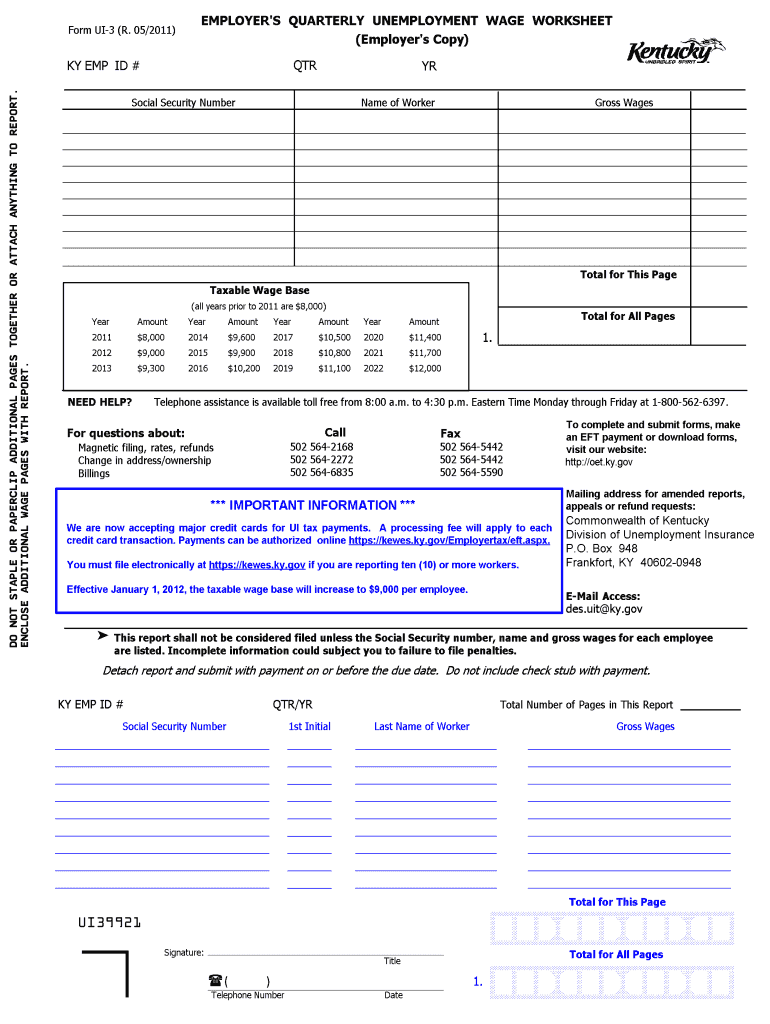
- Click ‘Get Form’ to open the Kentucky UI 3 form in the editor.
- Begin by entering your KY Employer ID number and the year for which you are reporting. This information is crucial for accurate processing.
- In the 'Name of Worker' section, input each employee's name along with their Social Security Number and Gross Wages earned during the quarter.
- Calculate the total gross wages for all employees on this page and enter it in the 'Total for This Page' field.
- Refer to the taxable wage base table provided in the form to ensure compliance with current rates, then complete any additional calculations as required.
- Once all fields are filled out accurately, review your entries for completeness before saving or submitting your form through our platform.
Start using our platform today to easily fill out and submit your Kentucky UI 3 form for free!
Fill out kentucky ui 3 form 2022 online
It's free
See more kentucky ui 3 form 2022 versions
We've got more versions of the kentucky ui 3 form 2022 form. Select the right kentucky ui 3 form 2022 version from the list and start editing it straight away!
Security and compliance
At DocHub, your data security is our priority. We follow HIPAA, SOC2, GDPR, and other standards, so you can work on your documents with confidence.
Learn more


Related forms

2014 sc instructions form
The document provides detailed instructions for completing the South Carolina Individual Income Tax Return (SC1040) for ...
Form IT-2663-I:2014:Instructions for Form IT-2663 Nonresident Real Property Estimated Income Tax Pay
Form IT-2663-I:2014:Instructions for Form IT-2663 Nonresident Real Property Estimated Income Tax Pay
The document provides instructions for Form IT-2663, which is required for nonresident individuals, estates, and trusts ...
Reinstatement petition form
The document outlines the process for students at the University of Washington-Seattle to petition for reinstatement int ...
APPLICATION FOR CLINICAL PRIVILEGES MEDICAL STAFF APPOINTMENT UPDATE
The document is an application form for clinical privileges and medical staff appointment updates, governed by Title 10 ...

FAMILY ADVOCACY PROGRAM QUESTIONNAIRE
The document is a questionnaire from the U.S. Coast Guard's Family Advocacy Program, designed to gather information on i ...
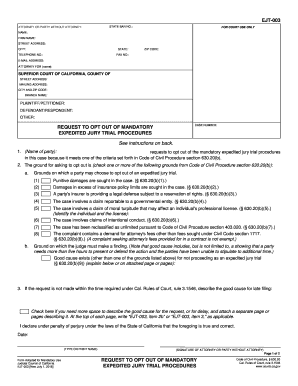
California opt jury form
The document EJT-003 is a form used by parties in limited civil actions in California to request an opt-out from mandato ...
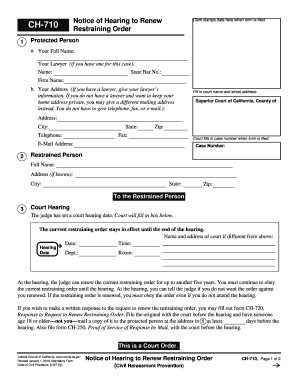
Ch 710
The document is a Notice of Hearing to Renew a Restraining Order (CH-710) issued by the Superior Court of California. It ...
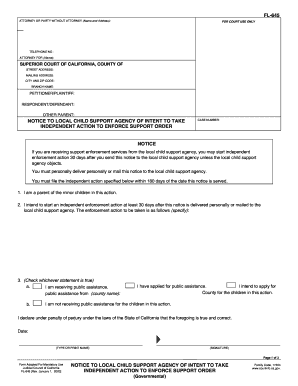
Notice agency form
The document FL-645 is a legal notice for parents intending to take independent action to enforce a child support order. ...