




01. Edit your ky listing agreement online
Type text, add images, blackout confidential details, add comments, highlights and more.

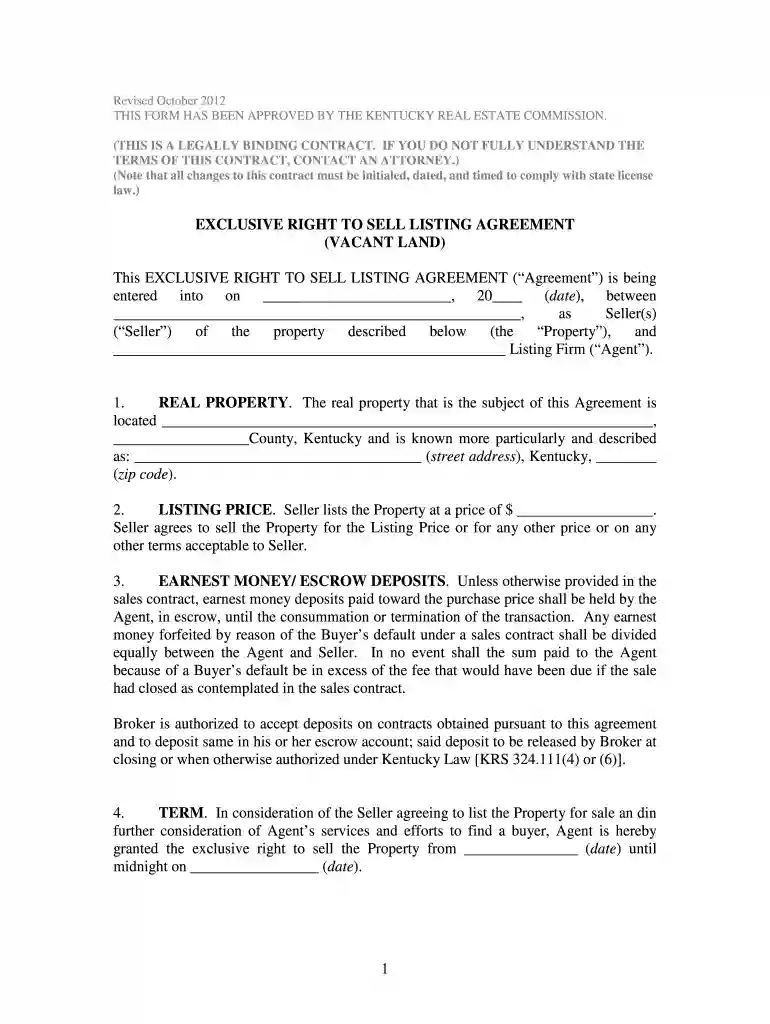
Type text, add images, blackout confidential details, add comments, highlights and more.

Draw your signature, type it, upload its image, or use your mobile device as a signature pad.

Send kentucky listing agreement via email, link, or fax. You can also download it, export it or print it out.

Start using our platform today to easily fill out your ky listing agreement for free!
We've got more versions of the ky listing agreement form. Select the right ky listing agreement version from the list and start editing it straight away!
At DocHub, your data security is our priority. We follow HIPAA, SOC2, GDPR, and other standards, so you can work on your documents with confidence.
This administrative regulation establishes requirements for designated agency; the required Sellers Disclosure of Property Condition form;Read more
In January 2011, the Labor Department made an agreement with Massey that the Freedom mines most senior managers must be directly involved in safety proceduresRead more
Please remember to send all correspondence/payments to our mailing address: Kentucky Real Estate Commission Mayo-Underwood Building 500 Mero Street 2NE09Read more


