




01. Edit your oklahoma vehicle information request online
Type text, add images, blackout confidential details, add comments, highlights and more.

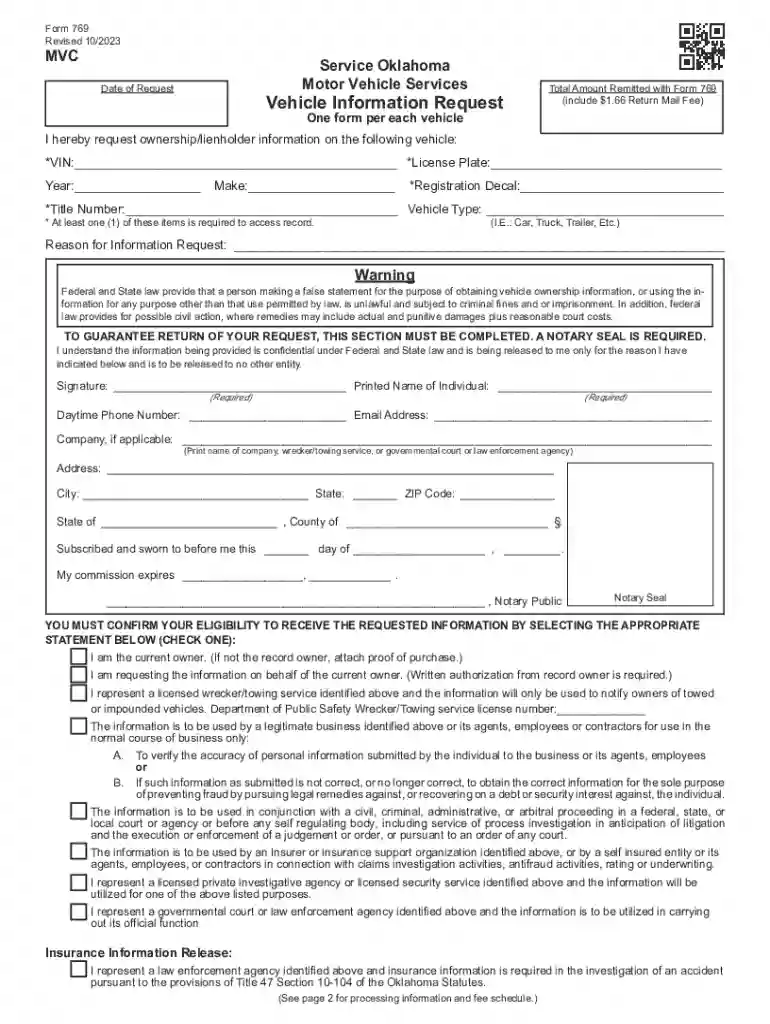
Type text, add images, blackout confidential details, add comments, highlights and more.

Draw your signature, type it, upload its image, or use your mobile device as a signature pad.

Send 769 vehicle information request via email, link, or fax. You can also download it, export it or print it out.
"Form online" typically refers to electronic forms that can be accessed, filled out, and submitted via the internet. These forms are used across a multitude of sectors such as government, healthcare, and finance for tasks ranging from tax submissions to loan applications. The digital nature of online forms allows for efficient data collection, processing, and storage, thereby streamlining administrative tasks. Unlike traditional paper forms, online forms can include dynamic elements like dropdown menus and date pickers to facilitate easier completion.
Using an online form involves several steps to ensure data is accurately captured and successfully submitted. Begin by accessing the form through a website or email link, then review the instructions to understand the information required. Populate each field accurately, leveraging features like autofill to save time. Once completed, submit the form by clicking the designated button, which might instantly provide a confirmation message or email. Ensure your internet connection is stable throughout the process to prevent data loss.
Online forms often comprise several key components designed for efficient data capture and validation:
The legal standing of online forms varies based on their purpose, jurisdiction, and compliance with digital signature laws like the ESIGN Act. It's essential to understand that filling out and submitting online forms constitutes an agreement to the terms specified within, which can have legally binding effects similar to signed paper documents. Always verify the veracity and legal requirements for any online form you engage with.
Online forms are versatile and used in various sectors, including:
Online forms are often designed for compatibility with popular software and systems to facilitate integration with users' digital environments. Some key aspects to consider include:
We've got more versions of the oklahoma vehicle information request form. Select the right oklahoma vehicle information request version from the list and start editing it straight away!
At DocHub, your data security is our priority. We follow HIPAA, SOC2, GDPR, and other standards, so you can work on your documents with confidence.
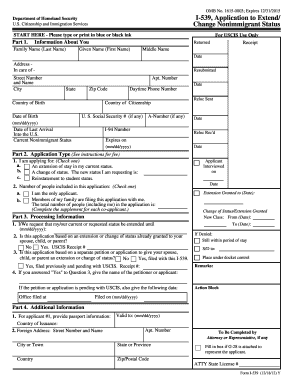




Oklahoma Motor Vehicle Services Vehicle Information Request. Form 769 (include $1.73 Return Mail Fee) In-state toll free: 800-522-8165 or Direct: 405-521-4650
(1) Applicant is to submit a completed Vehicle Information Request (SOk Form 769), including a notation of the last state in which the boat/outboard motorRead more


