
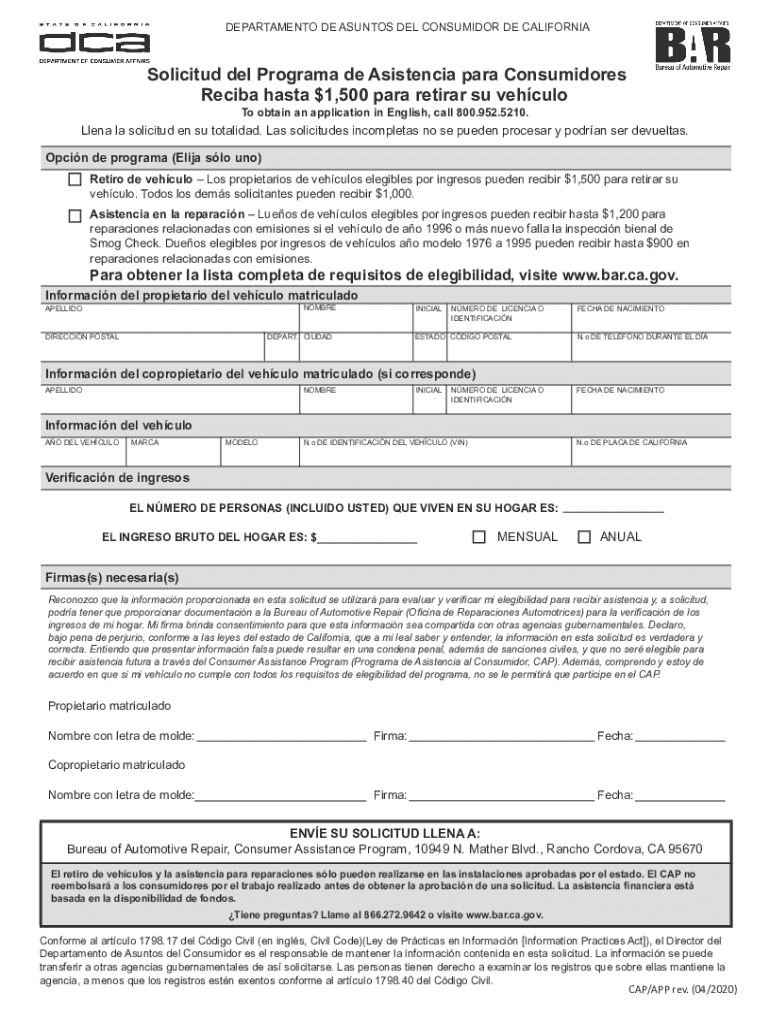







Definition and Meaning of "Form Online"
The term "form online" refers to electronic forms available on the internet that individuals or businesses can fill out and submit digitally. These forms serve various purposes, such as applications, legal agreements, surveys, or any document that requires data collection. The digital nature of these forms provides significant advantages, including accessibility from any device with internet connectivity, streamlined submission processes, and reduced paper waste.
- Electronic Forms: Serve as an efficient alternative to paper forms, minimizing the need for physical handling and manual data entry.
- Versatility: Forms can range from simple contact or feedback forms to complex, multi-page legal documents requiring thorough data entry.
Online forms often feature interactive elements like dropdown menus, checkboxes, and radio buttons, which are designed to guide users through the necessary steps or information needed. This ensures accuracy and completeness before submission, significantly reducing the potential for error compared to traditional paper-based methods.
How to Use the Form Online
Using an online form involves several straightforward steps, designed for user convenience and efficiency. Here's a typical process:
- Access the Form: Navigate to the website where the form is hosted. This could be via a direct link or through a portal provided by an organization or service.
- Fill Out the Form: Enter the required information into the designated fields. These fields may include text inputs, selection options (e.g., dropdown menus), or calendar dates.
- Review Entries: Before submitting, review all entered information to ensure accuracy and completeness.
- Submit the Form: Click the designated "Submit" button. Many platforms provide a confirmation message or email acknowledging receipt of the form.
Interactive Features and Tips
- Real-Time Checks: Some forms include validation features to immediately notify users of incomplete fields.
- Save and Continue: Many complex forms offer the option to save progress and continue later, a useful feature for lengthy submissions.
Steps to Complete the Form Online
Completing an online form often requires attention to detail and an understanding of what information is needed. Here’s a step-by-step guide to ensure a smooth experience:
- Read Instructions Carefully: Each form usually starts with instructions or guidelines on how to fill it out. Pay attention to these details.
- Gather Necessary Information: Before starting the form, collect all necessary documents or information you will need. This can include identification numbers, contact details, or specific data relevant to the form’s purpose.
- Follow Field Requirements: Forms often specify formats or character limits for entries. Ensure that you abide by these requirements to avoid errors.
- Double-Check for Errors: Take an additional moment to verify that all necessary fields are filled in correctly, as overlooked errors can result in submission rejections or delays.
- Use Assistance Tools: Many platforms offer help icons or FAQs to clarify common questions or issues encountered during form completion.
Who Typically Uses the Form Online
The usage of online forms spans a diverse demographic, including:
- Businesses and Corporations: For registrations, feedback, or internal data collection.
- Individual Consumers: For applications related to governmental programs, job applications, or educational enrollments.
- Organizations and Institutions: To conduct surveys, assessments, or gather public feedback.
Online forms cater to a wide array of needs, from capturing visitor data on websites to processing detailed legal documentation in professional settings. They are designed to be user-friendly, providing accessible interfaces for individuals with varying digital literacy levels.


Legal Use of the Form Online
Online forms are often used for legal purposes, adhering to regulatory standards for data security and authenticity. Such forms include:
- Digital Agreements: Documents that require acknowledgments or e-signatures for contractual obligations.
- Regulatory Compliance: Forms necessary for compliance with governmental or industry-specific regulations.
Legal Considerations
- Data Protection: Users must align with data protection laws, such as the General Data Protection Regulation (GDPR) for international forms or California Consumer Privacy Act (CCPA) for those specific to California.
- E-Signature Legality: Electronic signatures obtained through online forms are recognized as legally binding in many jurisdictions under acts such as the ESIGN Act in the United States.
Creating Fillable Forms
When creating personal or organizational forms online, certain elements are crucial for functionality and user experience:
- Input Field Design: Select appropriate field types (e.g., text, date, checkbox) to align with the data being collected.
- User Experience: Ensure the form layout is easy to navigate, with clear section headers and logical data flow.
- Validation & Confirmation: Implement validation to ensure data integrity, and automated confirmation to reassure users of submission success.
Tools like DocHub allow for comprehensive fillable form creation, offering a suite of features that accommodate a wide variety of professional document needs.
Examples of Using the Form Online
Online forms serve numerous practical applications across different contexts. Examples include:
- Application Forms: For student admissions or loan applications, where detailed personal and financial information is required.
- Survey Forms: Used by organizations and research institutions to gather data for studies or market research.
- Feedback Forms: Available on service websites for collecting consumer opinions and enhancing customer satisfaction efforts.
Digital vs. Paper Version
With the increasing shift towards digitization, online forms offer distinct advantages over their paper counterparts:
- Cost Efficiency: Reduces printing, postage, and storage costs associated with physical paperwork.
- Accessibility and Convenience: Available anywhere with internet access, allowing users to fill out forms at their convenience.
- Data Handling: Simplifies data collection and analysis, as information is automatically captured and can be exported into various formats for further processing.
The digital transition enables faster processing times and reduces human error risks, fostering a more efficient workflow for both individuals and organizations.




