




01. Edit your form online
Type text, add images, blackout confidential details, add comments, highlights and more.

Type text, add images, blackout confidential details, add comments, highlights and more.

Draw your signature, type it, upload its image, or use your mobile device as a signature pad.

Send it via email, link, or fax. You can also download it, export it or print it out.
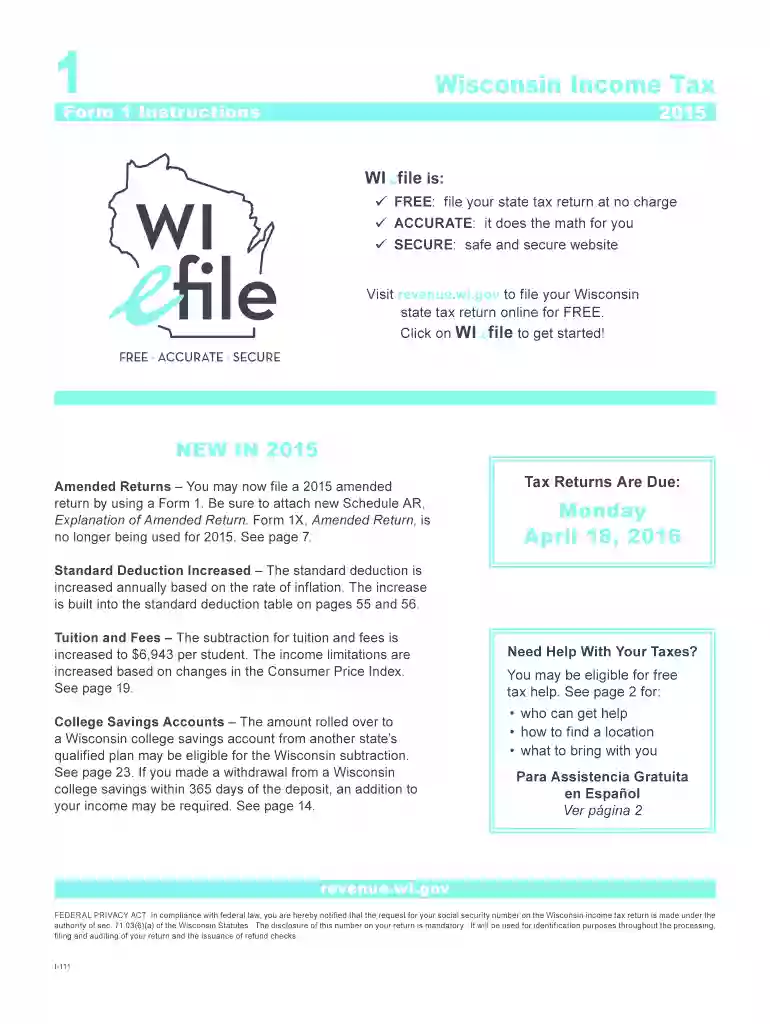
The 2012 Wisconsin Form 2015 is a version of the Wisconsin Income Tax Form 1 specifically for the 2015 tax year. This form is essential for residents and businesses within Wisconsin who need to report their income to the state. It includes sections for calculating tax liabilities, deductions, and credits applicable under state law.
The 2012 Wisconsin Form 2015 serves to document an individual's or entity's income, deductions, and taxes owed to the state of Wisconsin for the specified tax year. It is primarily used to ensure compliance with state tax regulations.
Completing the form requires careful attention to each section to ensure accuracy and compliance. Here are the basic steps:
Eligibility for using the 2012 Wisconsin Form 2015 largely depends on residency and the nature of income.


Filing the form can be done through multiple channels:
The standard deadline is April 15, with extensions available under specific circumstances.
Ensuring accurate completion involves understanding key elements of the form:
Failing to file or improperly filing can lead to penalties:
Understanding how the Wisconsin form contrasts with similar forms from other states can be informative:
A clear understanding of key terms facilitates proper form completion:
Certain scenarios might require special attention on the form:

Aligning with federal tax requirements ensures compliance:
Ensuring thorough understanding and careful preparation when handling the 2012 Wisconsin Form 2015 is crucial for accurate tax reporting and compliance.
We've got more versions of the 2012 wisconsin form 2015 form. Select the right 2012 wisconsin form 2015 version from the list and start editing it straight away!
| Versions | Form popularity | Fillable & printable |
|---|---|---|
| 2025 | 4.8 Satisfied (43 Votes) | |
| 2024 | 4.9 Satisfied (52 Votes) | |
| 2023 | 4.3 Satisfied (55 Votes) | |
| 2022 | 4.1 Satisfied (39 Votes) | |
| 2021 | 4.8 Satisfied (81 Votes) | |
| 2020 | 4.3 Satisfied (74 Votes) | |
| 2019 | 4.3 Satisfied (159 Votes) | |
| 2018 | 4.4 Satisfied (156 Votes) | |
| 2018 | 4.4 Satisfied (45 Votes) | |
| 2017 | 4.3 Satisfied (142 Votes) | |
| 2015 | 4.2 Satisfied (77 Votes) | |
| 2012 | 4.2 Satisfied (53 Votes) |
At DocHub, your data security is our priority. We follow HIPAA, SOC2, GDPR, and other standards, so you can work on your documents with confidence.
The State of Working Wisconsin, released biannually on even-numbered years since 1996, is our long-form report, and looks at the economy comprehensively from a
Prior Year Income Tax Forms 2015 Income Tax Forms 2014 Income Tax Forms 2013 Income Tax Forms 2012 Income Tax Forms.
by TJ Mathews 2015 Cited by 1250 Abstract. ResultsThe U.S. infant mortality rate was 5.96 infant deaths per 1,000 live births in 2013, similar to the rate of 5.98 in 2012.


