




01. Edit your account ira submit online
Type text, add images, blackout confidential details, add comments, highlights and more.

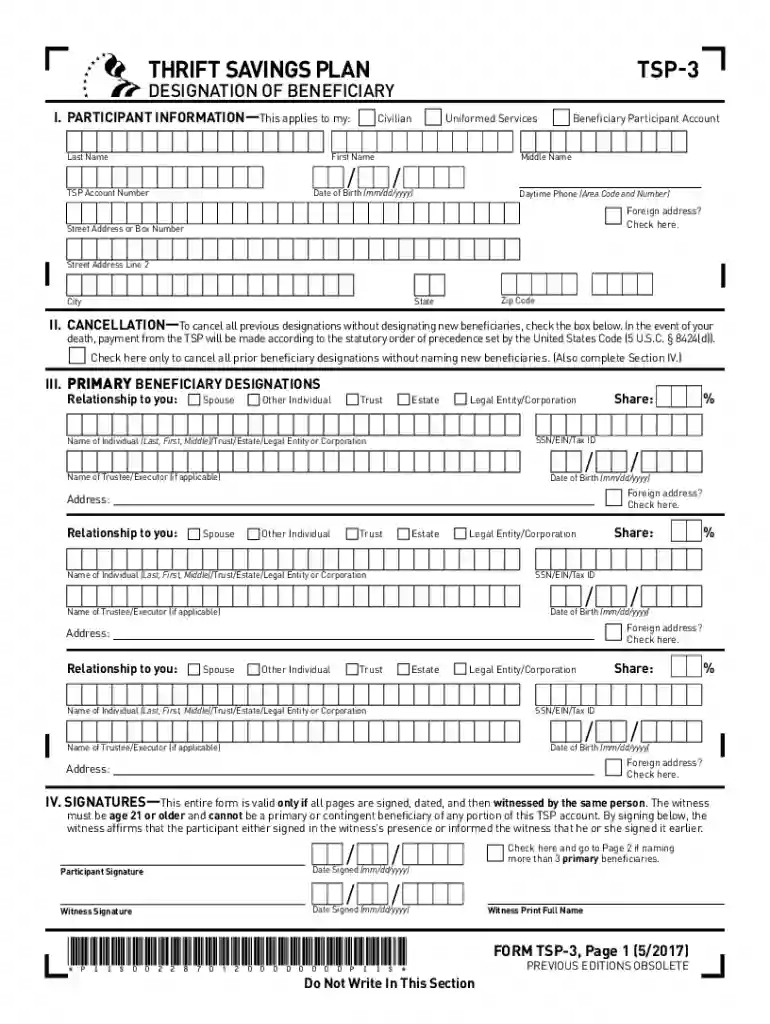
Type text, add images, blackout confidential details, add comments, highlights and more.

Draw your signature, type it, upload its image, or use your mobile device as a signature pad.

Send osr account retirement via email, link, or fax. You can also download it, export it or print it out.

Start filling out your TSP-3 form online for free today!
We've got more versions of the account ira submit form. Select the right account ira submit version from the list and start editing it straight away!
At DocHub, your data security is our priority. We follow HIPAA, SOC2, GDPR, and other standards, so you can work on your documents with confidence.




A participant may designate one or more beneficiaries for his or her TSP account. A valid TSP designation of beneficiary remains in effect until it is properlyRead more
THRIFT SAVINGS PLAN (TSP). TSP is a retirement savings and investment plan the TSP, and 3% of your basic pay is deducted from your paycheck each payRead more


