




01. Edit your form online
Type text, add images, blackout confidential details, add comments, highlights and more.

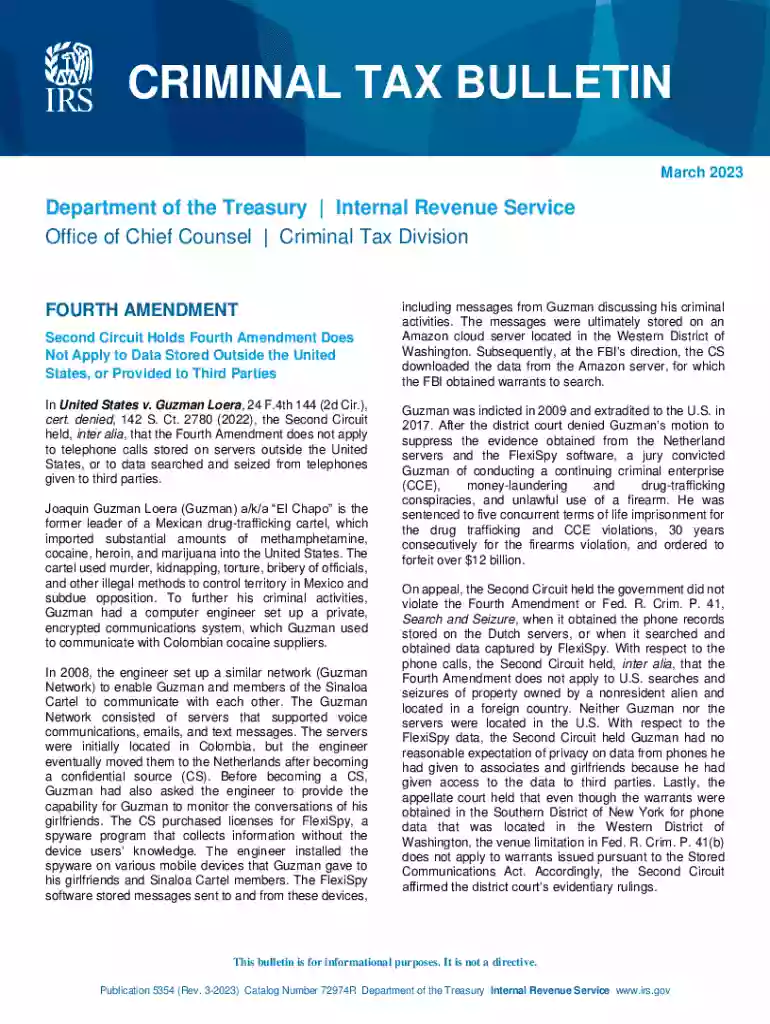
Type text, add images, blackout confidential details, add comments, highlights and more.

Draw your signature, type it, upload its image, or use your mobile device as a signature pad.

Send it via email, link, or fax. You can also download it, export it or print it out.

Start using our platform today for free to streamline your experience with Publication 5354!
We've got more versions of the Publication 5354 (Rev 3-2023) Criminal Tax Bulletin form. Select the right Publication 5354 (Rev 3-2023) Criminal Tax Bulletin version from the list and start editing it straight away!
Yes, it is possible with DocHub. This safe and compliant online service has a phone-based signing option. Once you log in to your DocHub account and import your Publication 5354 (Rev 3-2023) Criminal Tax Bulletin to our editor, complete all blank areas and use the Sign feature on the upper barf. Click on Create your signature and choose Phone from the available options. Here, you scan a QR code using your smartphone and draw your signature on your phone display, as you normally do when approving hard copies. If you access DocHub right from your mobile device, you can electronically sign your paperwork by drawing your eSignature, uploading its photo, or simply with a typed name.
If your go-to email service is Gmail, you can easily integrate your DocHub editor in your work. Edit your Publication 5354 (Rev 3-2023) Criminal Tax Bulletin with DocHub tools and connect it to your drafts in Gmail. See how effortless it is to exchange papers and collaborate having a swift PDF editing solution at hand.
At DocHub, your data security is our priority. We follow HIPAA, SOC2, GDPR, and other standards, so you can work on your documents with confidence.
Dec 27, 2023 For 2023, you will use Form 1040. Download Publication 1546, IRS toll free at 800-TAX-FORM (800-829-3676) and ask for a copy of Publication
Dec 5, 2025 Silverhawk will be responsible for any sales or use tax, registration fee or assessments due to its repurchase of the Share.


