




Here's how it works

01. Edit your education form online
Type text, add images, blackout confidential details, add comments, highlights and more.

02. Sign it in a few clicks
Draw your signature, type it, upload its image, or use your mobile device as a signature pad.

03. Share your form with others
Send ub form to print for learning via email, link, or fax. You can also download it, export it or print it out.
How to use or fill out education school with our platform

- Click ‘Get Form’ to open the education school document in the editor.
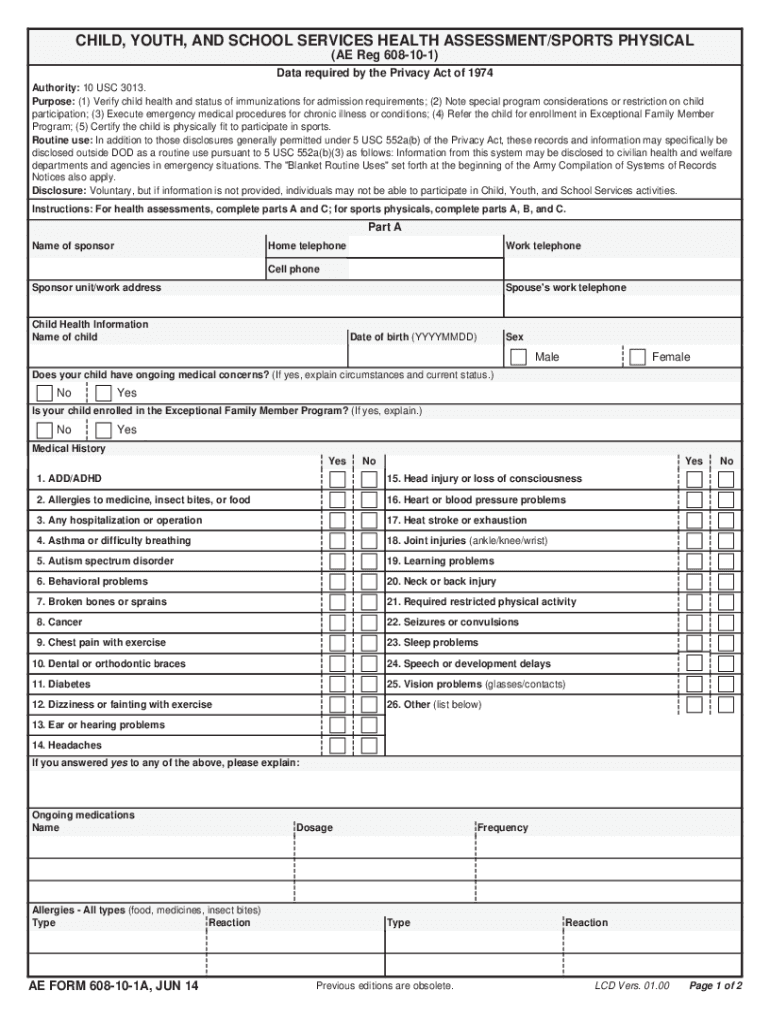
- Begin with Part A, entering the sponsor's name, contact numbers, and address. Ensure all fields are filled accurately for effective communication.
- Provide the child's information including their name, date of birth, and sex. If your child has ongoing medical concerns, select 'Yes' and provide details.
- Complete the medical history section by checking any relevant conditions. If you answer 'Yes' to any item, explain further in the provided space.
- In Part B, a licensed practitioner must assess and fill out the medical staff assessment section. Ensure they record height, weight, and any findings from their examination.
- Finally, in Part C, describe any special considerations that may affect your child's participation in programs. Obtain necessary signatures from healthcare professionals and guardians.
Start using our platform today to streamline your document completion process for free!
Fill out education school online
It's free
Security and compliance
At DocHub, your data security is our priority. We follow HIPAA, SOC2, GDPR, and other standards, so you can work on your documents with confidence.
Learn more


Related forms

Direct Pay Authorization
The document is a Direct Pay Authorization form for customers of the City of La Center, allowing automatic deductions fr ...

Adobe Certified Associate(ACA) - Rich Media Communication using
The Kirkland, WA BrandPrint Report by North Star Destination Strategies outlines a comprehensive branding strategy for t ...
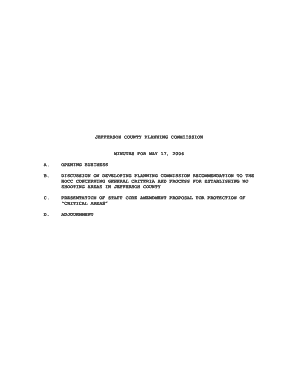
DISCUSSION ON DEVELOPING PLANNING COMMISSION RECOMMENDATION TO THE BOCC CONCERNING GENERAL CRITERIA
DISCUSSION ON DEVELOPING PLANNING COMMISSION RECOMMENDATION TO THE BOCC CONCERNING GENERAL CRITERIA
The Jefferson County Planning Commission meeting on May 17, 2006, focused on developing recommendations for establishing ...

Service Area - City of Long Beach
Ordinance Number 735 amends and replaces the City of Long Beach's Comprehensive Land Use Plan to comply with the Growth ...

ULI Creative Placemaking: Self-Guided Tour of Seattle
The document outlines the early design guidance for a mixed-use development project by Home for Good in Seattle, Washing ...
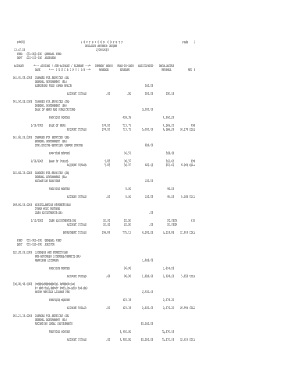
06% COLL
The document is a detailed revenue ledger for Jefferson County, dated February 28, 2003. It outlines various revenue sou ...
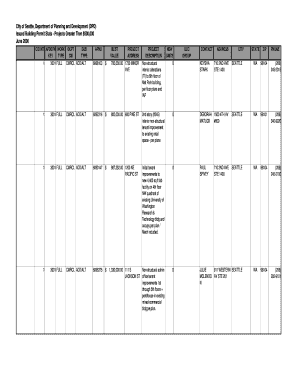
Issued Building Permit Stats - Projects Greater Than $500,000
The document provides a detailed report from the City of Seattle's Department of Planning and Development (DPD) on build ...
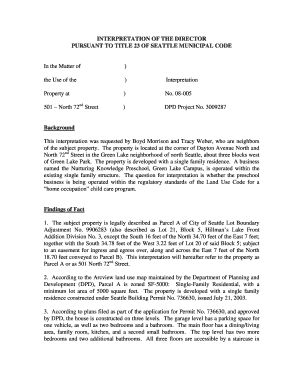
INTERPRETATION OF THE DIRECTOR - Seattle Home - seattle
The document is an interpretation by the Seattle Department of Planning and Development regarding the operation of a pre ...