




Here's how it works

01. Edit your cms 20027 form online
Type text, add images, blackout confidential details, add comments, highlights and more.

02. Sign it in a few clicks
Draw your signature, type it, upload its image, or use your mobile device as a signature pad.

03. Share your form with others
Send cms 20027 via email, link, or fax. You can also download it, export it or print it out.
How to use or fill out Medicare Form with our platform

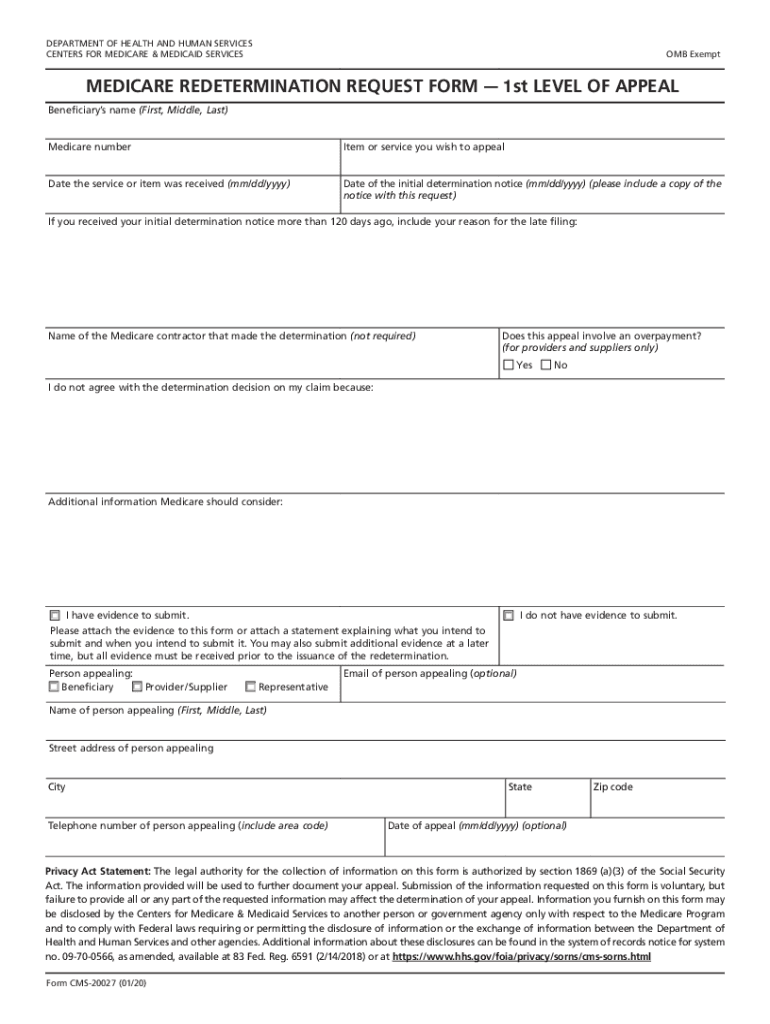
- Click ‘Get Form’ to open the Medicare Redetermination Request Form in the editor.
- Begin by entering the beneficiary’s name and Medicare number at the top of the form. This information is crucial for identifying the appeal.
- Specify the item or service you wish to appeal, along with the date it was received and the date of the initial determination notice. Ensure you attach a copy of this notice.
- If applicable, provide a reason for late filing if your initial determination notice was received over 120 days ago.
- Indicate whether this appeal involves an overpayment by selecting 'Yes' or 'No'.
- In the section provided, explain why you disagree with the determination decision and include any additional information that Medicare should consider.
- Decide if you have evidence to submit. If so, attach it to this form or describe what you will submit later.
- Fill in your personal details as the person appealing, including name, address, email (optional), and telephone number.
- Finally, review all entered information for accuracy before submitting your appeal through our platform.
Start using our platform today to easily complete your Medicare form online for free!
Fill out medicare form online
It's free
Security and compliance
At DocHub, your data security is our priority. We follow HIPAA, SOC2, GDPR, and other standards, so you can work on your documents with confidence.
Learn more


Related forms
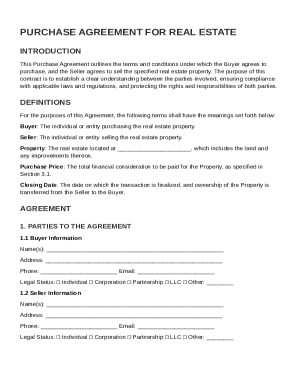
Purchase Of Real Estate Contract Template
The document is a Purchase Agreement for real estate, detailing the terms and conditions under which a Buyer agrees to p ...

Room Let Agreement Template
The Room Let Agreement outlines the terms and conditions for renting a room between a Landlord and a Tenant. It includes ...
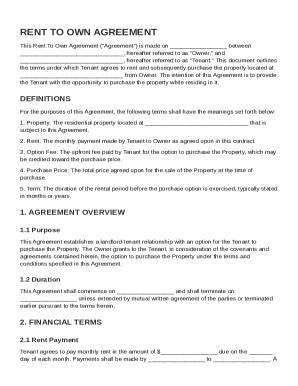
Real Estate Rent To Own Contract Template
The Rent To Own Agreement outlines the terms between an Owner and a Tenant for renting and potentially purchasing a resi ...
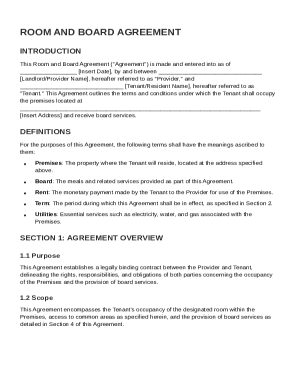
Room and Board Agreement Template
The Room and Board Agreement is a legal contract between a Provider and Tenant outlining the terms of occupancy and boar ...
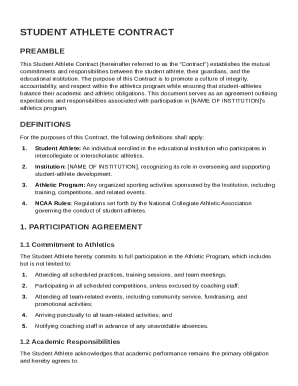
Student Athlete Contract Template
The Student Athlete Contract outlines the commitments and responsibilities of student athletes, their guardians, and the ...
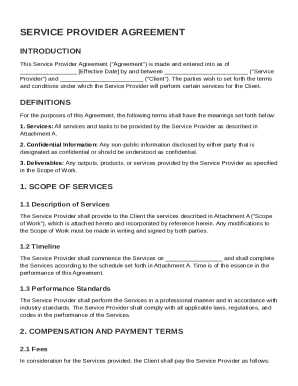
Service Provider Agreement Template
The Service Provider Agreement outlines the terms and conditions under which a Service Provider will deliver specified s ...
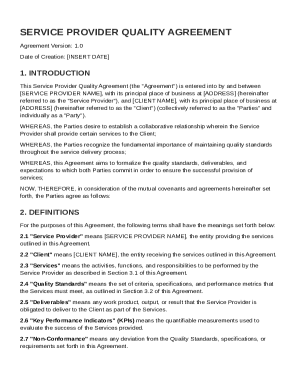
Service Provider Quality Agreement Template
The Service Provider Quality Agreement formalizes the relationship between a service provider and a client, outlining th ...
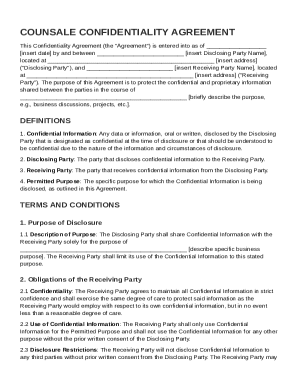
CounSale Confidentiality Agreement Template
The document is a Confidentiality Agreement between a Disclosing Party and a Receiving Party, aimed at protecting confid ...