




Here's how it works

01. Edit your vodafone site dochub com online
Type text, add images, blackout confidential details, add comments, highlights and more.

02. Sign it in a few clicks
Draw your signature, type it, upload its image, or use your mobile device as a signature pad.

03. Share your form with others
Send it via email, link, or fax. You can also download it, export it or print it out.
How to use or fill out sba interest arc with our platform

- Click ‘Get Form’ to open the sba interest arc in the editor.
- Begin by filling out the borrower information section. Ensure that all details such as name, address, and contact information are accurate.
- Next, navigate to the loan details section. Here, input the original loan amount and any adjustments based on eligibility for increases as outlined in the SBA guidelines.
- In the documentation field, attach any required supporting documents that validate your request for a loan increase or reapplication.
- Review all entered information carefully. Use our platform's editing tools to make any necessary corrections before finalizing your submission.
- Once satisfied with your entries, click ‘Submit’ to send your completed form directly through our platform for processing.
Start using our platform today to streamline your sba interest arc form completion!
Fill out sba interest arc online
It's free
Security and compliance
At DocHub, your data security is our priority. We follow HIPAA, SOC2, GDPR, and other standards, so you can work on your documents with confidence.
Learn more


Related forms
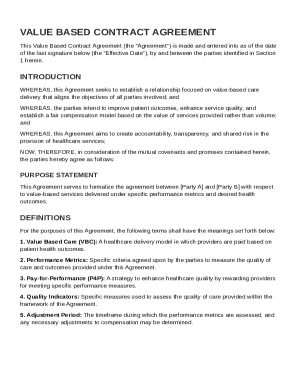
Value Based Contract Template
The Value Based Contract Agreement establishes a partnership between two parties focused on delivering value-based healt ...
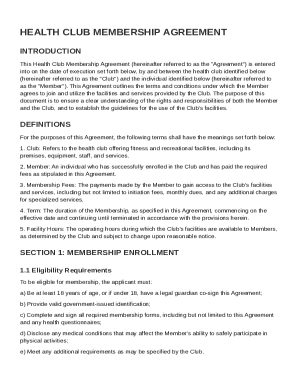
Health Club Contract Template
The Health Club Membership Agreement outlines the terms and conditions for individuals joining a health club, detailing ...
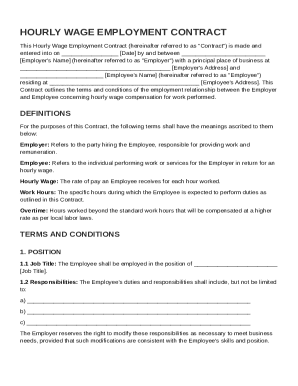
Hourly Wage Contract Template
The document is an Hourly Wage Employment Contract outlining the terms of employment between an Employer and Employee, i ...
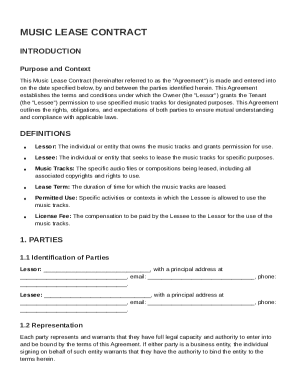
Music Leas Contract Template
The Music Lease Contract outlines the terms and conditions under which a Lessor grants a Lessee permission to use specif ...
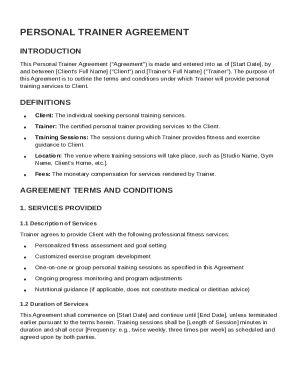
Personal Trainer Agreement Template
The Personal Trainer Agreement outlines the terms and conditions between a Client and a Trainer for personal training se ...
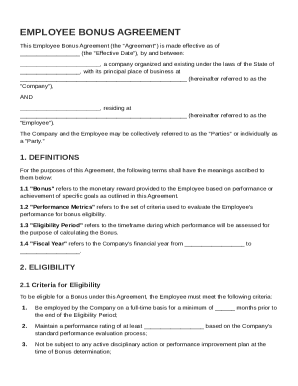
Employee Bonus Agreement Template
The Employee Bonus Agreement outlines the terms and conditions under which an employee may receive a bonus based on perf ...
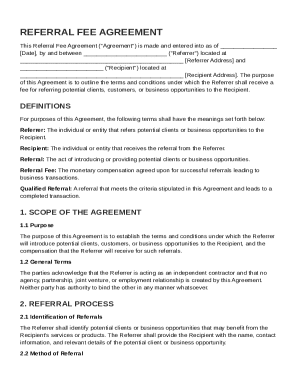
Referral Fee Contract Template
The Referral Fee Agreement outlines the terms and conditions under which a Referrer will receive compensation for referr ...
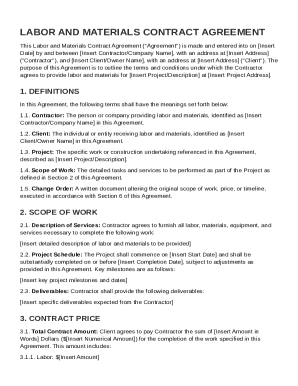
Labor And Materials Contract Template
The document is a Labor and Materials Contract Agreement between a Contractor and a Client, outlining the terms for prov ...