
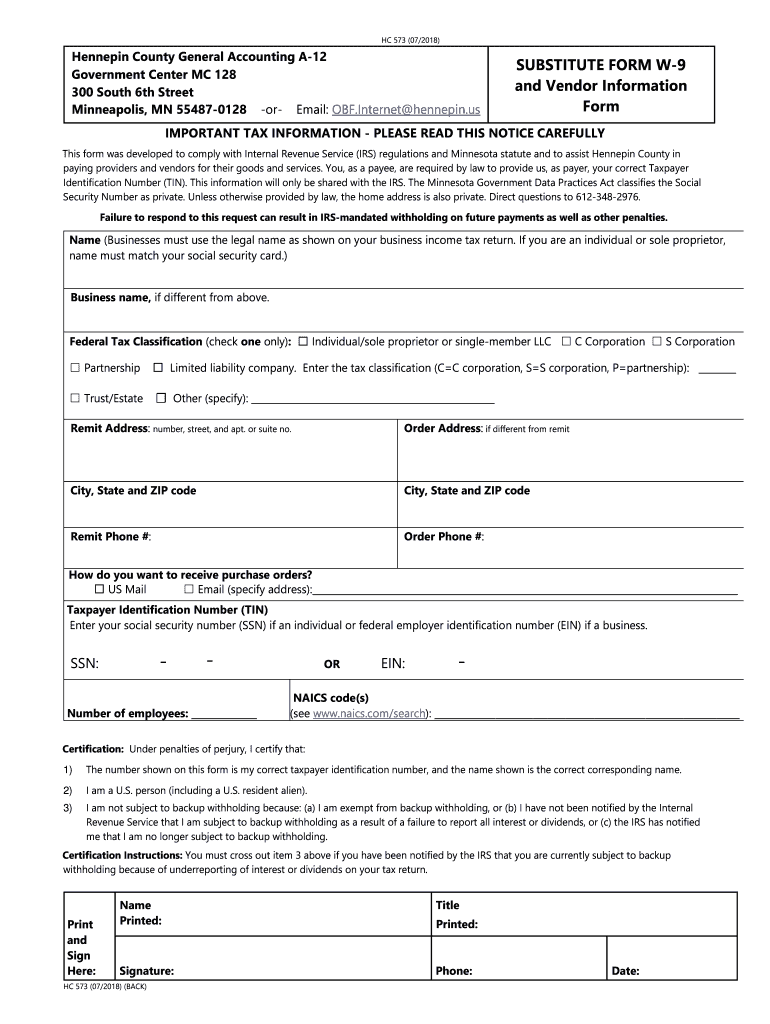




Here's how it works

01. Edit your w9 online
Type text, add images, blackout confidential details, add comments, highlights and more.

02. Sign it in a few clicks
Draw your signature, type it, upload its image, or use your mobile device as a signature pad.

03. Share your form with others
Send w9 form mn via email, link, or fax. You can also download it, export it or print it out.
How to use or fill out state of Minnesota W-9 form with our platform

- Click ‘Get Form’ to open the state of Minnesota W-9 form in the editor.
- Begin by entering your name as it appears on your tax return. If you are a business, ensure it matches your legal name.
- If applicable, provide your business name in the designated field. Select your federal tax classification by checking the appropriate box.
- Fill in your remit address and order address if they differ. Include city, state, and ZIP code for both addresses.
- Enter your Taxpayer Identification Number (TIN). If you are an individual, input your Social Security Number (SSN); businesses should enter their Employer Identification Number (EIN).
- Complete the certification section by confirming that the information provided is accurate and sign where indicated.
Start using our platform today to fill out your Minnesota W-9 form easily and for free!
Fill out state of minnesota w 9 form online
It's free
It's free
See more state of minnesota w 9 form versions
We've got more versions of the state of minnesota w 9 form form. Select the right state of minnesota w 9 form version from the list and start editing it straight away!
Security and compliance
At DocHub, your data security is our priority. We follow HIPAA, SOC2, GDPR, and other standards, so you can work on your documents with confidence.
Learn more


Related forms
Florida Marital Settlement Agreement
The document provides instructions for completing the Marital Settlement Agreement for Simplified Dissolution of Marriag ...
Administrator Morefield, Deputy City Administrator Martin, Assistant City Administrator
The McHenry City Council held a regular meeting on October 1, 2012, where they discussed and approved a First Amendment ...
Roll Call: President Michael Gorman Trustee Jean Sussman Trustee Ben Sells Trustee James Reynolds Tr
Roll Call: President Michael Gorman Trustee Jean Sussman Trustee Ben Sells Trustee James Reynolds Tr
The document is the minutes from the Village of Riverside Board of Trustees regular meeting held on March 5, 2012. It in ...
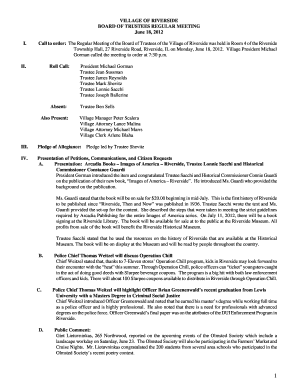
Roll Call: President Michael Gorman Trustee Jean Sussman Trustee James Reynolds Trustee Mark Shevitz
Roll Call: President Michael Gorman Trustee Jean Sussman Trustee James Reynolds Trustee Mark Shevitz
The document is the minutes of the Village of Riverside Board of Trustees regular meeting held on June 18, 2012. It incl ...
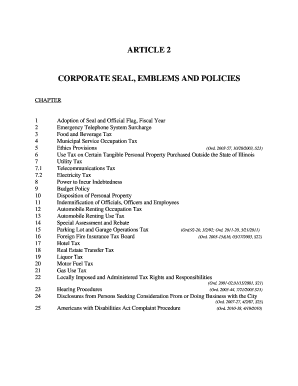
Article 2 corporate seal, emblems and policies - City of Park Ridge - parkridge
The document outlines the corporate seal, emblems, and policies of the City of Park Ridge, detailing various chapters th ...
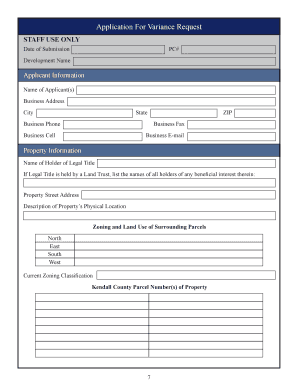
Application for Variance Request
The document outlines the application process for a variance request in the United City of Yorkville, Illinois. It expla ...

Circus License
The document outlines the application process and requirements for obtaining a circus license in Bloomington. It details ...

Thomas M Menino, Mayor Who Led Boston's Renaissance, Is
The document is the June 2013 issue of 'Boston Seniority,' published by the City of Boston's Commission on Affairs of th ...