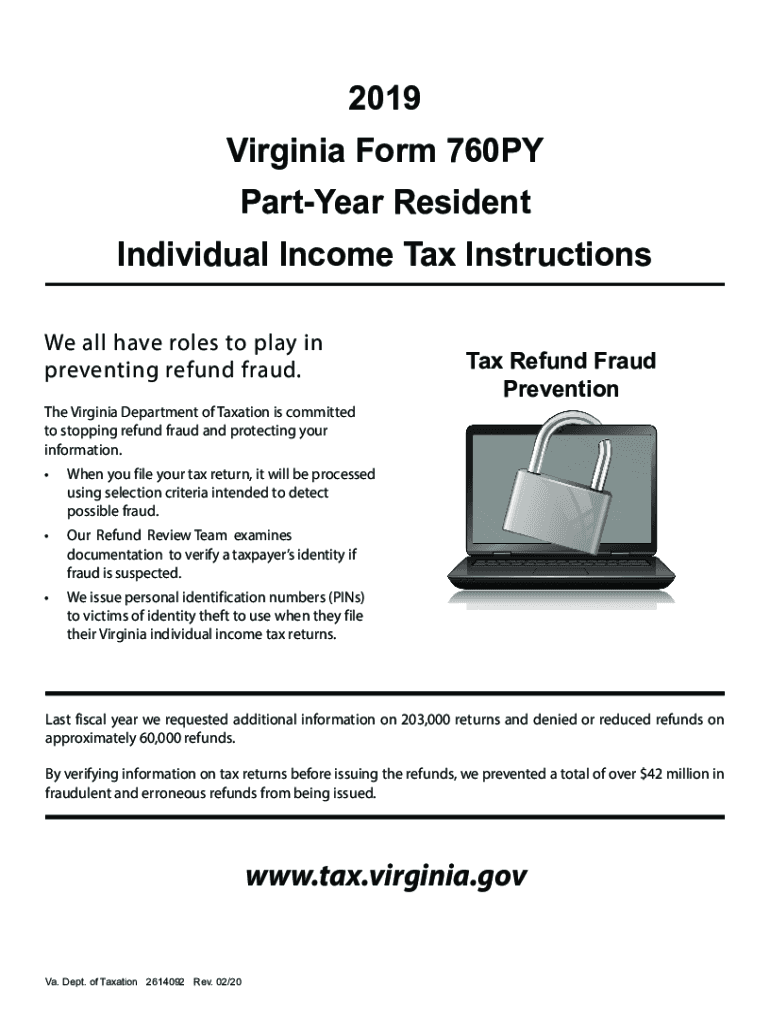
2019 va instructions form-2025

Get Form
2019 va instructions form Preview on Page 1

Here's how it works

01. Edit your form online
Type text, add images, blackout confidential details, add comments, highlights and more.
02. Sign it in a few clicks
Draw your signature, type it, upload its image, or use your mobile device as a signature pad.
03. Share your form with others
Send it via email, link, or fax. You can also download it, export it or print it out.

How to use or fill out 2019 VA Instructions Form with DocHub

Form edit decoration
9.5
Ease of Setup
DocHub User Ratings on G2
9.0
Ease of Use
DocHub User Ratings on G2
  1. Click ‘Get Form’ to open the 2019 VA Instructions Form in our platform's editor.
  2. Begin by entering your personal information in the designated fields, including your name, address, and Social Security Number (SSN). Ensure accuracy as this information is crucial for processing.
  3. Proceed to the Filing Information section. Select your filing status and check any applicable boxes regarding dependents or amendments.
  4. In the Income section, report all sources of income accurately. Use the provided lines to detail wages, interest, dividends, and other income types.
  5. Complete the Deductions section by entering any eligible deductions you wish to claim. Refer to the instructions for guidance on what qualifies.
  6. Review all entries for accuracy before submitting. Utilize our platform’s features to save your progress and make edits as needed.

Start using our platform today for free to simplify filling out your 2019 VA Instructions Form!

See more 2019 va instructions form versions

We've got more versions of the 2019 va instructions form form. Select the right 2019 va instructions form version from the list and start editing it straight away!
Versions Form popularity Fillable & printable
2023 4.5 Satisfied (43 Votes)
2022 4.3 Satisfied (37 Votes)
2021 4.8 Satisfied (128 Votes)
2020 4.3 Satisfied (134 Votes)
2019 4.4 Satisfied (674 Votes)
2019 4.4 Satisfied (959 Votes)
2018 4.3 Satisfied (41 Votes)
2016 4.4 Satisfied (223 Votes)
2012 4 Satisfied (37 Votes)
be ready to get more

Complete this form in 5 minutes or less

Get form

Got questions?

We have answers to the most popular questions from our customers. If you can't find an answer to your question, please contact us.
Contact us
Taxpayers usually have three years to file and claim their tax refunds. The three-year deadline for filing 2019 returns to claim a refund was in 2022, but the IRS postponed the deadline to July 17, 2023, due to the COVID-19 pandemic.
The law requires taxpayers to properly address, mail and ensure the tax return is postmarked by July 17, 2023.
If you are due a refund for withholding or estimated taxes, you must file your return to claim it within 3 years of the return due date. The same rule applies to a right to claim tax credits such as the Earned Income Credit.
How IRS Free File offers work Choose a Free File option from .IRS.gov. IRS Free File sends you directly to the IRS partners website to create an account. Prepare and file your federal tax return. Get an email when the IRS has accepted your return.
You can no longer e-file tax returns for Tax Year 2019 (January 1 - December 31, 2019). You can no longer claim a 2019 refund as this expired on July 15, 2023.
be ready to get more

Complete this form in 5 minutes or less

Get form

People also ask

Generally, to claim a refund, you must file an amended return within 3 years after the date you filed your original return or 2 years after the date you paid the tax, whichever is later. If you filed early, count from the April tax deadline.
The IRS can usually assess tax, by law, within 3 years after your return was due, including extensions, or if you filed late within 3 years after we received your return, whichever is later. This time period is called the Assessment Statute Expiration Date (ASED).
You may request or download Virginia State Income Tax forms online from the Virginia Department of Taxation or by calling 804-440-2541.

Related links