




Here's how it works

01. Edit your dochub com fillable form online
Type text, add images, blackout confidential details, add comments, highlights and more.

02. Sign it in a few clicks
Draw your signature, type it, upload its image, or use your mobile device as a signature pad.

03. Share your form with others
Send site dochub com aetna via email, link, or fax. You can also download it, export it or print it out.
How to use or fill out medical claim form with our platform

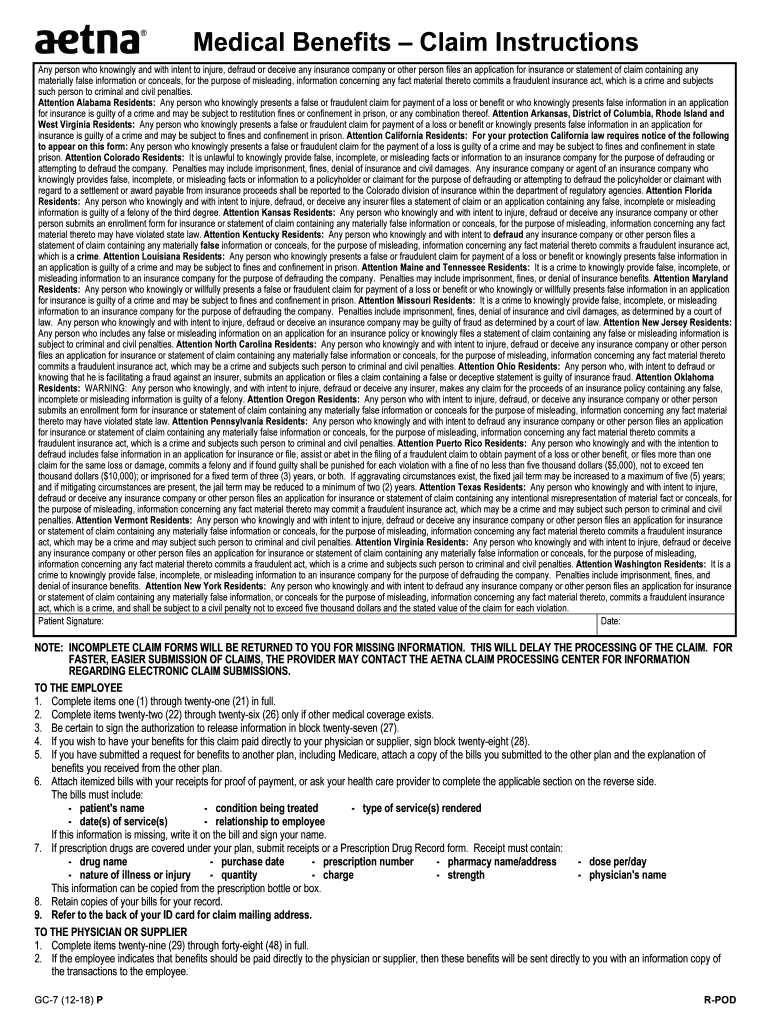
- Click ‘Get Form’ to open the medical claim form in the editor.
- Begin by filling out the employee's information, including name, Aetna ID number, and birthdate. Ensure all details are accurate to avoid delays.
- Provide the patient's information in sections 9 through 13. This includes their relationship to the employee and any relevant medical coverage.
- Complete items 22 through 26 only if there is other medical coverage. This helps in processing claims efficiently.
- Sign the authorization to release information in block 27. This is crucial for your claim to be processed.
- If you want benefits paid directly to your physician, sign block 28. Attach itemized bills and receipts as proof of payment.
- Review all entries for completeness before submitting. Incomplete forms will be returned, delaying your claim.
Start using our platform today for free and streamline your medical claim submissions!
Fill out medical claim form online
It's free
See more medical claim form versions
We've got more versions of the medical claim form form. Select the right medical claim form version from the list and start editing it straight away!
Security and compliance
At DocHub, your data security is our priority. We follow HIPAA, SOC2, GDPR, and other standards, so you can work on your documents with confidence.
Learn more


Related forms

Muniment of title form tennessee
The document is an Order of Probate from the Chancery Court of Hamilton County, Tennessee, admitting a Last Will and Tes ...

Telstra bereavement support
The document is an application form for Telstra's Bereavement Support services, designed to assist representatives of de ...

SBRB Member ID #:
The document is a Change of Address Form for members of the Boston Retirement Board, allowing them to update their perso ...
Gtaa pass office raic
The document is a guide for Toronto Pearson Airport employees detailing the process to obtain Transportation Security Cl ...

HISTOPATHOLOGY REQUEST FORM
The document is a histopathology request form used by the Cellular Pathology department at Queen Elizabeth Hospital, Bir ...
Form jotform 83366485500156Soteria House Residency Application - Jotform
The document is a residency application for Soteria House, requiring personal information from the applicant, including ...

Medicare Forms To Sign, Complete,and Return
The document is a Discussion Period Request Form for providers/suppliers to request a 30-day period to submit additional ...
PDF Horse Lease Agreement - Liverystable - liverystable
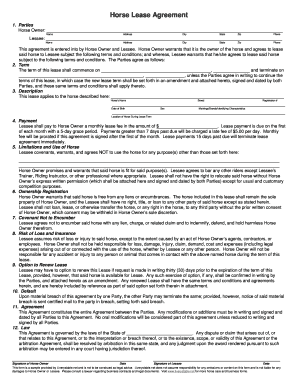
The document is a Horse Lease Agreement between a Horse Owner and a Lessee, outlining the terms and conditions for leasi ...