Sample Organizational Minutes for a Nebraska Professional Corporation - Nebraska 2026

Get Form
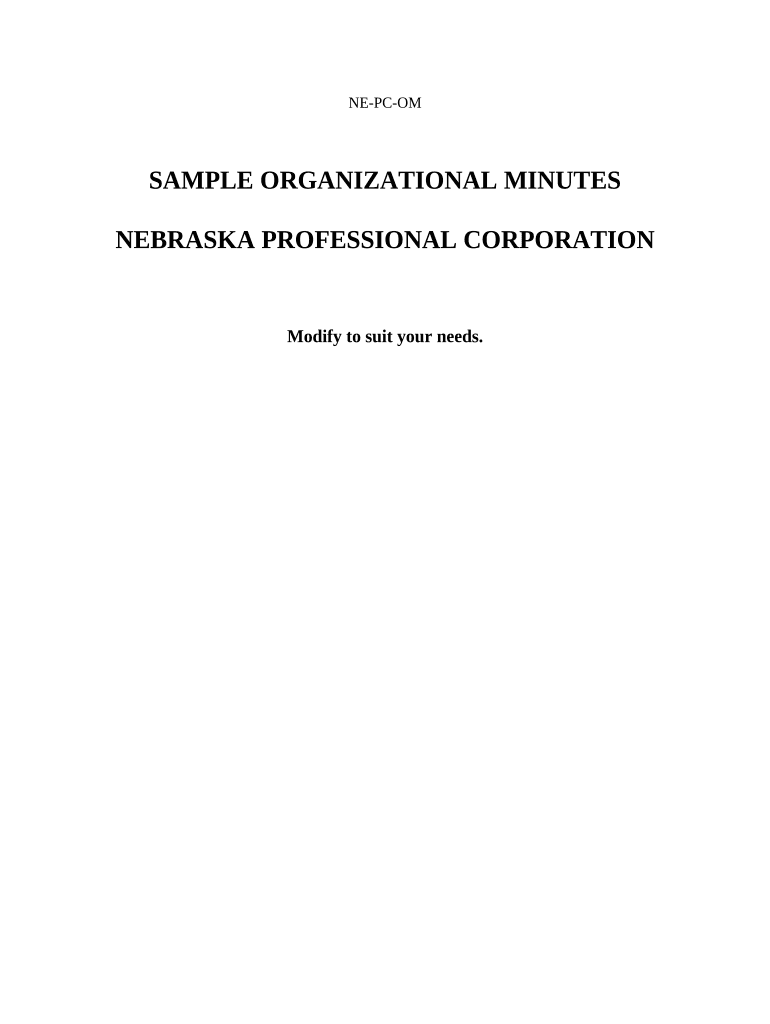
Sample Organizational Minutes for a Nebraska Professional Corporation - Nebraska Preview on Page 1

Here's how it works

01. Edit your form online
Type text, add images, blackout confidential details, add comments, highlights and more.
02. Sign it in a few clicks
Draw your signature, type it, upload its image, or use your mobile device as a signature pad.
03. Share your form with others
Send it via email, link, or fax. You can also download it, export it or print it out.

How to use or fill out Sample Organizational Minutes for a Nebraska Professional Corporation - Nebraska with DocHub

Form edit decoration
9.5
Ease of Setup
DocHub User Ratings on G2
9.0
Ease of Use
DocHub User Ratings on G2
  1. Click ‘Get Form’ to open the Sample Organizational Minutes in our editor.
  2. Begin by entering the 'Name of Corporation' at the top of the document. This is essential for identifying your corporation.
  3. Proceed to fill in the 'Minutes for Organizational Meeting' section, ensuring you include all necessary details about the actions taken by Incorporators, Shareholders, and Directors.
  4. In the 'Election of Directors' section, list each director's name and address. Ensure that there is at least one director listed.
  5. Complete the 'Approval of Articles of Incorporation' section by providing the date when these articles were filed with the Nebraska Secretary of State.
  6. Fill out the 'Election of Officers' section by naming individuals for key positions such as President and Secretary.
  7. Review all entries for accuracy before saving or exporting your completed document. Our platform allows you to easily share or print your finalized minutes.

Start using our platform today to streamline your document editing and ensure your organizational minutes are completed efficiently!

be ready to get more

Complete this form in 5 minutes or less

Get form

Got questions?

We have answers to the most popular questions from our customers. If you can't find an answer to your question, please contact us.
Contact us

Microsoft Word doesn’t have signing tools to create valid eSignatures and enforceable paperwork. Luckily, DocHub is an online eSignature-compliant editor that works with different document formats, including .doc files. Sign in to your account and add the Word edition of your Sample Organizational Minutes for a Nebraska Professional Corporation - Nebraska from your device and cloud, or URL - our editor will automatically transform it into an editable PDF. Make all necessary adjustments in your form and click Sign to create your own legally-binding eSignature. You will find four signing options from which to choose.

It is a no-brainer on a computer or via a mobile device to fill out a Sample Organizational Minutes for a Nebraska Professional Corporation - Nebraska with DocHub. All you need to do is open any installed internet browser on your smartphone and go to the DocHub site. Once authenticated, add your document and open it in editing mode. Use our toolbar to make your edits and save modifications. Optionally, keep your document in your files or send it to a recipient immediately.

How to write meeting minutes Organization name. Meeting purpose. Start and end times. Date and location. List of attendees and absentees, if necessary. Space for important information like motions passed or deadlines given. Space for your signature and the meeting leaders signature.
How do you write minutes for a general meeting? Start with an outline. Note the date, time, location, and attendance. Jot down the discussions and decisions made. Create an action items list. Include the next meetings information. Attach any relevant documents or reports. Review and finalize.
Meeting Minutes Template: Organization Name. Meeting Minutes. Date: Opening: The meeting was called to order at [Time] by [Name] at [Location]. Present: [List of all present members] Absent: [List of any members who were not present] Approval of Agenda: The agenda was reviewed and approved. Approval of Minutes:

Security and compliance

At DocHub, your data security is our priority. We follow HIPAA, SOC2, GDPR, and other standards, so you can work on your documents with confidence.

Learn more
ccpa2
pci-dss
gdpr-compliance
hipaa
soc-compliance
be ready to get more

Complete this form in 5 minutes or less

Get form

People also ask

ChatGPT can be used to generate meeting notes and minutes by transcribing virtual meetings and pulling key details like attendees, agenda items, decisions, and action items.
When taking minutes for a general meeting, you dont need to make a note of everything thats said. Instead, youll just need to record the key events of the meeting. This means the details of any resolutions, objections, and results of any votes will need to be recorded.
Corporate meeting minutes serve as your companys official memory the legally recognized record of what happened, who attended, and what decisions your management team made.

Related links