Sample Annual Minutes for a Nebraska Professional Corporation - Nebraska 2026

Get Form
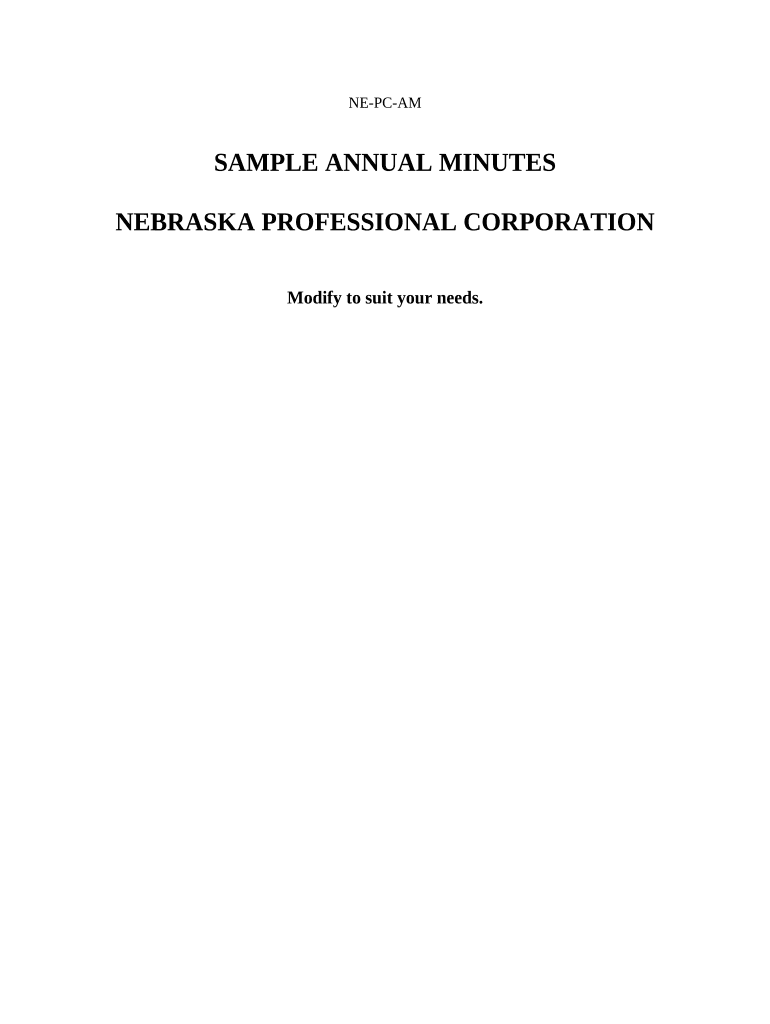
Sample Annual Minutes for a Nebraska Professional Corporation - Nebraska Preview on Page 1

Here's how it works

01. Edit your form online
Type text, add images, blackout confidential details, add comments, highlights and more.
02. Sign it in a few clicks
Draw your signature, type it, upload its image, or use your mobile device as a signature pad.
03. Share your form with others
Send it via email, link, or fax. You can also download it, export it or print it out.

How to use or fill out Sample Annual Minutes for a Nebraska Professional Corporation - Nebraska with DocHub

Form edit decoration
9.5
Ease of Setup
DocHub User Ratings on G2
9.0
Ease of Use
DocHub User Ratings on G2
  1. Click ‘Get Form’ to open the Sample Annual Minutes document in our editor.
  2. Begin by entering the 'Name of Corporation' at the top of the document. This identifies your corporation and is essential for legal purposes.
  3. In the section titled 'MINUTES OF ANNUAL ACTIONS TAKEN', ensure you accurately describe the actions taken by shareholders and directors, reflecting any decisions made during the year.
  4. Fill in the 'Election of Directors' section by listing each director's name and address. Ensure there is at least one director listed.
  5. Proceed to 'Election of Officers'. Here, specify the names and offices of elected officers, ensuring that you have a President and Secretary designated.
  6. Complete the 'Payment of Expenses' resolution by confirming approval for corporate expenses as outlined.
  7. Finally, gather signatures from all shareholders and directors in the designated area to validate these minutes. Make sure to include the date of meeting.

Start using our platform today to streamline your document editing process for free!

be ready to get more

Complete this form in 5 minutes or less

Get form

Got questions?

We have answers to the most popular questions from our customers. If you can't find an answer to your question, please contact us.
Contact us

If you frequently work with documents kept in your Google Drive, DocHub is a perfect option for you to easily and quickly fill out, modify, and sign them. This editor integrates properly with Google services, so you can export your Sample Annual Minutes for a Nebraska Professional Corporation - Nebraska from your Google Drive to the editor without downloading and re-uploading it. Right-click on your file, select Open With → DocHub PDF Sign and Edit. In our editor, add and assign Signature Fields for all parties involved, then click on the Menu button above → Send → decide on how you want to share your paperwork.

With a swift editing system like DocHub, you do not require anything but a browser and connection to the internet to edit your Sample Annual Minutes for a Nebraska Professional Corporation - Nebraska online quickly. Upload your document or get the relevant form in DocHub’s catalog, open our editor with one click, and finish it electronically. To edit your forms at any time, register a free account with DocHub.

How do you write minutes for a general meeting? Start with an outline. Note the date, time, location, and attendance. Jot down the discussions and decisions made. Create an action items list. Include the next meetings information. Attach any relevant documents or reports. Review and finalize.
Corporate meeting minutes serve as your companys official memory the legally recognized record of what happened, who attended, and what decisions your management team made.
Information captured in an LLCs annual meeting minutes usually includes: The meetings date, time, and location. Who wrote the minutes. The names of the members in attendance. Brief description of the meeting agenda. Details about what the members discussed. Decisions made or voting actions taken.

Security and compliance

At DocHub, your data security is our priority. We follow HIPAA, SOC2, GDPR, and other standards, so you can work on your documents with confidence.

Learn more
ccpa2
pci-dss
gdpr-compliance
hipaa
soc-compliance

People also ask

Corporate minutes FAQs No, corporate minutes dont need to be docHubd. You just need to make sure theyre accurate and signed by the appropriate officer, usually the corporate secretary.
ChatGPT can be used to generate meeting notes and minutes by transcribing virtual meetings and pulling key details like attendees, agenda items, decisions, and action items.
How to write meeting minutes Organization name. Meeting purpose. Start and end times. Date and location. List of attendees and absentees, if necessary. Space for important information like motions passed or deadlines given. Space for your signature and the meeting leaders signature.

Related links