Site Work Contractor Package - North Dakota 2026

Get Form
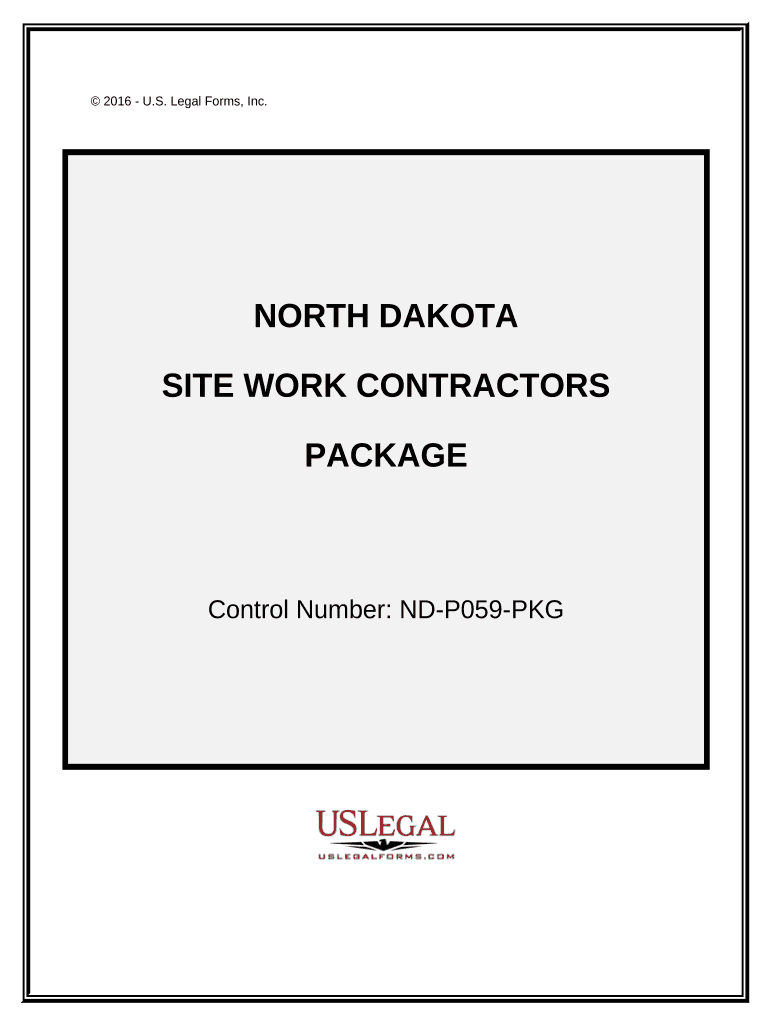
Site Work Contractor Package - North Dakota Preview on Page 1

Here's how it works

01. Edit your form online
Type text, add images, blackout confidential details, add comments, highlights and more.
02. Sign it in a few clicks
Draw your signature, type it, upload its image, or use your mobile device as a signature pad.
03. Share your form with others
Send it via email, link, or fax. You can also download it, export it or print it out.

How to use or fill out Site Work Contractor Package - North Dakota with our platform

Form edit decoration
9.5
Ease of Setup
DocHub User Ratings on G2
9.0
Ease of Use
DocHub User Ratings on G2
  1. Click ‘Get Form’ to open the Site Work Contractor Package in the editor.
  2. Begin with the 'Site Work Contract - Cost Plus or Fixed Fee' section. Fill in the contractor's name, project details, and payment terms. Ensure all information complies with North Dakota laws.
  3. Next, navigate to the 'Change Order Sheet'. Here, you can amend any original contract details. Clearly specify changes and obtain necessary signatures.
  4. Complete the 'Certificate of Completion' by entering project completion dates and signatures from both parties to certify that all work is satisfactorily completed.
  5. Utilize the 'Bid Log' to track outstanding bids. Input due dates, bid prices, and statuses for each bid submitted.
  6. Fill out the 'Worker Safety and Health Plan' ensuring compliance with OSHA regulations. This is crucial for maintaining workplace safety standards.
  7. Finally, review all sections for accuracy before saving your document. Use our platform’s features to sign and distribute your completed forms easily.

Start using our platform today for free to streamline your document editing and signing process!

be ready to get more

Complete this form in 5 minutes or less

Get form

Got questions?

We have answers to the most popular questions from our customers. If you can't find an answer to your question, please contact us.
Contact us
A work package is a group of related tasks within a project. Because they look like projects themselves, they are often thought of as sub-projects within a larger project. Work packages are the smallest unit of work that a project can be broken down into when creating your Work Breakdown Structure (WBS).
Contractors packages are specifically tailored to provide necessary coverage for your business. This typically provides blanket additional insured, aggregate per project, installation floater, builders risk, and other specialized coverage for contractors.
The work package represents a defined deliverable or a specific project phase. Example: A work package when building a house could be the building plan approvals or the building foundation completions. Each of these deliverables represents project milestones.
The owner of the work package build a landing page might be the web development company. Work package owners are responsible for making sure that each task is completed on time and within budget. Also, when you assign an owner to a work package, it provides accountability and responsibility for its completion.
In construction, site work includes the scope of work related to the exterior of a project. Surveying, clearing, excavation, grading, site utilities, paving, concrete work, and landscaping all fall into the site work realm. In short, site work prepares the land to build a physical structure.

Security and compliance

At DocHub, your data security is our priority. We follow HIPAA, SOC2, GDPR, and other standards, so you can work on your documents with confidence.

Learn more
ccpa2
pci-dss
gdpr-compliance
hipaa
soc-compliance

People also ask

An example of a work package is construction. There are different teams, painters, masons, plumbers, and handymen. A project manager leads the teams, and each team is given their leader, specific work, a specific schedule, and how long they should take to complete their jobs.

Related links