




01. Edit your pa1s online
Type text, add images, blackout confidential details, add comments, highlights and more.

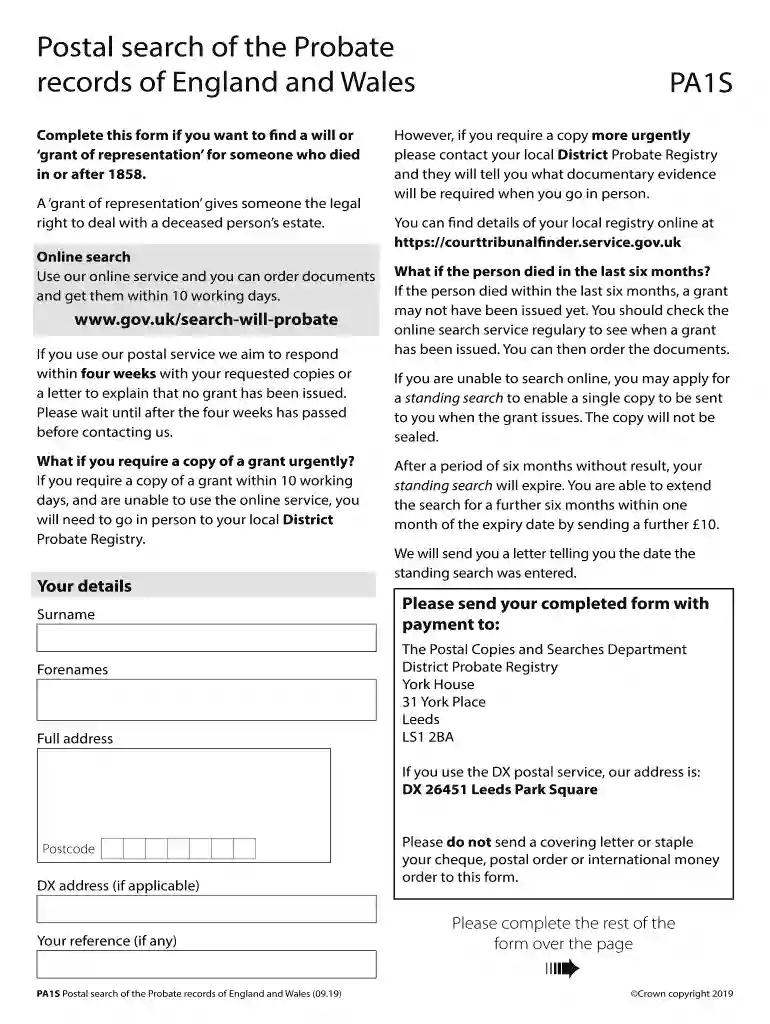
Type text, add images, blackout confidential details, add comments, highlights and more.

Draw your signature, type it, upload its image, or use your mobile device as a signature pad.

Send pa1s form online via email, link, or fax. You can also download it, export it or print it out.

Start using our platform today to fill out your pa1s form easily and efficiently!
At DocHub, your data security is our priority. We follow HIPAA, SOC2, GDPR, and other standards, so you can work on your documents with confidence.
This conversion changes the power transistor form Class C to. biased on Class B operation. The transistor is not under warranty as weve already explainedRead more
Sec. 12-495. Payment of tax. Endorsement. The tax imposed by this chapter shall be payable by the person conveying the property upon the recording of eachRead more


