FAR commercial item definitionFAR commercial servicesFAR commercial item determinationCommercial item determination ChecklistC type vs D type contractTypes of government contracts for small businessAcquisition of commercial products and services can be used as a contracting methodFAR 2.101 commercial service definition
Security and compliance
At DocHub, your data security is our priority. We follow HIPAA, SOC2, GDPR, and other standards, so you can work on your documents with confidence.
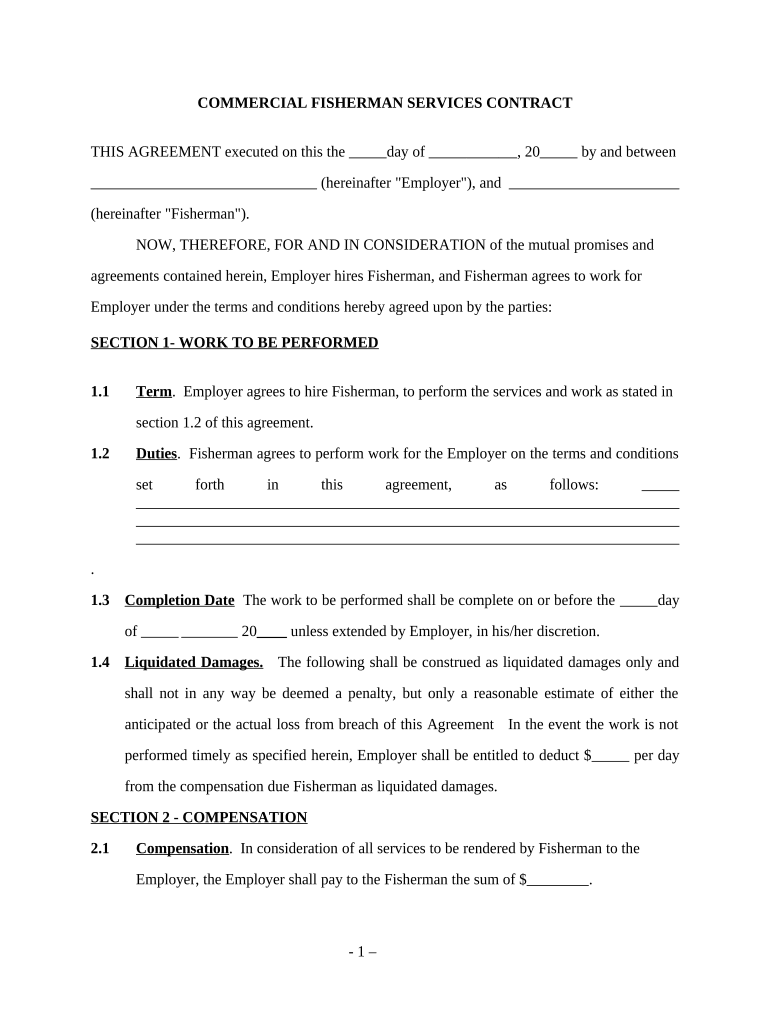
This part prescribes policies and procedures unique to the acquisition of commercial products, including commercial components, and commercial services.Read more
Jan 19, 2022 In this beginners guide, we break down everything you need to know about consultancy procurement. Well give you an overview of the key steps involved.Read more
Cookie consent notice
This site uses cookies to enhance site navigation and personalize your experience.
By using this site you agree to our use of cookies as described in our Privacy Notice.
You can modify your selections by visiting our Cookie and Advertising Notice.