




Here's how it works

01. Edit your opm form 2809 fillable online
Type text, add images, blackout confidential details, add comments, highlights and more.

02. Sign it in a few clicks
Draw your signature, type it, upload its image, or use your mobile device as a signature pad.

03. Share your form with others
Send site dochub com james gordon via email, link, or fax. You can also download it, export it or print it out.
How to use or fill out 1203 fx form with our platform

- Click ‘Get Form’ to open the 1203 fx form in the editor.
- Begin by entering your Social Security number and Vacancy identification number in the designated fields. Ensure accuracy as this information is crucial for processing your application.
- Fill out your biographic data, including your first name, middle initial, last name, and address. Use block letters and avoid special characters for clarity.
- Provide your contact information, including telephone number and email address. Select your preferred contact time (day, night, or either) to facilitate communication.
- Indicate your employment availability by selecting options for full-time, part-time, or temporary work. Be sure to answer all relevant questions regarding travel requirements.
- Complete sections on citizenship status and background information as instructed. This may include gender and date of birth.
- Continue filling out occupational specialties and job-related experience based on the vacancy announcement instructions provided.
- Review all entries for accuracy before submitting. Once completed, download or save the form directly from our platform for submission.
Start using our platform today to fill out your 1203 fx form easily and efficiently!
Fill out 1203 fx form online
It's free
It's free
Got questions?
We have answers to the most popular questions from our customers. If you can't find an answer to your question, please contact us.
Contact us
What is a 1203 FX form?
The Occupational Questionnaire OPM Form 1203-FX is a scan form to be used by applicants when applying for employment. This cover sheet provides the instructions for completing the OPM Form 1203-FX as well as information on the Privacy Act and Public Burden Statements. The scan form itself consists of 6 pages.
Security and compliance
At DocHub, your data security is our priority. We follow HIPAA, SOC2, GDPR, and other standards, so you can work on your documents with confidence.
Learn more


Related forms
Form 940
The document provides detailed instructions for completing Form 940, the Employer's Annual Federal Unemployment (FUTA) T ...
Adoption non consent
The document is a petition for non-consent adoption filed in the Family Court of the Second Circuit, State of Hawai`i. I ...
Dv 200 info s
The document provides information on the legal process of serving court documents in cases of domestic violence in Calif ...
Il death benefits pursuant
The document is an application form for death benefits under the Line of Duty Compensation Act in Illinois. It requires ...
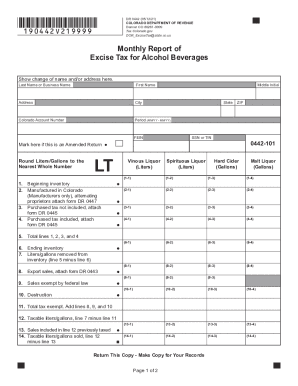
Colorado excise
The document is the Monthly Report of Excise Tax for Alcohol Beverages (Form DR 0442) issued by the Colorado Department ...
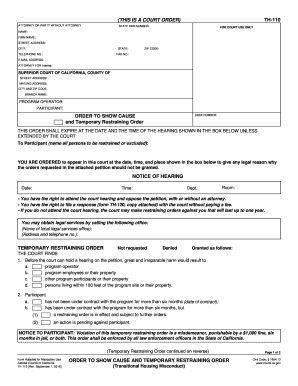
Show cause restraining
The document is a court order titled 'Order to Show Cause and Temporary Restraining Order' related to transitional housi ...
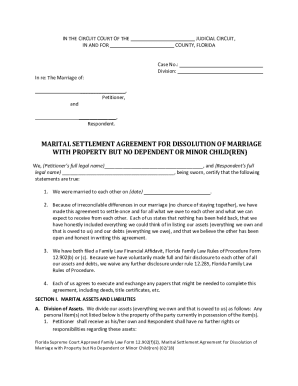
Florida 12 902 f form
The document provides instructions for completing the Florida Supreme Court Approved Family Law Form 12.902(f)(2), which ...
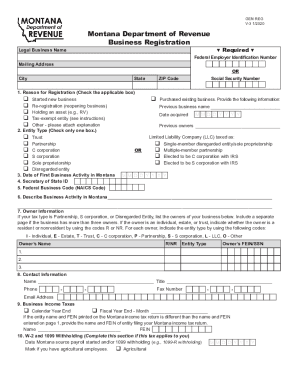
Montana business registration form
The document is a Business Registration Form from the Montana Department of Revenue, designed for individuals or entitie ...