Contract for Deed Package - West Virginia 2026

Get Form
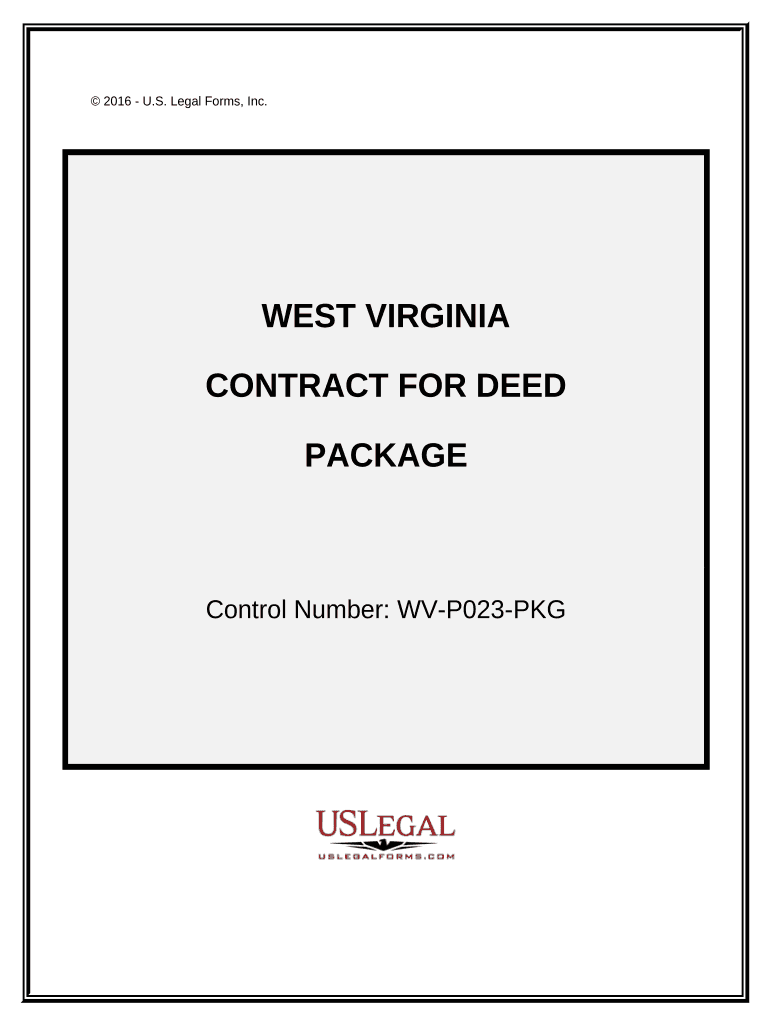
Contract for Deed Package - West Virginia Preview on Page 1

Here's how it works

01. Edit your form online
Type text, add images, blackout confidential details, add comments, highlights and more.
02. Sign it in a few clicks
Draw your signature, type it, upload its image, or use your mobile device as a signature pad.
03. Share your form with others
Send it via email, link, or fax. You can also download it, export it or print it out.

How to use or fill out Contract for Deed Package - West Virginia

Form edit decoration
9.5
Ease of Setup
DocHub User Ratings on G2
9.0
Ease of Use
DocHub User Ratings on G2
  1. Click ‘Get Form’ to open the Contract for Deed Package in our editor.
  2. Begin with the 'Contract for Deed' form. Fill in the Seller and Buyer information, including names and addresses. Ensure accuracy as this establishes the parties involved.
  3. Next, specify the property details, including its legal description and address. This is crucial for identifying the property being financed.
  4. Complete the financing terms section, detailing the purchase price, down payment, interest rate, and payment schedule. This informs both parties of their financial obligations.
  5. Proceed to fill out any additional forms included in the package as needed, such as 'Notice of Default' or 'Seller’s Disclosure of Financing Terms'. Each form serves a specific purpose in your transaction.
  6. Review all entered information for accuracy before saving or printing your completed forms. Our platform allows you to easily make edits if necessary.

Start using our platform today to complete your Contract for Deed Package efficiently and for free!

be ready to get more

Complete this form in 5 minutes or less

Get form

Got questions?

We have answers to the most popular questions from our customers. If you can't find an answer to your question, please contact us.
Contact us

Yes, and it’s really easy! DocHub is an online PDF editor with advanced document processing capabilities that allow you rapidly adjust your documents, complete blank fields and add new ones for other people to fill out, and create eSignatures in several ways. Upload your Contract for Deed Package - West Virginia, provide information as required, and select how you want to eSign your template - by typing your name, drawing your signature, uploading its picture, or using a QR code.

If you store your files in Google Drive, there is no need to download your Contract for Deed Package - West Virginia on your computer and upload it back to our editor. A significantly simpler way is to install a browser extension created by DocHub to simplify this flow. The extension allows editing PDFs right in your web browser. Alternatively, you can integrate your DocHub and Gmail accounts for more efficient editing.

Security and compliance

At DocHub, your data security is our priority. We follow HIPAA, SOC2, GDPR, and other standards, so you can work on your documents with confidence.

Learn more
ccpa2
pci-dss
gdpr-compliance
hipaa
soc-compliance
be ready to get more

Complete this form in 5 minutes or less

Get form