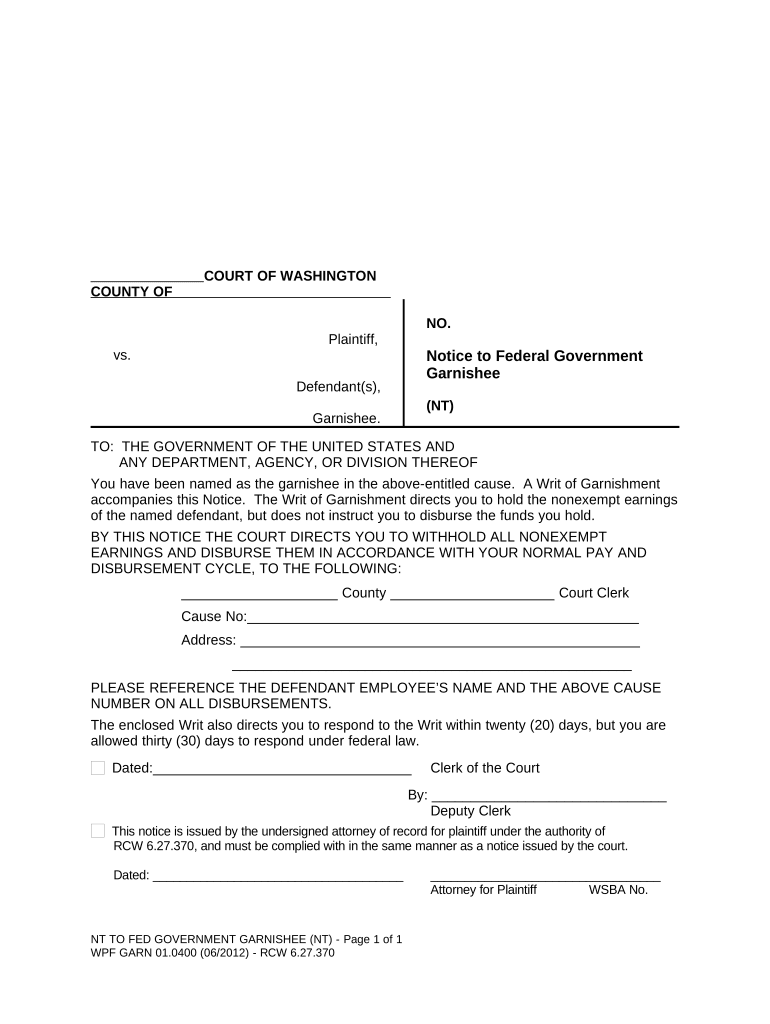
WPF GARN 01.0400 - Notice to Federal Government Garnishee - Washington-2026

Get Form
WPF GARN 01.0400 - Notice to Federal Government Garnishee - Washington Preview on Page 1

Here's how it works

01. Edit your form online
Type text, add images, blackout confidential details, add comments, highlights and more.
02. Sign it in a few clicks
Draw your signature, type it, upload its image, or use your mobile device as a signature pad.
03. Share your form with others
Send it via email, link, or fax. You can also download it, export it or print it out.

How to use or fill out WPF GARN 01.0400 - Notice to Federal Government Garnishee - Washington

Form edit decoration
9.5
Ease of Setup
DocHub User Ratings on G2
9.0
Ease of Use
DocHub User Ratings on G2
  1. Click ‘Get Form’ to open it in the editor.
  2. Begin by entering the case number at the top of the form, ensuring it matches the court records.
  3. Fill in the names of both the plaintiff and defendant in their respective fields, providing accurate details for clarity.
  4. In the section designated for garnishee information, include the name of the government agency or department being addressed.
  5. Complete the address fields with precise information to ensure proper delivery and compliance.
  6. Make sure to reference the defendant employee’s name and cause number on all disbursements as instructed.
  7. Finally, sign and date the document where indicated, ensuring that all required signatures are present before submission.

Start using our platform today to easily complete your WPF GARN 01.0400 form online for free!

be ready to get more

Complete this form in 5 minutes or less

Get form

Got questions?

We have answers to the most popular questions from our customers. If you can't find an answer to your question, please contact us.
Contact us
Creditors generally cannot garnish more than 25 percent of your disposable wages. Disposable wages are the earnings that remain after deducting all withholdings required by law, or any of your disposable wages if you make less than $380 per week. These limits do not apply to judgments for child support.
Steps to Take When You Receive a Wage Garnishment Notice Step 1: Understand the Notice. Step 2: Verify the Debt. Step 3: Know Your Rights. Step 4: Communicate with Your Employer. Step 5: Consider Negotiating with the Creditor. Lastly: Take Action After a Wage Garnishment Notice.
If a wage garnishment notice was sent to an old address, you may have grounds to dispute improper service. Contact the agency promptly to explain the situation and request documentation of the debt and garnishment process. You can negotiate payment plans or challenge the garnishment if you were not properly notified.
A creditor may not garnish more than 25% of your wages per pay period. For individuals earning minimum wage or near minimum wage, you must be left with an amount equal to 30 times the Maryland minimum hourly wage.
0:14 3:11 So if your employer informs you that the IRS is taking a portion of your paycheck. Thats a clearMoreSo if your employer informs you that the IRS is taking a portion of your paycheck. Thats a clear indication. You might also notice a docHub drop in your paycheck. Without any explanation.

Security and compliance

At DocHub, your data security is our priority. We follow HIPAA, SOC2, GDPR, and other standards, so you can work on your documents with confidence.

Learn more
ccpa2
pci-dss
gdpr-compliance
hipaa
soc-compliance

People also ask

In Washington, creditors must first sue you and win in court before they can garnish your wages for most consumer debts. This includes things like credit cards, personal loans, medical bills, and unpaid rent. Federal and state laws work together to limit how much money creditors can take.
You should have received a copy of the complaint with the summons, and so what you need to do is respond, in writing, to the allegations contained in the complaint, by either admitting them, denying them, or stating that you do not know whether or not they are true.

Related links