




01. Edit your irs form schedule c 2018 online
Type text, add images, blackout confidential details, add comments, highlights and more.

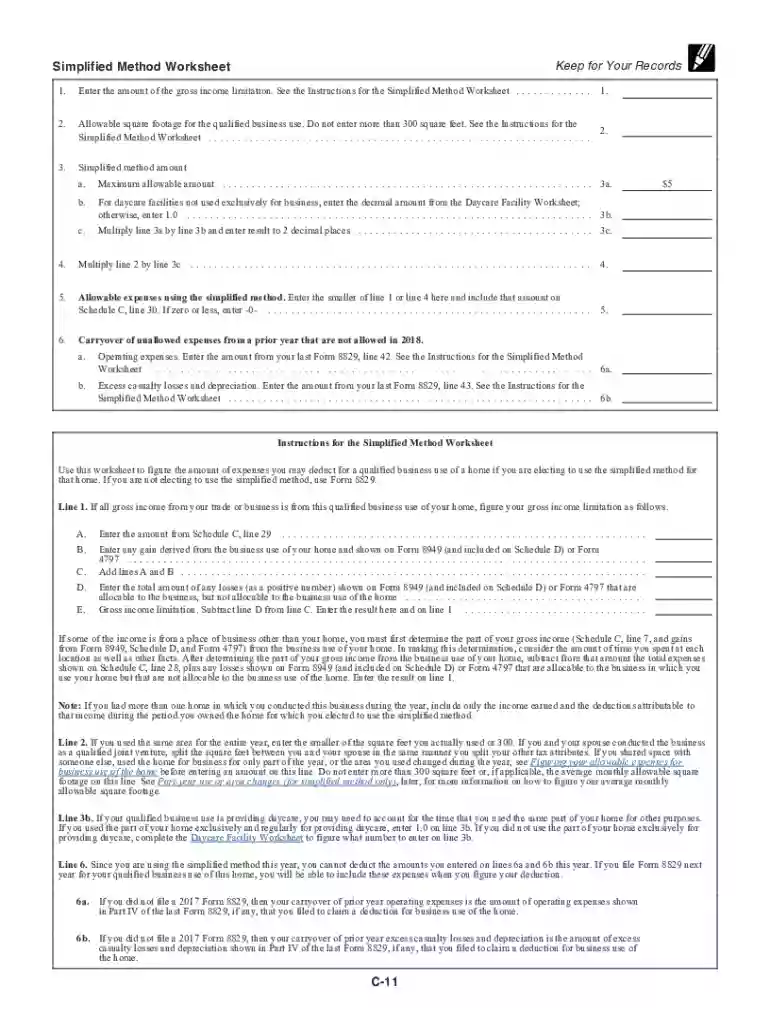
Type text, add images, blackout confidential details, add comments, highlights and more.

Draw your signature, type it, upload its image, or use your mobile device as a signature pad.

Send 1040 schedule c via email, link, or fax. You can also download it, export it or print it out.

Start using our platform today for free to simplify filling out your Schedule C form!
We've got more versions of the irs form schedule c 2018 form. Select the right irs form schedule c 2018 version from the list and start editing it straight away!
| Versions | Form popularity | Fillable & printable |
|---|---|---|
| 2025 | 4.5 Satisfied (30 Votes) | |
| 2024 | 4.3 Satisfied (23 Votes) | |
| 2023 | 4.7 Satisfied (41 Votes) | |
| 2022 | 4.5 Satisfied (54 Votes) | |
| 2022 | 4.1 Satisfied (57 Votes) | |
| 2021 | 4.8 Satisfied (90 Votes) | |
| 2020 | 4.3 Satisfied (191 Votes) | |
| 2019 | 4.3 Satisfied (224 Votes) | |
| 2018 | 4.3 Satisfied (47 Votes) | |
| 2017 | 4.4 Satisfied (1896 Votes) | |
| 2016 | 4.4 Satisfied (1457 Votes) | |
| 2015 | 4.3 Satisfied (41 Votes) | |
| 2014 | 4.4 Satisfied (215 Votes) |
At DocHub, your data security is our priority. We follow HIPAA, SOC2, GDPR, and other standards, so you can work on your documents with confidence.
Feb 8, 2018 For impairment-related work ex- penses, use the appropriate business form (1040 Sched- ules C, C-EZ, E, and F; Form 2106, Employee Business.Read more
SCHEDULE 1. SCHEDULE 2. SCHEDULE 3. Page 3. SCHEDULE C. SCHEDULE E. SCHEDULE D. Page 4. 2018 IRS TAX RETURN TRANSCRIPT SAMPLE. Page 5. 1MFBTF /PUF 5IJT JT BRead more
See the instructions for. Schedule C, line 13, to find out if you must file. A Principal business or profession, including product or service. B Enter businessRead more


