




01. Edit your fr500 form dc online
Type text, add images, blackout confidential details, add comments, highlights and more.

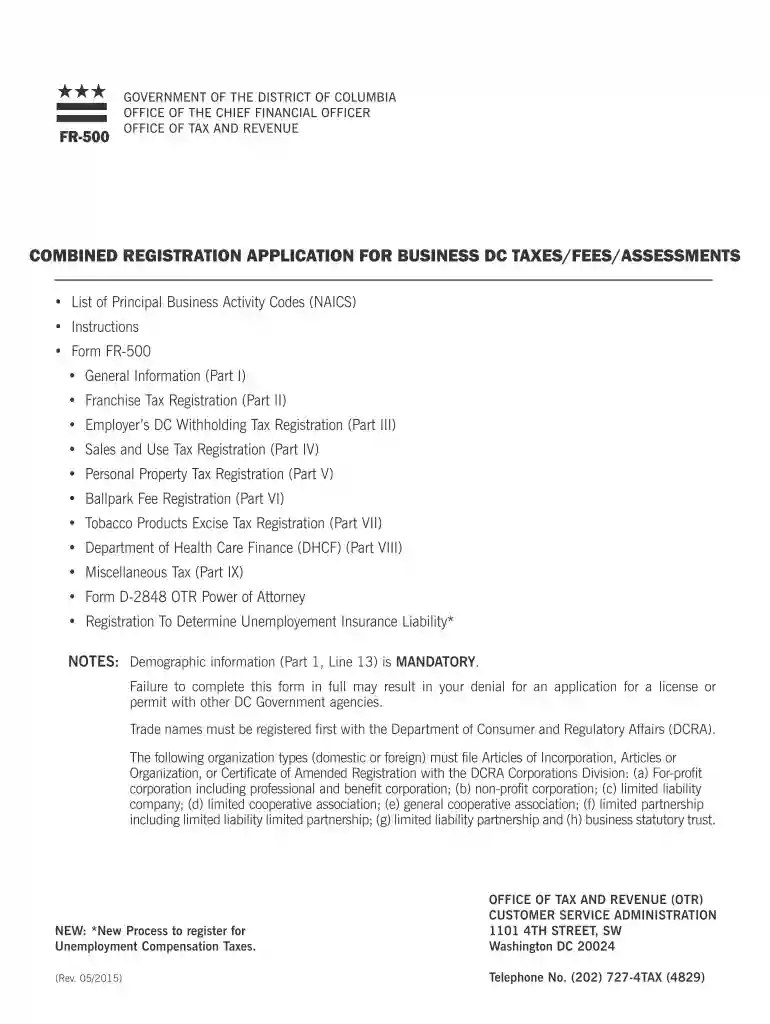
Type text, add images, blackout confidential details, add comments, highlights and more.

Draw your signature, type it, upload its image, or use your mobile device as a signature pad.

Send dc fr 500 via email, link, or fax. You can also download it, export it or print it out.

Start filling out your FR-500 form online for free today!
We've got more versions of the fr500 form dc form. Select the right fr500 form dc version from the list and start editing it straight away!
At DocHub, your data security is our priority. We follow HIPAA, SOC2, GDPR, and other standards, so you can work on your documents with confidence.
General. This manual has been authored with simplified grammar, to meet the needs of international users. The operator of this equipment must read andRead more
Once your entity obtains a business license (if applicable), the form FR-500 should be completed to register with OTR and DOES (Department of Employment Service)Read more
Form Fr 500 - This form can be filed online via the chief financial officer website. There is no charge for registering. On the mytax.dc.gov homepage, locateRead more


