
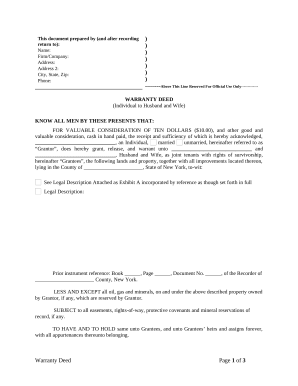
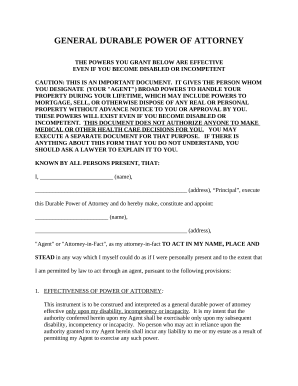
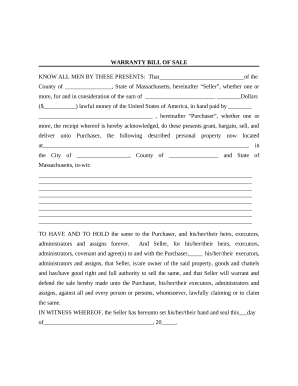

Enhance your production with Property Documents

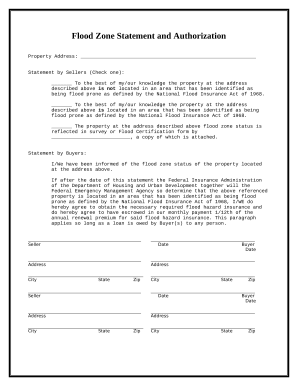
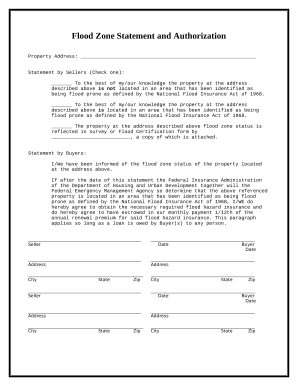
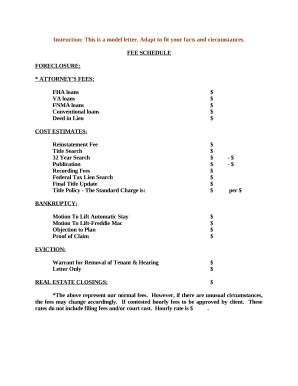
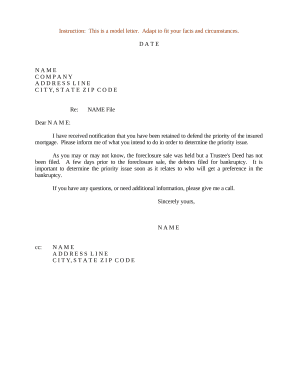
Papers administration takes up to half of your office hours. With DocHub, it is simple to reclaim your time and effort and increase your team's productivity. Access Property Documents collection and explore all document templates relevant to your daily workflows.

The best way to use Property Documents:

  1. Open Property Documents and utilize Preview to obtain the suitable form.
  2. Click on Get Form to begin working on it.
  3. Wait for your form to upload in the online editor and begin modifying it.
  4. Add new fillable fields, icons, and pictures, modify pages order, and many more.
  5. Fill your file or prepare it for other contributors.
  6. Download or share the form by link, email attachment, or invite.

Speed up your daily file administration with the Property Documents. Get your free DocHub profile right now to discover all forms.


Video Guide on Property Documents management

video background

Commonly Asked Questions about Property Documents

Prices Free Trial. 4.9 out of 5 on G2. Document properties are bits of information that describe and identify a document, such as a title, author name, and subject.
There are two types of document properties: predefined and custom. Predefined properties are metadata fields stored in many file formats. An example of this is the Primary author, which is the author of the input document. Custom properties are defined by the author.
Document properties, also known as metadata, are details about a file that describe or identify it. They include details such as title, author name, subject, and keywords that identify the documents topic or contents.
Youll need a variety of documents in order to sell your home. Some of the most important include your mortgage loan documentation, mandatory disclosures and the deed.
title property gets or sets the current title of the document.
Document properties are strings of meta data containing information about a document. The Author, Title, and Created Date are examples of document properties.
Try it! Select File Info. Select a property that starts with Add, like Add a title, Add a tag, or Add an author. Enter the information. To see more properties, select Show all properties. When youre done, select the Back arrow and Save. your changes.