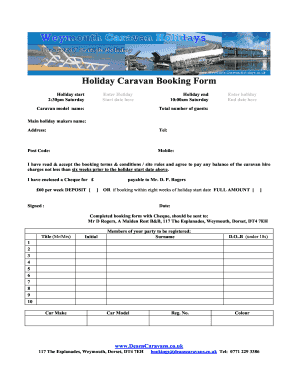
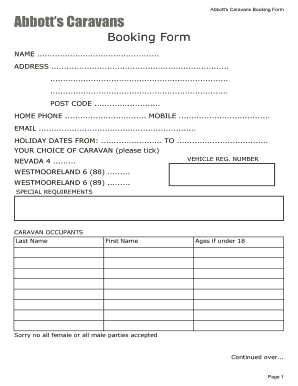
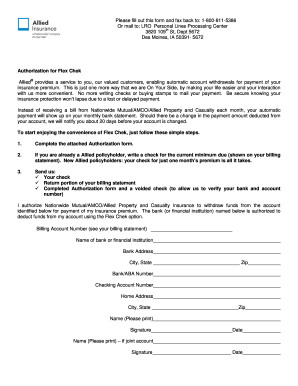
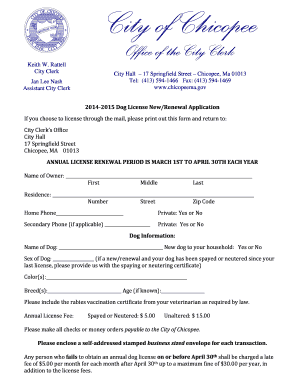
Improve your document administration with Meeting room calendar Booking Templates

Your workflows always benefit when you can easily obtain all the forms and documents you need at your fingertips. DocHub offers a a huge collection of forms to alleviate your everyday pains. Get hold of Meeting room calendar Booking Templates category and quickly browse for your document.

Start working with Meeting room calendar Booking Templates in several clicks:

  1. Access Meeting room calendar Booking Templates and get the document you need.
  2. Click Get Form to open it in our online editor.
  3. Begin changing your file: add more fillable fields, highlight paragraphs, or blackout sensitive data.
  4. The application saves your modifications automatically, and once you are all set, you are able to download or share your form with other contributors.

Enjoy fast and easy file management with DocHub. Check out our Meeting room calendar Booking Templates category and discover your form right now!


Video Guide on Meeting room calendar Booking Templates management

video background

Commonly Asked Questions about Meeting room calendar Booking Templates

Navigate to the resource account Calendar, and right-click on Calendar. Select Sharing and permissions. Enter in the email of the booking account in the Send a sharing invitation in email to share the calendar.
Its easy to customize your daily, weekly, or monthly schedule template in Excel. You can color-code certain items, like appointments or birthdays, or change font size and type. You can even add a logo to the calendar if youre using it for work or with clients.
On your computer, open Google Calendar. Create a new event or open an existing one. If your account is part of an organization with Rooms, click Rooms. Based on who you invite, you can choose from suggested rooms or search for a new one.
Add a room On your computer, open Google Calendar. Create a new event or open an existing one. If you are editing an existing event, click Edit event . If your account is part of an organization with Rooms, click Rooms. Based on who you invite, you can choose from suggested rooms or search for a new one. Click Save.
For businesses already using Microsoft Office, Excel can provide a practical and cost-effective way to create schedules for your team. To help you make the most of the software, were walking you through the step-by-step process of creating a team schedule in Excel.
Many calendar templates are available for use in Excel. A template provides a basic calendar layout that you can easily adapt for your needs. You can download calendar templates with useful and creative themes when you click File New in Excel. Click on a template that you are interested in and then click Create.
Excel has a Gantt chart template that can be used for project planning and allows you to manage your project with ease. Similar to Resource Gurus project planning template, Excels template allows you to enter start dates, the projects duration, and where each task stands in terms of progress.
0:58 23:21 We can see there are five templates. We will choose employee absence you do among. These click onMoreWe can see there are five templates. We will choose employee absence you do among. These click on create. This is an automatically generated template in a new workbook.
In a new meeting, select the Scheduling Assistant button on the ribbon. Select the Room Finder button to the right of the Location field or select Browse with Room Finder at the bottom in the list of suggested locations. Use the Show a room list drop-down to pick a list of rooms.
In Google Calendar, click the desired time slot and select Create. An event will be added to your calendar. Select Edit Event to open the meeting details. Note: To add a recurring meeting, click the Repeatoption below the meeting date and time.