




01. Edit your dmv physician reporting form california seizure online
Type text, add images, blackout confidential details, add comments, highlights and more.

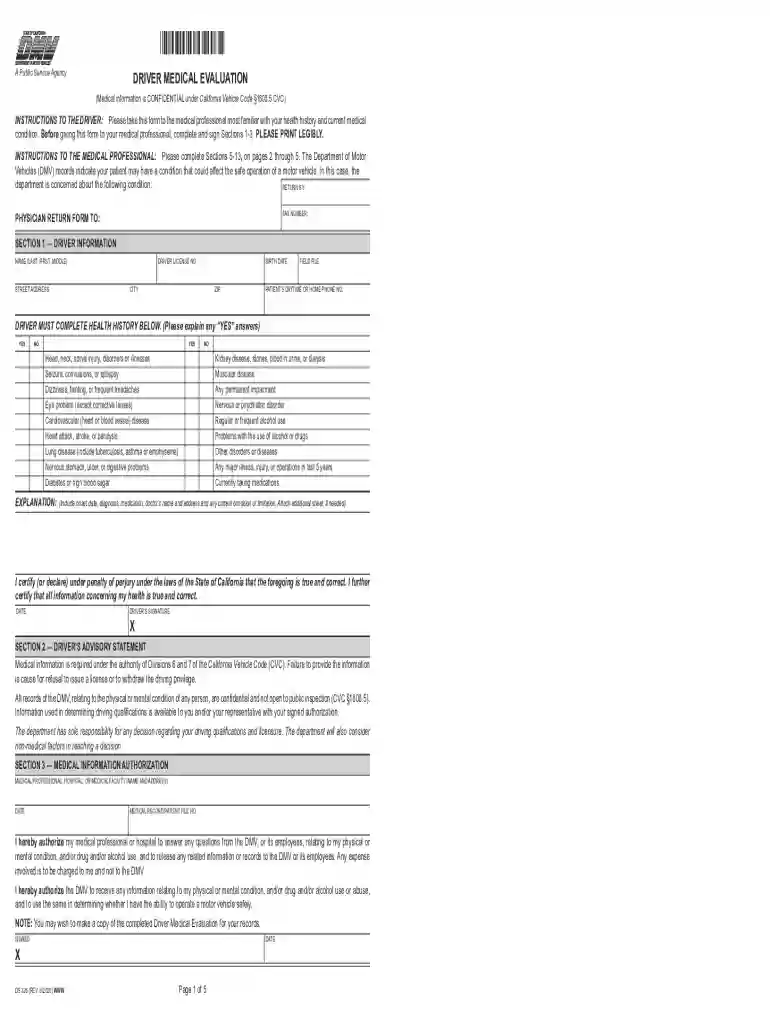
Type text, add images, blackout confidential details, add comments, highlights and more.

Draw your signature, type it, upload its image, or use your mobile device as a signature pad.

Send driver medical evaluation via email, link, or fax. You can also download it, export it or print it out.

Start using our platform today for free to streamline your DMV Medical Evaluation form completion!
We've got more versions of the dmv physician reporting form california seizure form. Select the right dmv physician reporting form california seizure version from the list and start editing it straight away!
At DocHub, your data security is our priority. We follow HIPAA, SOC2, GDPR, and other standards, so you can work on your documents with confidence.
INSTRUCTIONS TO THE DRIVER: Please take this form to the medical professional most familiar with your health history and current medical condition.Read more
Loss of Control is used to identify situations where the critical factor leading to the collision involved control loss by the motorist or the bicyclist.Read more
Oct 7, 2015 A complete Medical Examination Report Form,. MCSA-5875, with any attachments embodies my findings completely and correctly, and is on file in myRead more


