



01. Edit your workers comp exemption tn online
Type text, add images, blackout confidential details, add comments, highlights and more.

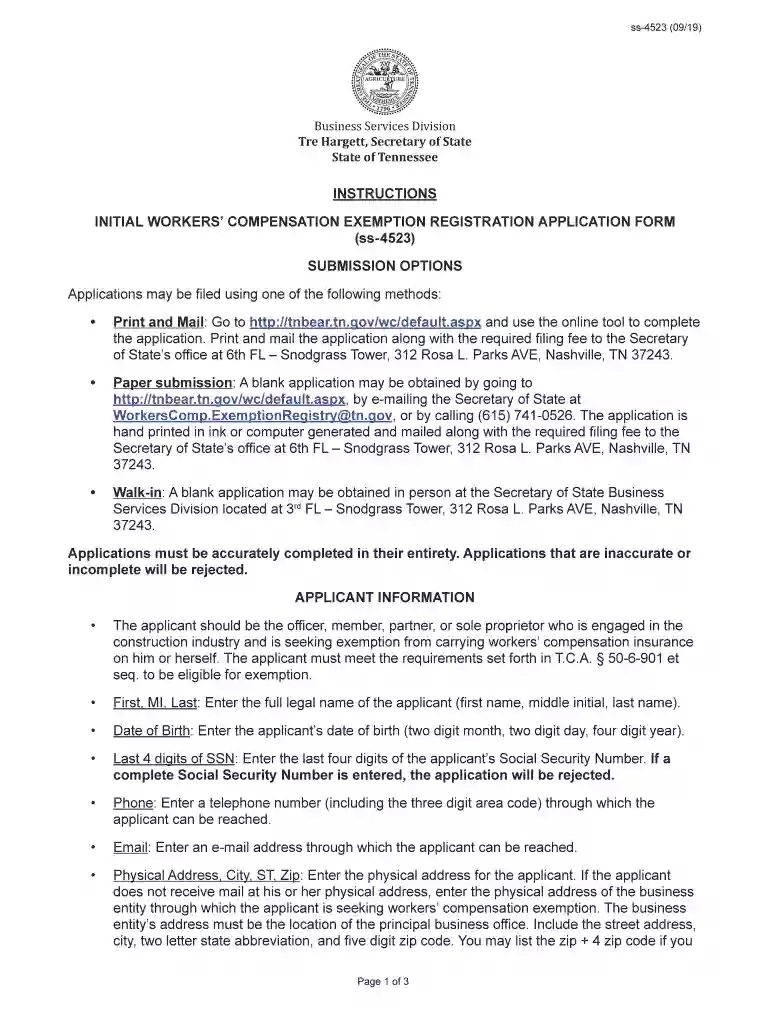
Type text, add images, blackout confidential details, add comments, highlights and more.

Draw your signature, type it, upload its image, or use your mobile device as a signature pad.

Send tn workers comp exemption via email, link, or fax. You can also download it, export it or print it out.

Start using our platform today for free to streamline your workers compensation exemption application process!
We've got more versions of the workers comp exemption tn form. Select the right workers comp exemption tn version from the list and start editing it straight away!
| Versions | Form popularity | Fillable & printable |
|---|---|---|
| 2019 | 4.8 Satisfied (85 Votes) |
Electronic document signing demands a software solution that works in compliance with data security and eSignature laws. DocHub is a perfect tool for that, as it fulfills all the aforementioned requirements. Whatever method you like to sign your instructions initial workers compensation exemption in DocHub, your eSignature will be legally binding and court-admissible.
With DocHub, you have several convenient methods to edit your instructions initial workers compensation exemption online. You can drag and drop the form and edit it directly at the DocHub site or use our browser extension to fill out your form right away. Additionally, you can edit your PDF on your smartphone, as DocHub is compatible with all the available mobile platforms.
At DocHub, your data security is our priority. We follow HIPAA, SOC2, GDPR, and other standards, so you can work on your documents with confidence.
Jun 16, 2014 The first installment of compensation becomes due on the 15th day after the employer has notice of the injury or death, except in those casesRead more
Instructions for obtaining and filing a Certificate of Attestation of Exemption from. Workers Compensation and/or Disability and Paid Family Leave BenefitsRead more
Employees who are part-time are not eligible for benefits except for all legally mandated benefits (such as workers compensation and Social Security benefits).Read more


