
Start using our platform today to streamline your form completion process for free!
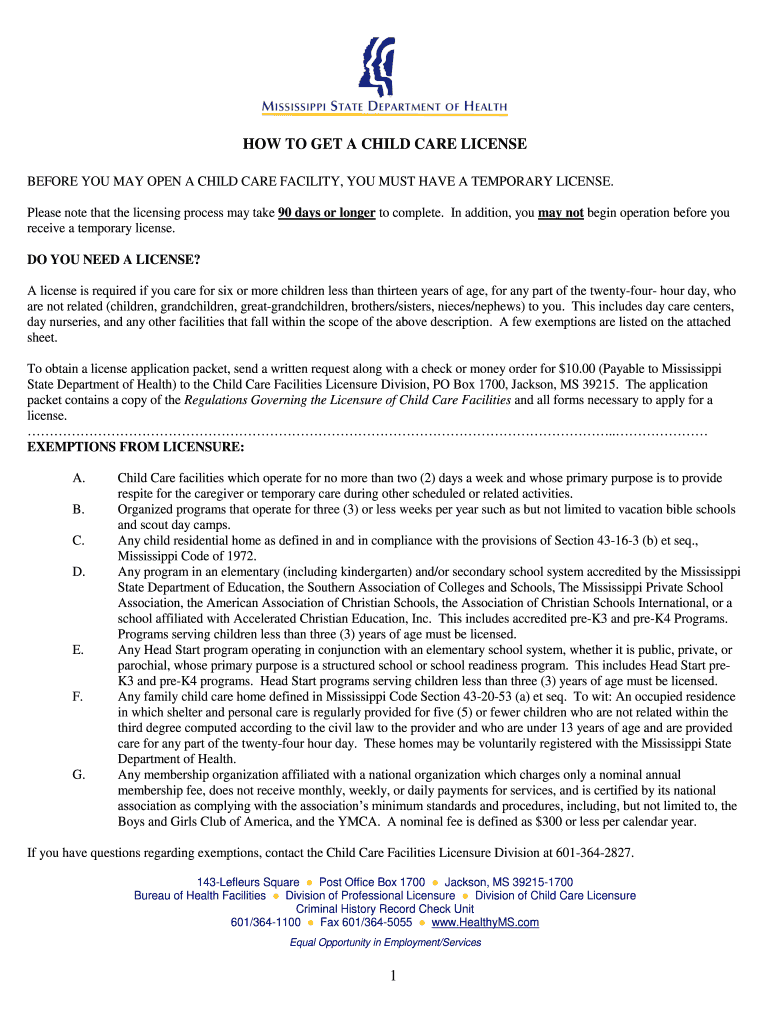
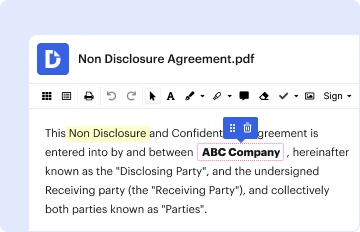
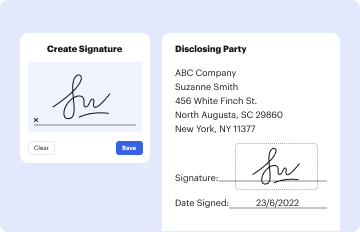
Managing your documents with DocHub this way is very straightforward after you have downloaded its extension for Google Chrome. Go to the Chrome Web Store and set up DocHub - Sign PDF from Gmail to obtain it. Give our tool access to your Google account, and then open an email with the mississippi state department of health fire inspection form 333 attached and point to the file with your cursor - the DocHub extension key will automatically appear there. Click on it to open your file in our editor. Make any required edits, fill out the blanks, and click Sign to create your legally-binding eSignature.
You may complete and sign your mississippi state department of health fire inspection form 333 on the internet, even on a tight deadline. All you need to access top-notch editing tools on any device is a DocHub account, which you can register in a couple of moments. Once you sign up, upload your document or find what you are looking for in our catalog, complete it utilizing the editing tools you need, and put your electronic signature on it at the end.