Start using our platform today to streamline your document editing and signing process for free!
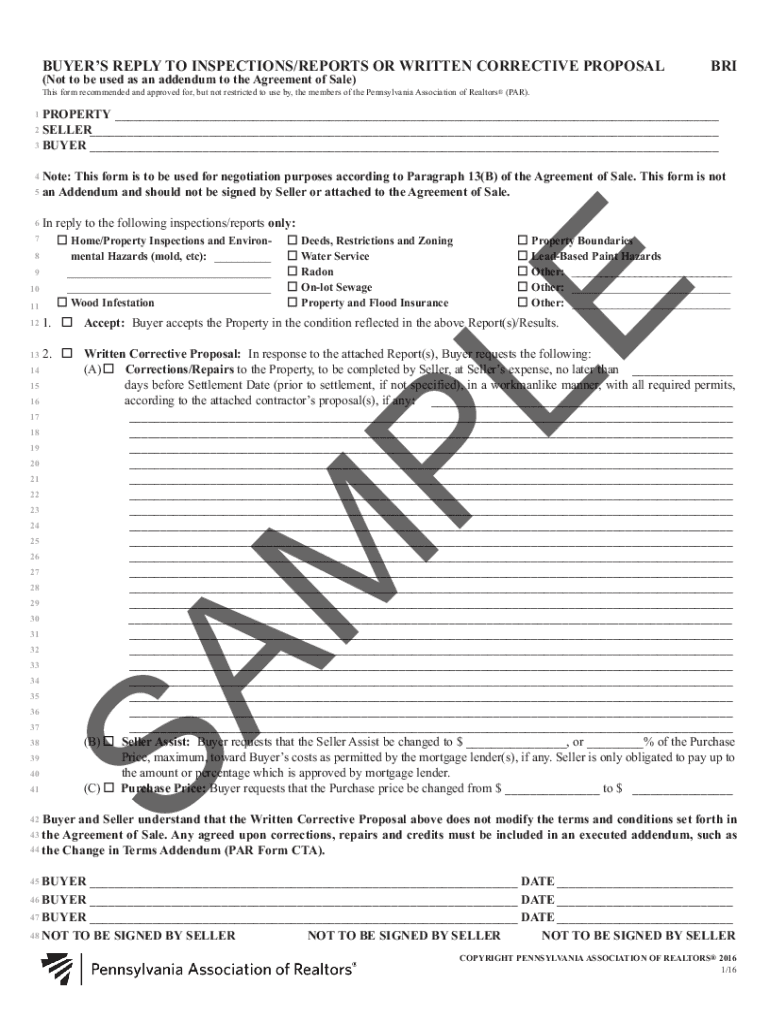
With DocHub, it’s pretty simple. The editor offers users an add-on called DocHub for Gmail, which you can find in the Google Workspace Marketplace free of charge. Set it up and give it access to your Google account. Open your email with your Buyer's reply to inspections/reports or written corrective proposal bri - parealtor attached and click on the add-on button in the right-side panel. Sign in to your DocHub account, and import the form to our editor, where you can complete it and sign.
With DocHub, there are several convenient methods to edit your Buyer's reply to inspections/reports or written corrective proposal bri - parealtor online. You can drag and drop the form and edit it directly at the DocHub site or use our browser extension to fill out your form immediately. On top of that, you can edit your PDF on your phone, as DocHub is compatible with all the accessible mobile platforms.
At DocHub, your data security is our priority. We follow HIPAA, SOC2, GDPR, and other standards, so you can work on your documents with confidence.
Learn more