




Here's how it works

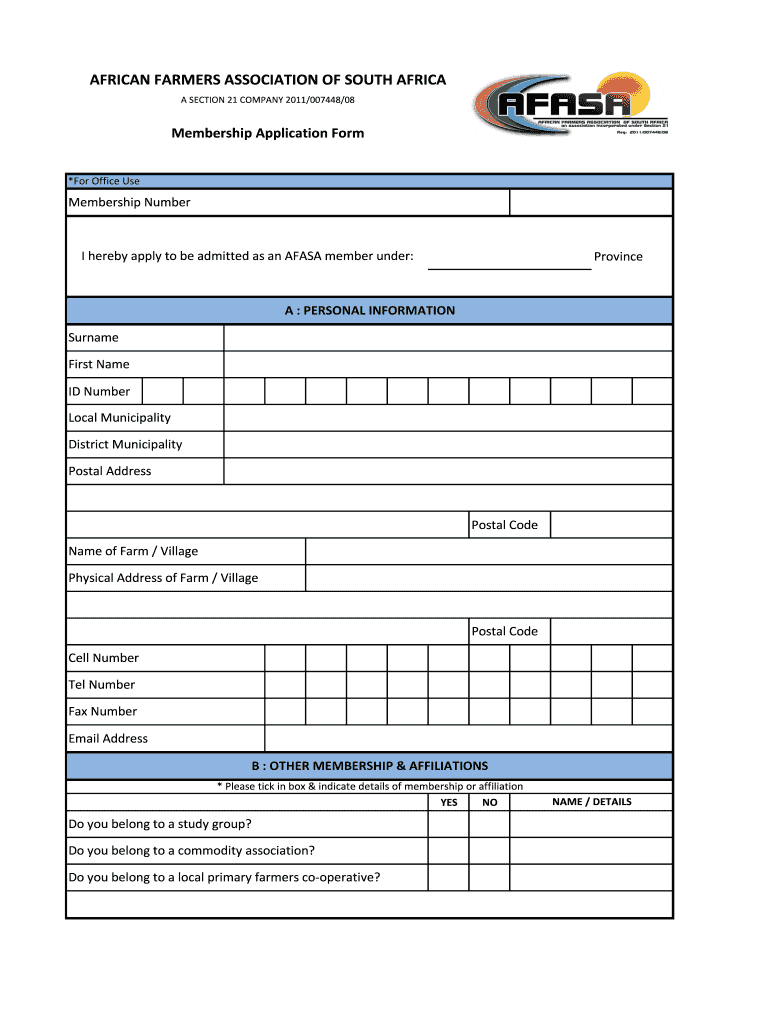
01. Edit your afasa membership form online
Type text, add images, blackout confidential details, add comments, highlights and more.

02. Sign it in a few clicks
Draw your signature, type it, upload its image, or use your mobile device as a signature pad.

03. Share your form with others
Send afasa via email, link, or fax. You can also download it, export it or print it out.
How to use or fill out afasa with our platform

- Click ‘Get Form’ to open the afasa membership application in the editor.
- Begin by filling out Section A: Personal Information. Enter your surname, first name, ID number, and contact details including cell number and email address.
- Move to Section B: Other Membership & Affiliations. Indicate your affiliations by ticking the appropriate boxes and providing details where necessary.
- In Section C: Farming Information, specify the size of land you own, lease, or manage by entering the respective hectares for each category.
- Proceed to Section D: Farm Enterprises. Tick the commodities you farm and provide descriptions along with sizes in hectares for each type.
- Complete Section E: Estimated Annual Turnover by selecting the appropriate box that reflects your annual income from farming operations.
- In Section F: Annual Membership Fees, select your membership type and ensure you understand the fee structure before proceeding.
- Fill out Section G: Payment Information & Banking Details accurately to facilitate payment processing.
- Finally, review all sections for accuracy before signing and dating your application at the bottom of the form.
Start using our platform today to complete your afasa membership application effortlessly!
Fill out afasa online
It's free
It's free
Security and compliance
At DocHub, your data security is our priority. We follow HIPAA, SOC2, GDPR, and other standards, so you can work on your documents with confidence.
Learn more




