




01. Edit your ao 78 online
Type text, add images, blackout confidential details, add comments, highlights and more.

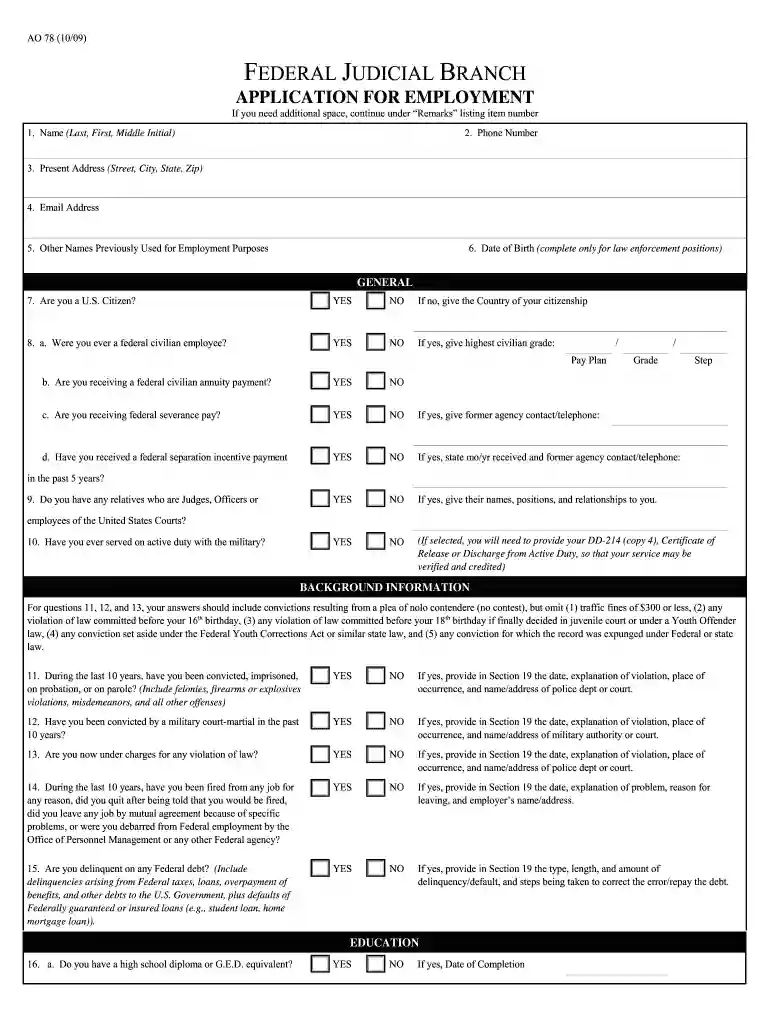
Type text, add images, blackout confidential details, add comments, highlights and more.

Draw your signature, type it, upload its image, or use your mobile device as a signature pad.

Send ao78 via email, link, or fax. You can also download it, export it or print it out.

Start using our platform today to fill out your ao 78 form easily and efficiently!
We've got more versions of the ao 78 form. Select the right ao 78 version from the list and start editing it straight away!
At DocHub, your data security is our priority. We follow HIPAA, SOC2, GDPR, and other standards, so you can work on your documents with confidence.



AO 78. Category: Human Resources Forms. Effective on May 1, 2024. Some federal courts use this application when seeking applicants for open positions withinRead more
This is the safety alert symbol. It is used to alert you to poten al physical injury hazards. Obey all safety mes- sages that follow this symbol to avoidRead more
by T Eisenberg 2003 Cited by 132 Researchers have long used federal court data assembled by the Administrative Office of the U.S. Courts (AO) and the Federal Judicial Center (FJC).


