




01. Edit your form online
Type text, add images, blackout confidential details, add comments, highlights and more.

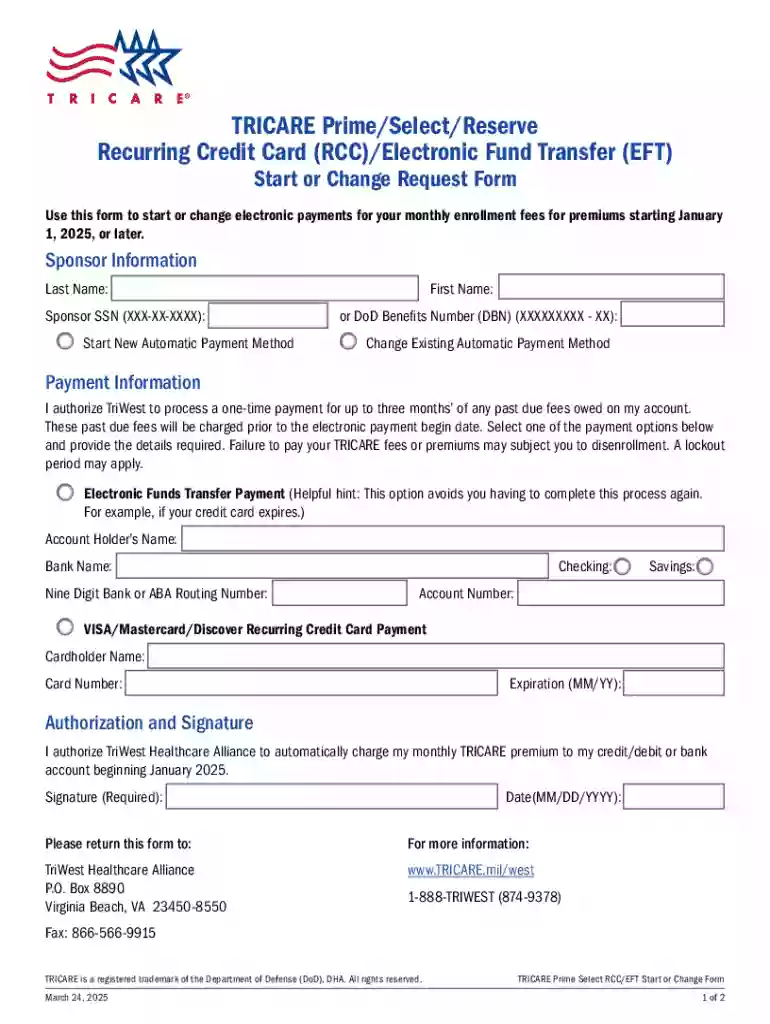
Type text, add images, blackout confidential details, add comments, highlights and more.

Draw your signature, type it, upload its image, or use your mobile device as a signature pad.

Send it via email, link, or fax. You can also download it, export it or print it out.
Tricare Prime Select Reserve Recurring Credit Card (RCC) Electronic Fund Transfer (EFT) Start or Change Form is a document designed to facilitate electronic payments for Tricare Prime enrollment fees. Specifically, it allows users to start or update their recurring payment method using either a credit card or direct EFT from a bank account. This form is crucial for ensuring timely payment of enrollment fees and helps in managing billing adjustments effectively.
To acquire the Tricare Prime Select Reserve RCC/EFT Start or Change Form, users can access it through various channels:
Filling out the Tricare Prime Select Reserve RCC/EFT Start or Change Form requires attention to detail to ensure accuracy and compliance.
Personal Information:
Payment Authorization:
Signature:
Understanding key terminology is essential when dealing with payment authorization forms.
This form not only facilitates payments but also complies with legal standards regarding financial transactions and personal data management.
The RCC/EFT Start or Change Form primarily caters to various user groups:


To complete the form, a user must provide supporting documentation to validate their payment information.
Once completed, submission can be performed through:
By following the guidelines above, users can effectively manage their Tricare Prime Select Reserve payments using the RCC/EFT Start or Change Form, maintaining compliance and ensuring continuous healthcare coverage.
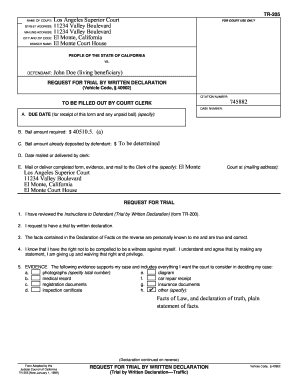
We've got more versions of the Tricare Prime select reserve Recurring Credit Card (rcc) electronic Fund Transfer (eft) Start or Cha form. Select the right Tricare Prime select reserve Recurring Credit Card (rcc) electronic Fund Transfer (eft) Start or Cha version from the list and start editing it straight away!
At DocHub, your data security is our priority. We follow HIPAA, SOC2, GDPR, and other standards, so you can work on your documents with confidence.




Jun 30, 1995 In the event the Defense Base Closure and Realignment Commission is tasked to re-evaluate Base Closure recommendations, it is requested that
Apr 13, 2016 credit for that. We are going to find out, today, how some of those lessons might be imparted and shared with us, as we face addictions to


