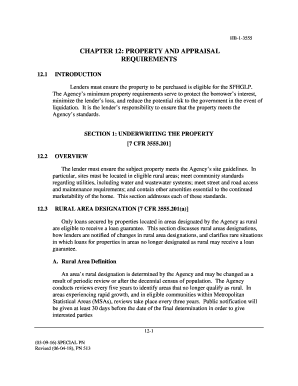
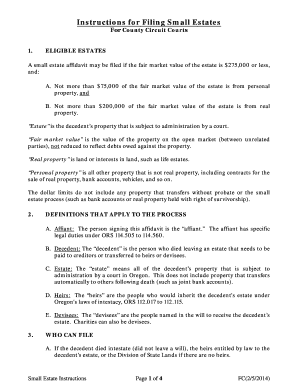
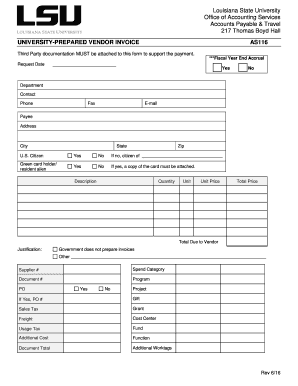
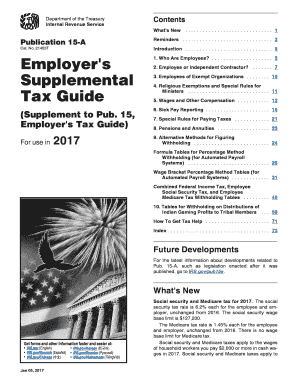
Print Reimbursement Form 2026

Get Form
Print Reimbursement Form Preview on Page 1

Here's how it works

01. Edit your form online
Type text, add images, blackout confidential details, add comments, highlights and more.
02. Sign it in a few clicks
Draw your signature, type it, upload its image, or use your mobile device as a signature pad.
03. Share your form with others
Send it via email, link, or fax. You can also download it, export it or print it out.

The easiest way to modify Print Reimbursement Form in PDF format online

Form edit decoration
9.5
Ease of Setup
DocHub User Ratings on G2
9.0
Ease of Use
DocHub User Ratings on G2

Handling paperwork with our extensive and user-friendly PDF editor is straightforward. Make the steps below to complete Print Reimbursement Form online quickly and easily:

  1. Sign in to your account. Log in with your credentials or create a free account to try the product before choosing the subscription.
  2. Upload a form. Drag and drop the file from your device or import it from other services, like Google Drive, OneDrive, Dropbox, or an external link.
  3. Edit Print Reimbursement Form. Easily add and underline text, insert images, checkmarks, and symbols, drop new fillable fields, and rearrange or delete pages from your paperwork.
  4. Get the Print Reimbursement Form accomplished. Download your adjusted document, export it to the cloud, print it from the editor, or share it with other participants using a Shareable link or as an email attachment.

Take advantage of DocHub, one of the most easy-to-use editors to promptly manage your documentation online!
be ready to get more

Complete this form in 5 minutes or less

Get form

Got questions?

We have answers to the most popular questions from our customers. If you can't find an answer to your question, please contact us.
Contact us
Examples of reimbursement receipts include paper receipts, e-receipts, and paid invoices. In lieu of one document being provided as a reimbursement receipt, multiple supporting documents can be provided.
Information to include on an expense reimbursement form. Name of product or service. Individual item or line cost. Total cost. Payment method (i.e., cash, credit card, etc.) Date purchased. Explanation of purchase. Original or copy of the receipt.
A reimbursement receipt is a document that confirms an employee incurred an out-of-pocket business expense. Reimbursement receipts prove employees can justifiably request and receive reimbursement for purchases theyve made on behalf of the company.
Fee-for-service (FFS) is the most common reimbursement method. In many cases, a health insurer or government payor covers some or all of a patients healthcare costs. A patient is typically responsible for covering a portion of the cost as well.
Reimbursement is like getting your money back. If you spend your own money on something for work, school, or business, you can ask the organization or company to pay you back. For example, if you travel for work and pay for your flight, the company will give you back the money you spent.
be ready to get more

Complete this form in 5 minutes or less

Get form