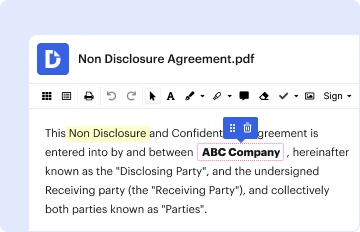
Type text, add images, blackout confidential details, add comments, highlights and more.
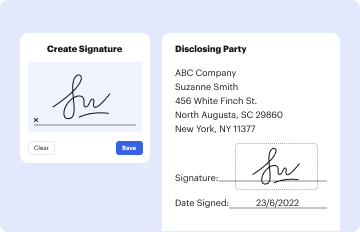
02. Sign it in a few clicks
Draw your signature, type it, upload its image, or use your mobile device as a signature pad.
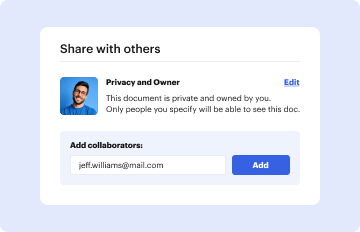
03. Share your form with others
Send it via email, link, or fax. You can also download it, export it or print it out.
How to use or fill out Tickets Provided by Agency Report with our platform
Ease of Setup
DocHub User Ratings on G2
Ease of Use
DocHub User Ratings on G2
Click ‘Get Form’ to open the Tickets Provided by Agency Report in the editor.
Begin with Part 1: Agency Identification. Enter your agency's name, address, and contact details. If this is an amendment, check the box and provide the original filing date.
Move to Part 2: Event For Which Tickets Were Distributed. Fill in the event date(s), description, and face value of tickets. Indicate if it was an agency event and specify the source of tickets received.
In Part 3: Agency Official(s) Receiving Ticket(s), list each official's name and the number of tickets they received. Clarify if this distribution is income or its public purpose.
Proceed to Part 4: Individual or Organization Receiving Ticket(s). Provide details about individuals or organizations receiving tickets at the behest of an agency official, including their names and addresses.
Finally, complete Part 5: Verification. The agency head or designee must sign and print their name along with the title and date.
Start using our platform today for free to streamline your document editing and form completion!
Fill out Tickets Provided by Agency Report online It's free
Agency Report of: Ceremonial Role Events and Ticket/
The form identifies persons that receive admission tickets and passes and describes the public purpose for the distribution. This form was prepared by the Fair
Form 802 (Agency Report of Ceremonial Role Events Ticket
The Form 802 is used by state and local government agencies to identify persons who receive tickets or passes to events, as well as the public purpose for the
Cookie consent notice
This site uses cookies to enhance site navigation and personalize your experience.
By using this site you agree to our use of cookies as described in our Privacy Notice.
You can modify your selections by visiting our Cookie and Advertising Notice.