
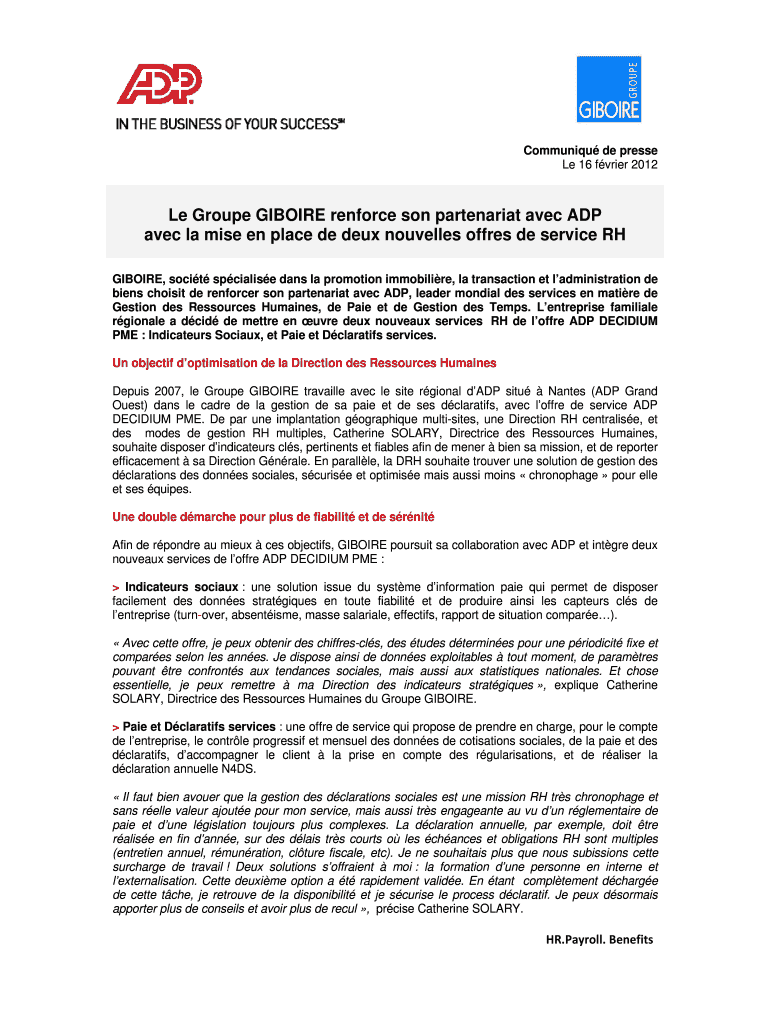







Definition and Purpose
The CP Tmoignage Giboire v7 doc Instructions for Form 940, Employer's Annual Federal Unemployment (FUTA), serves as a pivotal document for employers in the United States. It guides businesses on how to report their annual Federal Unemployment Tax obligations to the Internal Revenue Service (IRS). Understanding this form is crucial for compliance with federal unemployment compensation laws and ensuring accurate tax liability reporting.
Essential Components
- Form 940 Overview: Primarily used for reporting annual FUTA tax, it applies to employers with paid wages over a specified amount or those who have certain employees within a calendar year.
- FUTA Tax: This federal tax funds unemployment benefits at the state level. Only employers pay FUTA tax, which is not deducted from employees' wages.
- IRS Compliance: Properly completing Form 940 ensures compliance with IRS guidelines and minimizes the risk of audits or penalties.
How to Obtain the Form
Obtaining the CP Tmoignage Giboire v7 doc Instructions for Form 940 is straightforward and can be done through several channels.
Acquisition Methods
- Direct from the IRS Website: The IRS provides PDF versions of Form 940 and its instructions. Employers can download them directly from the "Forms and Pubs" section on the IRS website, accessible without any fees.
- Tax Software: Platforms like TurboTax or QuickBooks often have integrated forms, including Form 940, which can be filled out digitally.
- Financial Advisors: Accountants or tax professionals might provide the document as part of their services.
Practical Considerations
- Ensure you are using the most up-to-date version to meet current tax requirements.
- Review the instructions thoroughly to avoid errors in filing.
Step-by-Step Completion Guide
Filling out the CP Tmoignage Giboire v7 doc for Form 940 requires careful attention to detail. Here's a step-by-step guide:
Process Steps
- Gather Necessary Information: Collect employee wage data and any adjustments from the year.
- Calculate Taxable FUTA Wages: Deduct payments exempt from FUTA tax to determine taxable wages.
- Complete the Form: Follow the form's instructions to input data correctly. Pay attention to sections requiring detailed wage and tax calculations.
- Verify Calculations: Double-check figures to avoid discrepancies which might lead to penalties.
- Submit the Form: Ensure submission by the prescribed deadline, using appropriate methods such as electronic filing or mail.
Filing Deadlines and Important Dates
Compliance with deadlines is vital. Here we outline the crucial timing aspects for Form 940.
Key Dates
- Annual Deadline: Form 940 is due by January 31st following the end of the tax year.
- Extensions: Typically, no extensions are available for Form 940. Planning ahead is crucial.
Implications of Late Filing
- Incurred penalties and interest may arise from delayed submission, emphasizing the importance of timeliness.
Legal Usage Considerations
Employers must understand the legal context for using Form 940 appropriately.
Legal Aspects
- Mandate: Employers meeting specific wage or employment thresholds are legally required to file.
- Record-Keeping: Retain copies of filed forms and supporting documents for at least four years as required by IRS regulations.
Compliance Tips
- Use professional tax services if unsure about your obligations to ensure adherence to laws and minimize risks.
Business Entity Types
Different business entities have distinct filing requirements which affect how Form 940 is processed.
Entity-Specific Information
- Corporations and LLCs: Must follow standard employer rules regarding FUTA.
- Partnerships and Sole Proprietors: Also subject to filing if they meet wage thresholds and other criteria.
Strategy Recommendations
- Regular consultation with tax professionals can help align strategies for tax efficiency across different business structures.
Digital vs. Paper Submission
Choosing the right submission method for Form 940 can optimize your filing efficiency.
Submission Options
- Electronic Filing: Encouraged for its accuracy and IRS's faster processing times.
- Paper Filing: Still valid, however, ensure timely delivery to the directed IRS P.O. box.
Comparative Benefits
- E-Filing Benefits: Reduced error margins and instant confirmation upon IRS receiving the submission.
- Paper Filing Benefits: An option for those less comfortable with digital processes.
IRS Guidelines and Compliance
To avoid legal complications, employers must adhere to specific IRS rules concerning Form 940.
Key Guidelines
- Documentation: IRS requires complete and precise record-keeping of calculated tax information.
- Amendments: If errors are found post-submission, amend promptly using Form 940-X.
Strategic Compliance
- Set reminders for quarterly payments and end-of-year filings to ensure all guidelines are met timely.




