






Definition & Meaning
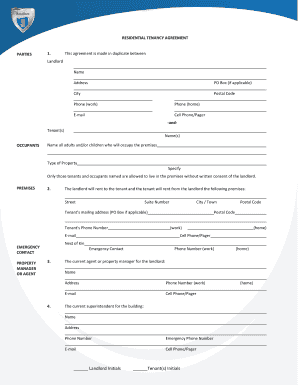
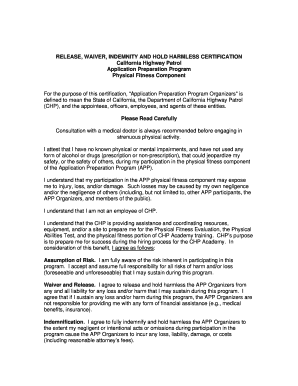
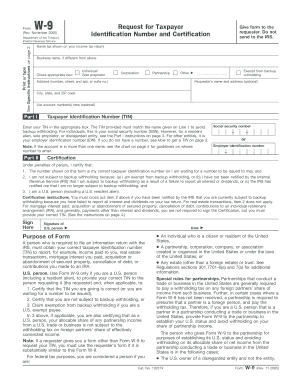
The term "form online" refers to digital versions of documents used to collect, submit, or manage information electronically. Rather than completing a paper form, users interact with a digital interface that allows for inputting data easily and efficiently. Forms online often include features like fillable fields, dropdown menus, and digital signatures, making them versatile tools for a variety of applications, from tax filings to permit applications.
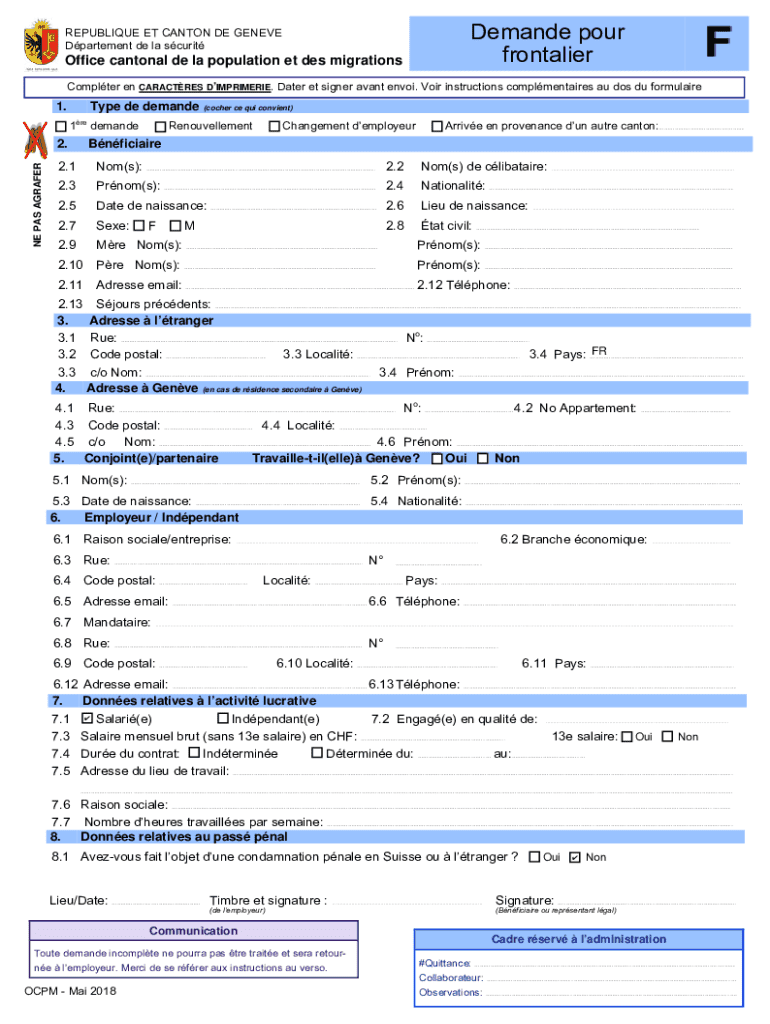
In the case of the Canton of Geneva's Office of Population and Migration form, it's designed to assist individuals in applying for a cross-border worker permit. The form comprises sections for personal details, employer information, and submission requirements, ensuring all necessary data is collected in a structured manner.
How to Use the Form Online
To effectively utilize a form online, users need to first access the digital version through a web browser. The document's user-friendly interface simplifies data entry, ensuring information is captured accurately. Here's a typical step-by-step guide on using a form online:
- Access the Form: Visit the website hosting the form and navigate to the specific form needed.
- Review Instructions: Carefully read any instructions provided to understand the requirements and procedures.
- Input Information: Fill in the form fields with accurate and up-to-date information. Use dropdown menus or checkboxes where applicable.
- Attach Required Documents: Upload any necessary documents as attachments if the form allows.
- Review & Submit: Double-check all entered information for errors before submitting. Often, the form will guide users through a review step.
- Confirmation: Upon submission, a confirmation notice or email will usually be sent to acknowledge successful completion.
Steps to Complete the Form Online
Completing forms online is streamlined for user efficiency while maintaining data integrity. The process often includes several key steps to ensure thoroughness:
- Gather Necessary Information: Have all required information ready, such as personal identification and relevant documentation.
- Complete Each Section: Navigate through various sections of the form carefully, inputting data in each required field.
- Utilize Help Features: Many online forms come with guidance tools or help sections. Use these resources if you're uncertain about any part of the form.
- Save Progress: If the platform allows, save your progress regularly. This provides a safety net in case of technical interruptions.
- Submit the Completed Form: Once all information is verified, submit the form using the designated button or link.
- Record Reference Number: After submission, note any provided reference number or receipt for tracking purposes.
Benefits of Using Forms Online
Utilizing forms online presents a myriad of advantages over traditional paper-based forms:
- Convenience: Complete forms anytime, anywhere with internet access, eliminating the need for physical visits or mailing delays.
- Efficiency: Automates data entry processes and reduces manual paperwork, enhancing speed and accuracy.
- Integration: Forms online can often integrate with databases and systems for seamless data transfer and storage.
- Environmentally Friendly: Reducing paper usage contributes to environmental conservation efforts.
Key Elements of the Form Online
Forms online typically feature several critical components that facilitate their functionality:
- Fillable Fields: Areas where users can input information manually, such as name, address, and contact details.
- Interactive Sections: Including dropdown menus, radio buttons, and checkboxes to streamline data entry.
- Security Measures: Encryption protocols and secure networks ensure data privacy and protection during transmission.
- Auto-Validation: Immediate feedback on data accuracy, alerting users to errors or incomplete sections.
Legal Use of the Form Online
While forms online are efficient, it's crucial to understand their legal standing:
- Compliance with Laws: Forms must adhere to relevant regulations and laws, such as the ESIGN Act in the U.S., to be considered legally binding.
- Validity of Electronic Signatures: Online forms can accept digital signatures, which are recognized legally when certain criteria are met.
- Data Protection and Privacy: Compliance with privacy laws like GDPR (for EU-based interactions) is essential to protect users' sensitive information.
Software Compatibility
Forms online are often compatible with various digital platforms and software, including:
- Browsers: Most forms are designed to work seamlessly across multiple web browsers like Chrome, Firefox, Safari, and Edge.
- Operating Systems: Compatibility extends to major operating systems including Windows, macOS, and Linux.
- Integration with Software: Certain online forms may integrate with tools such as DocHub, TurboTax, and QuickBooks for enhanced functionality.
State-by-State Differences
When using forms online, especially for applications like permits or tax filings, it's important to consider regional variations:
- State Regulations: Different states may have unique requirements, regulations, and processes that need adherence.
- Specific Deadlines: States might impose distinct deadlines for submissions related to permits, taxes, or legal processes.
- Documentation Variances: Required supporting documents might vary by state, affecting what's needed for submission.
Understanding these differences is crucial for ensuring compliance and successful completion of form-related procedures.