Definition and Purpose of Online Forms
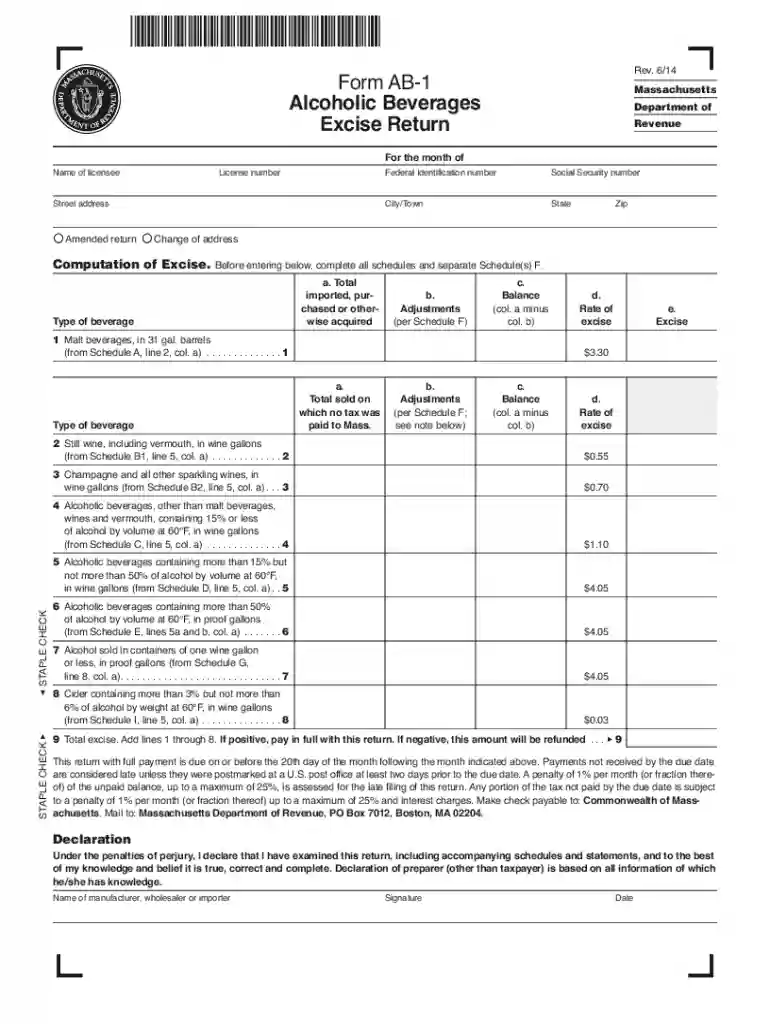
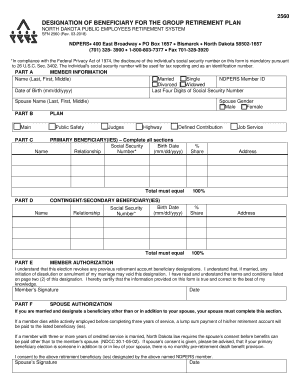
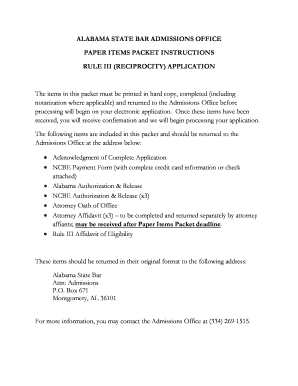
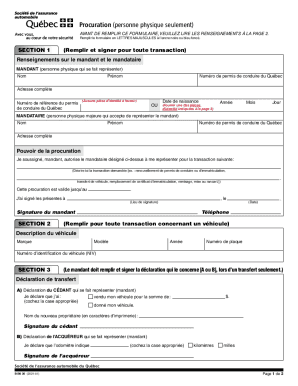
Online forms are digital versions of traditional paper documents used for collecting and submitting data electronically. These forms are widely utilized in various fields, including administrative tasks, business processes, and certification applications. The main advantage of online forms is their ability to streamline data collection, reduce errors associated with manual entry, and enhance accessibility for users across different locations. They can range from simple contact forms to complex tax return documents, offering interactive elements such as checkboxes, dropdown menus, and signature fields.
Key Attributes of Online Forms
- Accessibility: Can be accessed from any internet-enabled device, reducing geographical and physical barriers.
- Efficiency: Speeds up the process of data collection and processing by eliminating manual paperwork.
- Interactivity: Incorporates elements such as text boxes, radio buttons, and file uploads to engage users.
- Data Management: Facilitates automated data handling, reducing the likelihood of errors during data entry and storage.
How to Use an Online Form
Using an online form involves a series of straightforward steps to ensure data is accurately entered and submitted. These forms are designed for user-friendliness, guiding users through the input fields with prompts and tooltips. While the specifics can vary depending on the complexity of the form, the general process remains consistent.
- Access the Form: Locate the form on the relevant website or platform. This often involves logging into a secure account or clicking on a link provided via email.
- Fill Out Required Fields: Enter information into designated fields, typically marked as required. This may include personal details, account numbers, or preference selections.
- Review Entries: Carefully review all entered data for accuracy, ensuring no mandatory fields are left blank.
- Submit the Form: Click the submit button, which sends the data for processing or approval. Users often receive a confirmation message or email acknowledging receipt.
Troubleshooting Common Issues
- Technical Glitches: Refresh the page or try a different browser if the form is not loading correctly.
- Validation Errors: Double-check required fields or format specifications (e.g., date formats or numerical limits).
Steps to Complete a Form Online
Completing an online form requires attention to detail to ensure that all information is correctly entered and the form is duly submitted.
- Preparation: Gather necessary information before starting the form, such as identification numbers, supporting documents, and contact details.
- Form Navigation: Use navigation aids like tabs or next buttons to move through different sections of the form efficiently.
- Document Upload: Attach any required supporting documents. Ensure these files meet specified format and size requirements.
- Verification: Utilize preview features to cross-check all responses before final submission.
- Confirmation: After submission, keep a copy of any confirmation receipts or numbers for future reference.
Things to Consider
- Data Security: Ensure the form is accessed through secure connections to protect sensitive information.
- Compatibility: Verify that your device and browser support the form functionalities.
Why You Should Use Online Forms
Online forms offer several benefits that make them an attractive option for individuals and businesses alike. They enhance convenience, reduce environmental impact, and improve participation rates due to ease of access.
- Efficiency: Saves time in data collection, processing, and storage by offering instant submission and automated compilation.
- Cost-Effective: Reduces or eliminates costs associated with printing, paper, and postage.
- Environmentally Friendly: Lowers the carbon footprint by minimizing reliance on physical materials.
- Increased Accuracy: Embedded validation mechanisms reduce errors common in manual data entry.
Who Typically Uses Online Forms?
Online forms are used by a diverse range of users from different sectors, including:
- Businesses: For applications, surveys, and customer feedback.
- Educational Institutions: For admissions, enrollments, and feedback.
- Government Agencies: To collect census data, tax filings, and license applications.
- Healthcare Providers: For patient registration and appointment scheduling.
Special Use Cases
- Non-Profit Organizations: Utilize forms for volunteer signups and event registrations.
- Retail Businesses: Collect customer information for loyalty programs.
Legal Use of Online Forms
When implementing online forms, particularly those involving personal or sensitive information, legal compliance is critical. Forms generally need to comply with data privacy regulations such as GDPR in Europe or HIPAA in the U.S. for healthcare information.
- Data Protection: Implement secure data transmission protocols like SSL encryption.
- Consent and Disclosure: Include privacy policy disclosures and obtain user consent for data usage.
- Record Keeping: Store data in a compliant manner, ensuring it is both secure and accessible for authorized purposes.
Required Documents for Form Submission
Certain online forms may require additional documentation to validate the information provided or to fulfill regulatory requirements. These documents should be prepared and accessible before beginning the form submission process.
- Identification: Government-issued ID such as a passport, driver’s license, or state ID.
- Financial Information: Tax forms, bank statements, or financial affidavits.
- Proof of Address: Utility bills or rental agreements.
- Supporting Evidence: Letters of reference or prior certificates, depending on the form type.
Ensuring Document Compatibility
- File Formats: Confirm that documents are in accepted formats like PDF, JPEG, or PNG.
- Document Size: Check that file size does not exceed platform limitations to avoid upload issues.
Software Compatibility and Integrations
Online forms often integrate with various software solutions to enhance functionality and user experience. Compatibility with these systems ensures seamless data flow and contributes to an efficient workflow.
- Document Management Systems: Allows integration with platforms like Google Drive, Dropbox, or OneDrive for document storage and retrieval.
- CRM Systems: Connects with customer relationship management platforms for lead collection and client data management.
- Other Tools: Compatibility with software such as TurboTax for tax-related forms or QuickBooks for financial document submissions.
Platform-Specific Considerations
- Browser Compatibility: Ensure forms are accessible across popular web browsers, such as Chrome, Firefox, or Safari.
- Mobile Accessibility: Verify that forms are mobile-responsive to accommodate users on different devices.