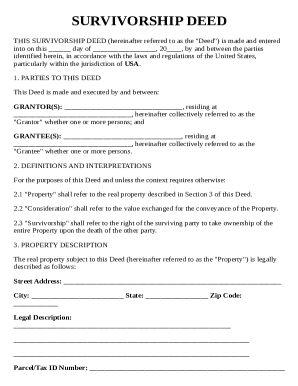
01. Edit your form online
Type text, add images, blackout confidential details, add comments, highlights and more.

Type text, add images, blackout confidential details, add comments, highlights and more.

Draw your signature, type it, upload its image, or use your mobile device as a signature pad.

Send it via email, link, or fax. You can also download it, export it or print it out.
The term "form online" refers to the electronic version of any document or application that can be filled out and submitted through the internet, offering a modern alternative to traditional paper forms. These online forms are designed to streamline various processes, allowing individuals and businesses to gather or provide information efficiently. By using an online platform like DocHub, users can create, edit, and share forms in a digital format, which enhances accessibility and reduces paperwork.
Online forms can include a wide variety of documents, such as tax forms, application forms, and consent forms. These forms are often interactive, featuring fields like text boxes, checkboxes, and dropdown menus that guide respondents through the process. The shift to online forms has improved the speed and accuracy of data collection, as they can be accessed and completed from any device with internet connectivity.
Using a form online involves a few key steps that ensure smooth operation. Begin by accessing the desired form through an online platform like DocHub. Once the form is opened, you will typically see interactive fields that guide you through the required information.
This straightforward process simplifies form submission and minimizes errors, enhancing both user experience and administrative efficiency.
Completing a form online is a streamlined process that emphasizes convenience and efficiency. Follow these detailed steps to ensure a successful submission:
This method reduces the potential for incomplete submissions and encourages users to provide necessary data accurately.
The legality of online forms is upheld through compliance with various digital transaction laws, ensuring they hold the same legal weight as their paper counterparts. Platforms like DocHub comply with acts such as the ESIGN Act in the United States, rendering electronic signatures on forms legitimate and enforceable.
These legal measures ensure that users can confidently engage with online forms, knowing they are secured to meet relevant compliance standards.
Understanding the key elements of an online form is crucial for maximizing its utility and effectiveness:
These elements integrate to form a cohesive, user-friendly document that facilitates accurate and efficient data collection.
Several key terms are associated with using forms online, each with specific relevance to the process:
Understanding these terms empowers users to better interact with online forms and navigate their functionalities effectively.
State-specific laws and regulations can influence the formation and use of online forms, especially in the U.S. Each state may have varying requirements for legal validity and the types of forms that can be submitted electronically.
Being aware of these variances ensures that forms are used appropriately within the legal frameworks of different states.
The compatibility of online forms with various software solutions enhances their utility across different domains:
These integrations help users manage their forms as part of a broader digital ecosystem, improving productivity and reducing administrative burdens.
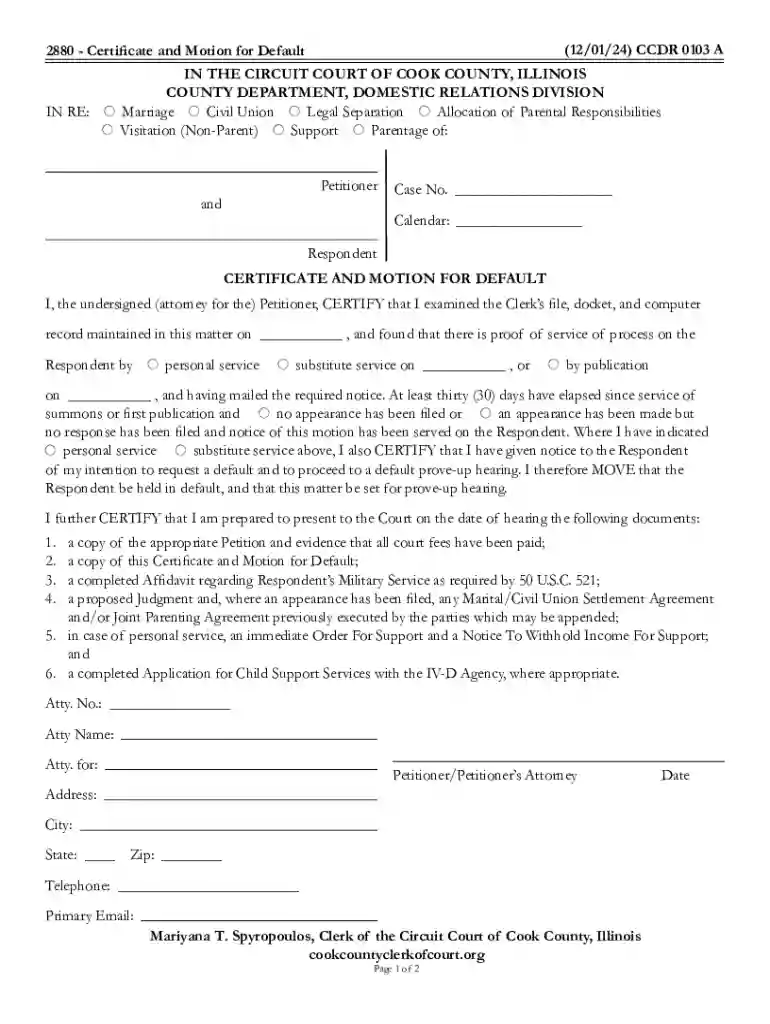
We've got more versions of the Certificate and Motion for Default form. Select the right Certificate and Motion for Default version from the list and start editing it straight away!
At DocHub, your data security is our priority. We follow HIPAA, SOC2, GDPR, and other standards, so you can work on your documents with confidence.