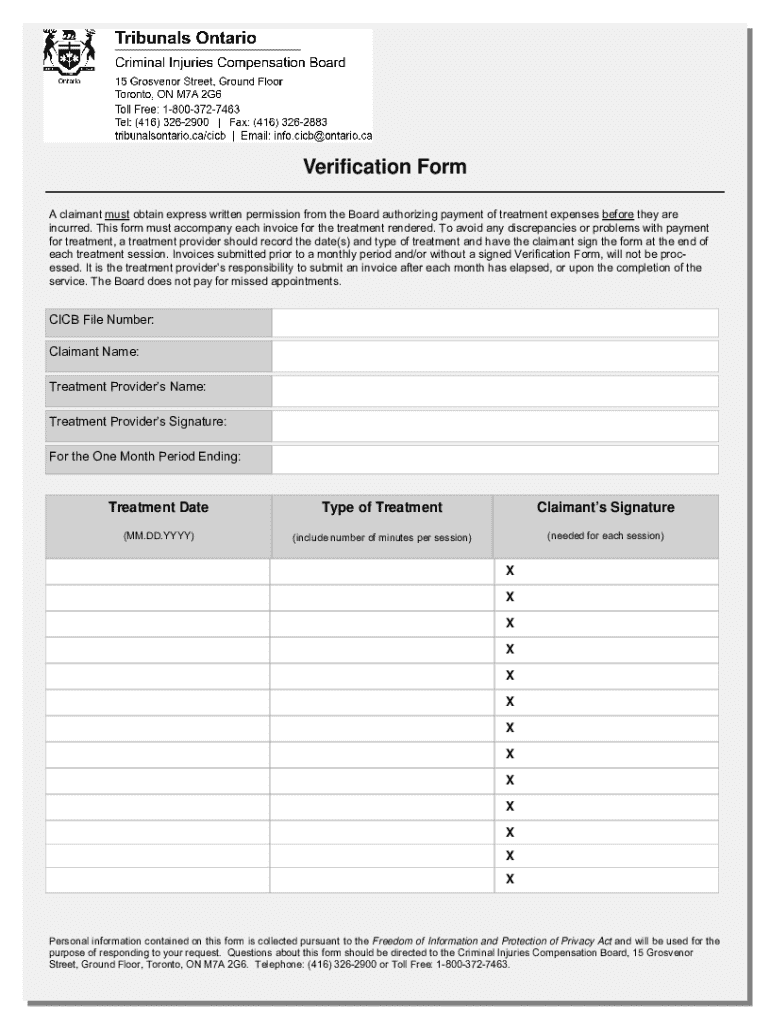







Definition and Meaning of Form Online
Forms online refer to digital versions of documents that users can complete, submit, and sometimes process entirely through an online platform. These forms eliminate the need for physical paperwork, enabling users to engage in various administrative, legal, or personal tasks digitally. Online forms can serve multiple purposes, such as applications, surveys, registrations, and feedback submissions. By transitioning traditional forms into an online format, organizations streamline their workflow and improve accessibility for users, who can access these forms from any location with internet connectivity.
Practical Applications
- Government Services: Tax filings, voter registration, and permit applications.
- Business Operations: Invoice processing, client onboarding, and contract approvals.
- Educational Institutions: Enrollment applications, scholarship submissions, and academic surveys.
- Healthcare Industry: Patient information intake, appointment scheduling, and insurance claims.
By utilizing online forms, individuals and organizations enhance efficiency, reduce paper waste, and improve data accuracy.
How to Use the Form Online
To effectively use a form online, individuals should understand the necessary steps for accessing, filling out, and submitting the form. These steps typically follow a straightforward procedure that maximizes convenience and minimizes the chance for errors.
Step-by-Step Guide
-
Access the Form: Visit the platform or website hosting the form. Often, a direct link or login credentials are required to access specific forms.
-
Read Instructions Carefully: Before filling out any fields, review the instructions or guidance notes provided. These may clarify essential requirements and prevent common errors.
-
Complete Required Fields: Begin entering data in the mandatory fields, highlighted by asterisks or specific indicators. Fields might include personal details, contact information, or specific responses tailored to the form's purpose.
-
Attach Necessary Documents: Some forms require additional documentation. Ensure you have digital copies ready for upload, such as identification documents or proofs of eligibility.
-
Review Your Inputs: Double-check all inputs for accuracy to prevent any potential delays or complications arising from incorrect information.
-
Submit the Form: Once completed and reviewed, follow the specified submission procedure, which may include clicking a “Submit” button or following email instructions.
-
Confirmation and Acknowledgement: After submission, look for a confirmation message or email which verifies receipt and outlines any further actions needed.
Obtaining the Form Online
Acquiring a form online involves several methods depending on the platform's setup and the organization's provisions. Forms may be accessible via websites, dedicated portals, or through email communications.
Common Methods
-
Direct Download: Users can directly download forms from official websites or portals, often as fillable PDFs or interactive HTML forms.
-
Email Requests: Some organizations offer forms through email requests, where individuals must contact a specific email address to receive the form.
-
Embedded Links: Clicking on embedded links within organizational websites may redirect users to a cloud-hosted form or a downloadable file.
-
Mobile Applications: Certain services offer apps providing users access to necessary forms, ensuring convenience and mobility.
Access often requires credential authentication or user registration to ensure secure access.
Steps to Complete the Form Online
Completing an online form accurately involves more than just data entry. It requires understanding form functionalities, such as fillable fields, dropdown menus, and e-signature options.
Comprehensive Steps
-
Understand the Interface: Familiarize yourself with the form's layout, identifying sections and functionalities such as dropdown selections, date fields, and signature capabilities.
-
Field-Specific Instructions: For fields requiring specific types of input (e.g., numeric values, dates), follow the format indicated to avoid errors.
-
Data Validation: Use built-in validation tools to check for discrepancies or omissions in your submissions, often highlighted in real-time within the form.
-
Use Hover-Over Tips: Some forms include hover-over tips or tooltip texts that offer additional information or clarification on certain fields.
-
Use ‘Save for Later’ Options: If the form is lengthy, check for a "save" feature, allowing you to continue at a later time without losing progress.
-
Sign Electronically: Many forms include an area for electronic signatures—follow the specific instructions for signing digitally.
Once complete, ensure that you receive confirmation of submission.
Why You Should Form Online
The transition to online forms provides significant advantages over conventional paper forms. Users and organizations alike enjoy benefits such as faster processing times, enhanced accuracy, and improved ecological outcomes.
Key Benefits
-
Efficiency: Faster processing and submission ensure quicker response or approval times compared to manual methods.
-
Accuracy: Digital forms often incorporate error-checking features, reducing human errors in data entry.
-
Cost-Effectiveness: Reduces costs related to printing, postage, and physical storage of documents.
-
Environmental Impact: Online forms contribute to reducing paper waste, promoting sustainability.
-
Security: Incorporates encryption and authentication protocols, such as SSL encryption and OAuth 2.0, to protect sensitive information.
Choosing to form online not only saves time and resources but also aligns with global shifts toward sustainable and technologically integrated operations.
Important Terms Related to Form Online
Understanding specific terminology associated with online forms can significantly assist users in navigating their completion and submission.
Definitions
-
Fillable Field: A section in an online form where users can enter data, often dynamically created to ensure mandatory fields are completed.
-
E-signature: A digital signature used to signify agreement or approval on electronic documents, legally recognized under acts like ESIGN.
-
OAuth 2.0: A protocol for authentication that ensures secure access to user accounts without compromising credentials.
-
SSL Encryption: Data encryption method for protecting information during transmission online.
-
PDF: A Portable Document Format commonly used for forms due to its versatility and preservation of layout across devices.
Familiarity with these terms facilitates efficient interaction with online forms.
Key Elements of the Form Online
Certain elements are fundamental to the creation, distribution, and completion of online forms, ensuring they function efficiently and serve their intended purpose.
Essential Features
-
User Authentication: Restricts access to authorized users, ensuring the security and integrity of submitted information.
-
Interactive Design: Employs dynamic elements like dropdowns and checkboxes to guide users in completing forms correctly.
-
Conditional Logic: Adjusts form elements based on user responses, simplifying complex submissions by only displaying relevant fields.
-
Data Export Options: Allows for easy export of form data into various formats for processing, analysis, or record-keeping.
These elements enhance the form's utility and provide a seamless user experience.
Legal Use of the Form Online
Legal considerations are crucial when utilizing online forms, particularly for sensitive and legally binding transactions. Understanding the legal framework helps safeguard against misuse and unauthorized engagements.
Legal Considerations
-
Compliance with ESIGN Act: Electronic signatures must comply with the Electronic Signatures in Global and National Commerce Act, ensuring legal recognition.
-
Data Protection Laws: Adhere to regulations such as the General Data Protection Regulation (GDPR) or California Consumer Privacy Act (CCPA) when processing personal data.
-
Terms of Use Agreements: Clearly outline the terms and conditions associated with form usage to prevent legal disputes.
-
Record-Keeping: Maintain proper records of submissions and transactions for accountability and legal compliance.
Organizations must navigate these legal aspects carefully, ensuring online forms remain a legitimate extension of traditional processes.