




01. Edit your form online
Type text, add images, blackout confidential details, add comments, highlights and more.

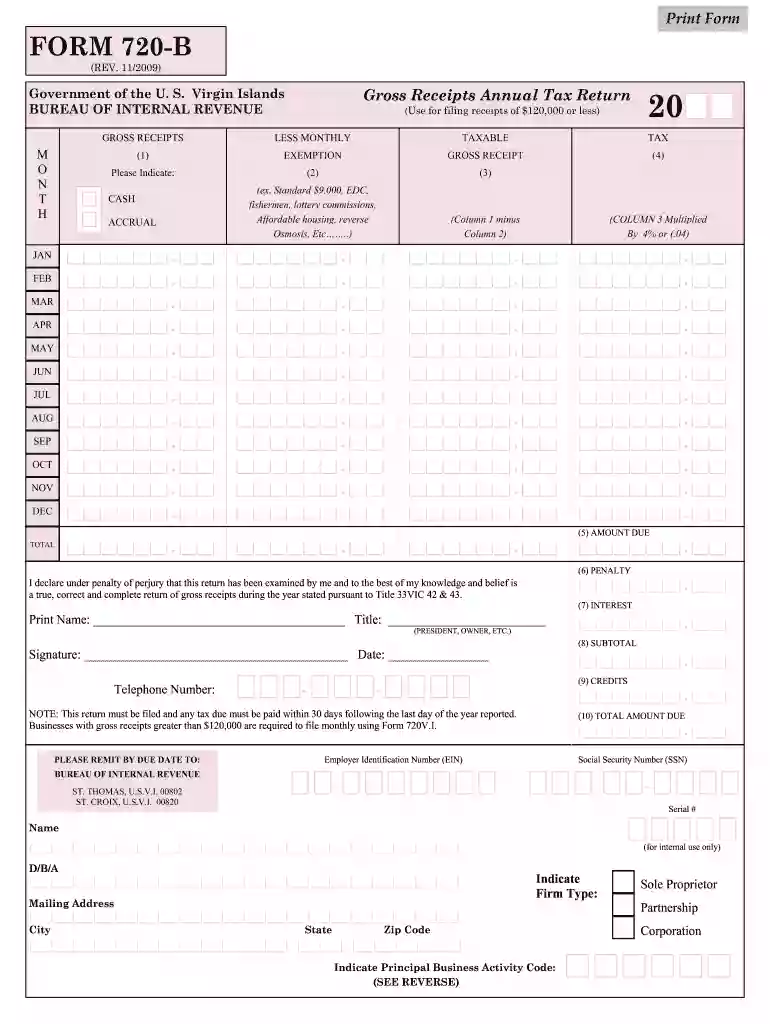
Type text, add images, blackout confidential details, add comments, highlights and more.

Draw your signature, type it, upload its image, or use your mobile device as a signature pad.

Send it via email, link, or fax. You can also download it, export it or print it out.

Start filling out your 720 vi 2009 form online for free today!
We've got more versions of the 720 vi 2009 form form. Select the right 720 vi 2009 form version from the list and start editing it straight away!
At DocHub, your data security is our priority. We follow HIPAA, SOC2, GDPR, and other standards, so you can work on your documents with confidence.
by G Cleanups 2012 The U.S. Environmental Protection Agency (EPA) Methodology for Understanding and Reducing a Projects. Environmental Footprint was prepared for theRead more
Apr 27, 2009 The Form 990 core form is required to be completed by all tax-exempt organizations. Parts I, IV, VI, and XI are new. Part VII is DocHublyRead more
720 V.I. Gross Receipts Monthly Tax Return. Related Forms. revised on: 2012-03 revised on: 2009-10-01. 2024. 8689 Allocation of Individual Income TaxRead more


